
At Comp Doc Computers, we understand how frustrating it is when your technology lets you down. With more than 30 years of industry experience, Shawn is a certified Microsoft technician- and he has provided trusted IT solutions to countless local businesses and home users. We offer free over-the-phone consultations, so please feel free to give us a call today. Plus, we are proud to offer special discounts for seniors and students!
- Comp Doc Computers Serving Belleville & Quinte Region Since 2001
- Comp Doc Computers
- Belleville, Ontario
- 613-438-8127
- sales@CompDocComputers.com
- Mon - Sat 9.00 am - 5.00 pm
- Sunday CLOSED
Computer Repair Blog - Page 14
 September 6, 2026
By Shawn
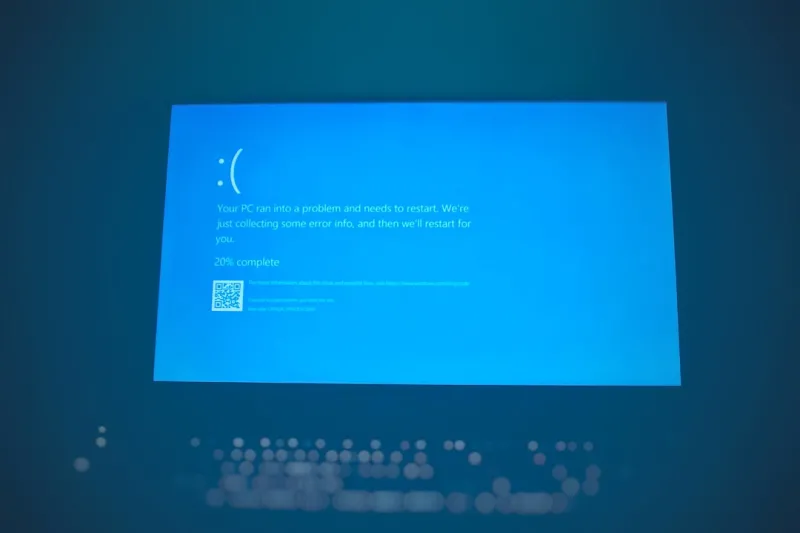
Unlock Windows 11: Insider Tips Every Power User Needs
Explore hidden Windows 11 features, AI Office shortcuts, and PowerShell automation to supercharge your workflow and secure your system.
Category: Windows Tips
Read the full article
 September 6, 2026
By Shawn
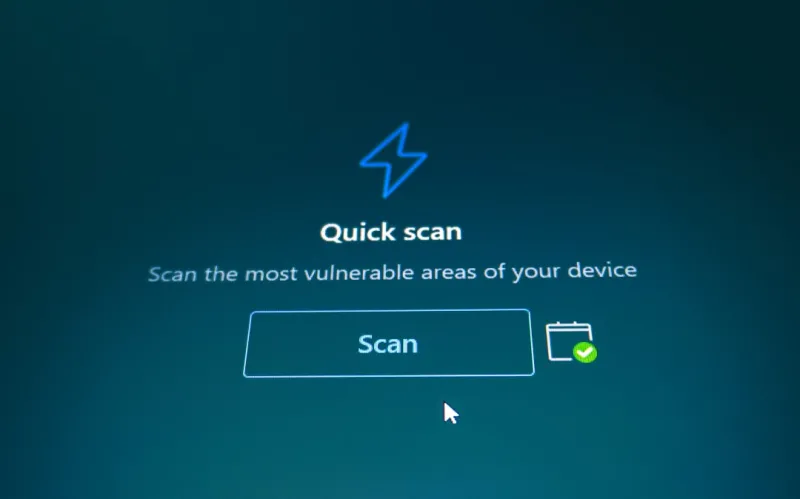
Why Every Blue Screen Is a Hidden Power‑User Opportunity
Learn to decode BSODs, use crash dumps, and turn every blue screen into a power‑user advantage with practical, future‑proof strategies.
Category: Computer Blue Screen
Read the full article
 September 6, 2026
By Shawn
The Power‑User’s Guide to Mastering Encryption
A deep dive into modern encryption tactics for power users, covering algorithms, key handling, AI‑driven threats, and practical automation to secure every device.
Category: Computer Encryption
Read the full article
 September 6, 2026
By Shawn
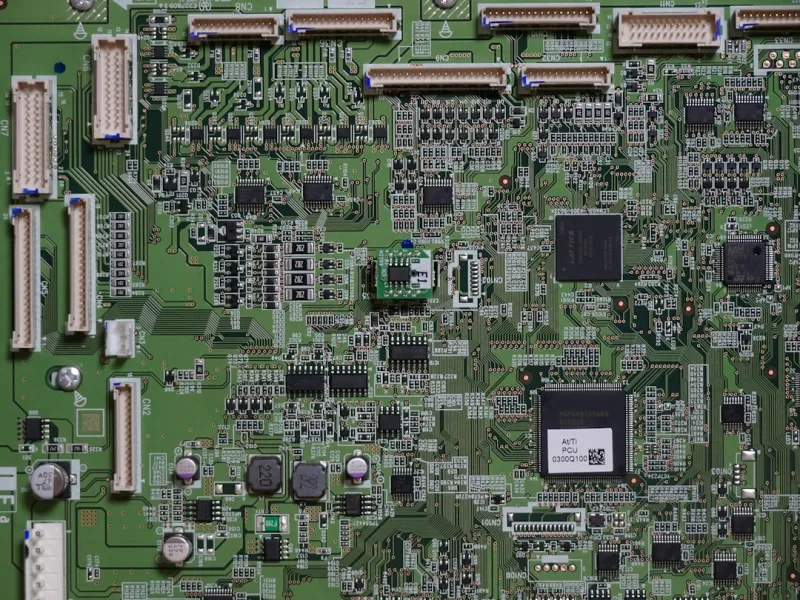
Diagnosing Common Motherboard Failures: A Power‑User’s Guide
A step‑by‑step power‑user guide to identifying, testing, and repairing motherboard problems, ensuring reliable performance for today’s demanding workloads.
Category: Motherboard Troubleshooting
Read the full article
 September 6, 2026
By Shawn
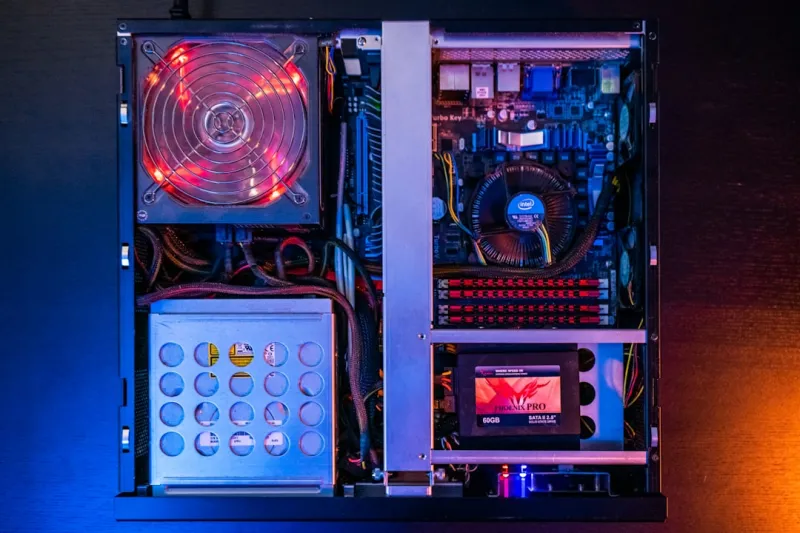
Mastering 2026’s Computer Hardware: A Power‑User’s Blueprint
Dive into 2026’s cutting‑edge hardware, from AI‑driven cooling and DDR6 memory to PCIe 5.2 GPUs, and discover a power‑user’s roadmap for a future‑proof build.
Category: Computer Hardware
Read the full article
 September 6, 2026
By Shawn
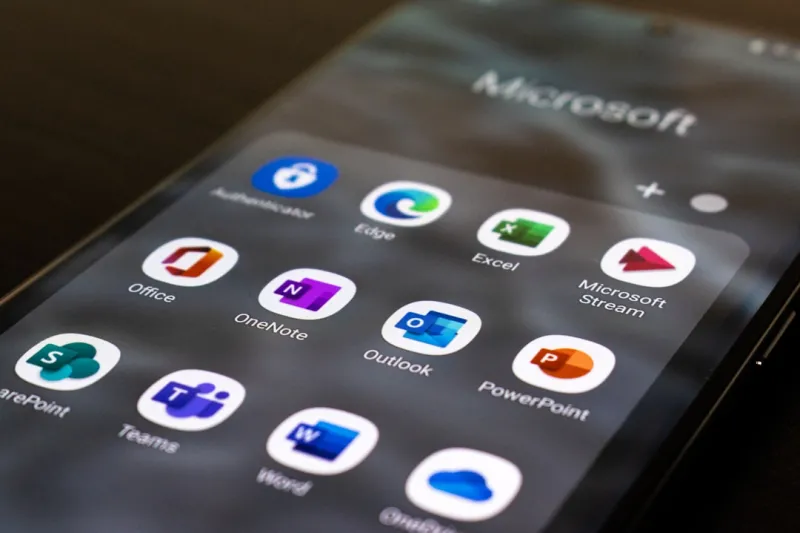
Unlock the Full Power of Microsoft Office with AI‑Driven Workflows
Learn how AI, custom ribbons, and Power Automate can turn Microsoft Office into a high‑speed productivity engine, with practical tips for power‑users in 2026.
Category: Microsoft Office
Read the full article
 September 6, 2026
By Shawn
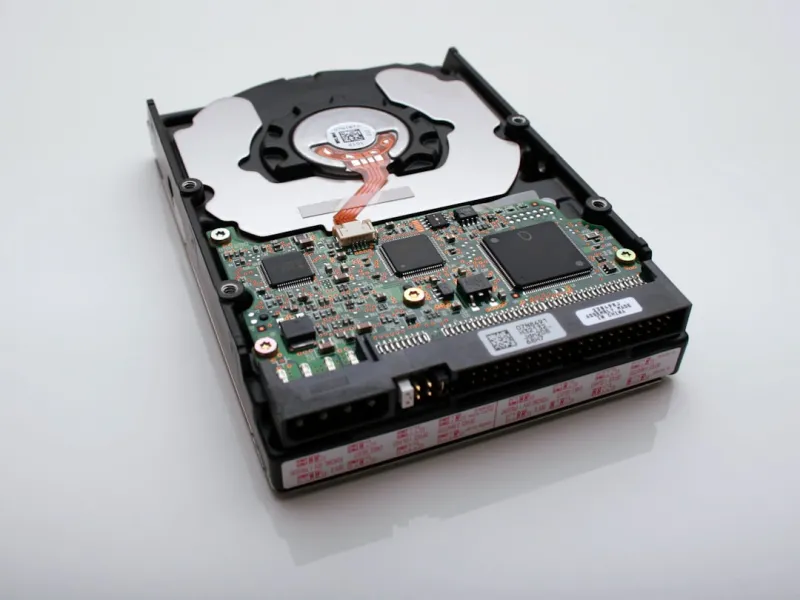
Hard Drive Mastery for Power Users
A power‑user’s guide to selecting, optimizing, and securing hard drives in 2026—covering capacity planning, performance metrics, hybrid drives, and upcoming HAMR tech.
Category: Hard Drives
Read the full article
 September 6, 2026
By Shawn
Unlock Windows 11’s Hidden Power: Pro Tips for the Modern Power User
Learn how to turn Windows 11’s hidden settings, blue‑screen data, and smart upgrades into a seamless, secure power‑user workflow.
Category: Windows Tips
Read the full article