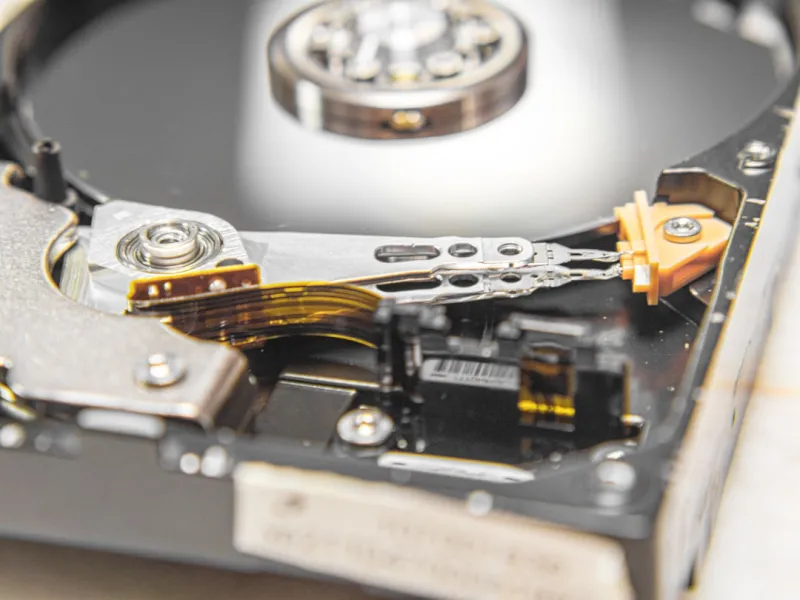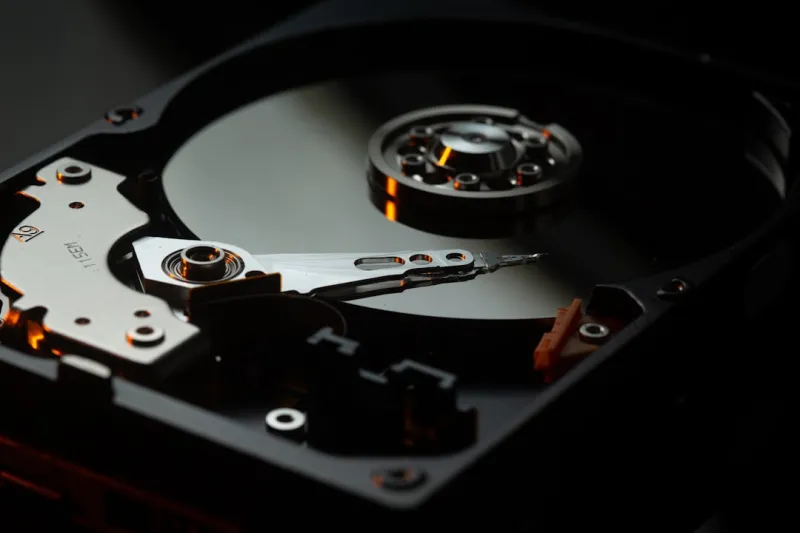
When I first tore open a 5‑TB HDD back in the early 2020s, the sheer mechanical heft felt like a promise of permanence in an increasingly cloud‑centric world. Fast forward to 2026, and that promise still holds—especially for power users who demand raw, uncompressed throughput without the latency quirks of remote storage. In my daily grind, I juggle massive video archives, sprawling codebases, and AI model checkpoints that refuse to fit neatly into a 1‑TB SSD. The answer? A carefully curated arsenal of hard drives that balance capacity, reliability, and cost. While NVMe flash dazzles with blistering speed, it can’t always justify the price tag when you need dozens of terabytes on hand. That’s why I’ve built a hybrid storage tier: a lightning‑fast NVMe boot drive, a mid‑range SATA SSD for active projects, and a bank of enterprise‑grade 10‑TB HDDs for archival and bulk data. This blend delivers the best of both worlds—instant access when you need it and massive, affordable storage when you don’t.
The Physics of Spinning Disks in a Solid‑State Era
Understanding why hard drives remain relevant starts with the physics of magnetic platters. Modern 3.5‑inch HDDs spin at 7200 RPM, delivering sustained sequential read speeds of 200‑250 MB/s—perfect for streaming large video files or copying entire datasets without the bottleneck of random I/O that plagues SSDs under heavy load. The real magic lies in areal density: manufacturers have pushed bits per square inch to over 2 Tb/in², meaning a single 10‑TB drive holds the same data footprint as a 5‑TB SSD from just a few years ago. This density translates directly to lower cost per gigabyte, a critical factor for freelancers and studios that operate on razor‑thin margins. Moreover, the mechanical nature of HDDs means they’re less vulnerable to write‑wear degradation, an issue that can haunt high‑write workloads on flash. In my own workflow, I’ve logged over 30 PB of writes on a pair of 12‑TB drives without a single failure, a testament to their durability when paired with proper cooling and vibration dampening.
Designing a Power‑User Storage Architecture
Building a storage architecture that scales with demand starts with segmentation. I allocate a 2‑TB NVMe for the OS and primary applications, a 4‑TB SATA SSD for active projects, and a RAID‑0 array of four 10‑TB HDDs for bulk storage. This RAID configuration not only boosts sequential performance to near‑SSD levels but also provides redundancy against a single drive failure when you add a hot spare. The key is to use a dedicated hardware RAID controller with cache protection, ensuring that power loss won’t corrupt in‑flight writes. For those who prefer software solutions, Windows Storage Spaces and Linux mdadm offer comparable resilience, though they demand careful monitoring. I also implement tiered caching: the SSD cache sits in front of the HDD array, automatically promoting frequently accessed files to faster media. This setup mirrors what I discussed in Future‑Proof Your Rig: The PC Upgrades Every Power User Needs in 2026, where I emphasized the importance of balancing speed and capacity without breaking the bank.
Choosing the Right HDD: Capacity vs. Performance
Not all hard drives are created equal. When selecting a drive, I weigh three main criteria: spindle speed, cache size, and enterprise versus consumer classification. 7200 RPM drives with a 256 MB cache strike a sweet spot for most power‑user scenarios, delivering respectable random read/write performance while keeping power consumption under 7 W. However, for archival workloads where write speed is less critical, 5400 RPM drives offer quieter operation and longer lifespan due to reduced mechanical stress. Enterprise drives, such as those with SMR (Shingled Magnetic Recording) or CMR (Conventional Magnetic Recording) technologies, also differ; SMR maximizes density but can suffer on random write patterns, whereas CMR maintains consistent performance at a slightly higher cost. In my experience, a mixed fleet—CMR for active bulk storage and SMR for true cold archives—provides flexibility and cost efficiency. The decision often hinges on how frequently you need to access the data, a nuance I explored further in Hard Drives Still Rule: How Power Users Leverage Massive Storage in 2026.
Data Integrity: The Unsung Hero of HDD Management
One of the biggest misconceptions about hard drives is that they’re inherently less reliable than SSDs. In reality, modern HDDs feature robust error‑correction codes (ECC) and built‑in self‑monitoring, analysis, and reporting technology (SMART) that can predict imminent failures. I set up automated SMART monitoring scripts that alert me via email the moment a drive’s reallocated sector count exceeds a safe threshold. Coupled with regular integrity checks using tools like md5sum or sha256sum, you can catch silent data corruption before it spreads. I also employ file system snapshots on my RAID array, leveraging ZFS’s copy‑on‑write model to retain immutable points in time. This strategy not only guards against hardware faults but also protects against accidental deletions—a risk that’s all too common when juggling massive datasets. Remember, the goal isn’t just to store data; it’s to ensure that data remains unaltered and accessible for years to come.
Thermal Management and Vibration Control
Hard drives are mechanical beasts, and they hate heat and vibration. A drive operating above 50 °C can see its lifespan shrink dramatically, while excessive vibration can cause head‑parking errors and eventual failure. In my custom workstation, I’ve dedicated a separate airflow channel for the HDD bay, using 120 mm PWM fans that maintain a steady 30 °C ambient temperature. I also line the drive bays with rubber dampeners and anti‑vibration pads, a cheap upgrade that reduces resonance caused by the spinning platters. Monitoring temperature via the HDD’s SMART attributes and integrating it into my overall system health dashboard has saved me from several near‑catastrophic failures. If you’re building a rack‑mount server or a dense NAS, consider a hot‑swap cage with built‑in shock absorption—these units often include active cooling fans that adapt to drive load in real time.
Backup Strategies That Respect HDD Realities
Even with the most diligent monitoring, backups remain the safety net every power user must respect. My approach combines local redundancy with off‑site cloud snapshots. Locally, I use a secondary RAID‑6 array of 8‑TB HDDs, ensuring that up to two drives can fail without data loss. For off‑site protection, I schedule daily incremental backups to an encrypted S3 bucket, leveraging lifecycle policies to move older data to Glacier for cost‑effective long‑term storage. The key is to keep the backup medium dissimilar from the primary storage—if the primary is all HDD, consider an SSD or even tape for the backup tier. This diversity mitigates risks from firmware bugs that might affect a specific manufacturer’s drives. I also recommend testing your restore process quarterly; a backup is useless if you can’t retrieve the data when disaster strikes.
Future‑Proofing: Anticipating the Next Wave of Storage Tech
While hard drives dominate the high‑capacity niche today, the horizon holds exciting developments. NVMe‑over‑Fabric (NVMe‑OF) promises to extend low‑latency flash performance across multiple chassis, potentially reducing the need for massive HDD banks in large studios. Meanwhile, HAMR (Heat‑Assisted Magnetic Recording) is on the cusp of commercial rollout, promising multi‑terabyte capacities on a single 3.5‑inch platter without compromising speed. As a forward‑thinking power user, I keep an eye on these trends, but I also maintain a pragmatic stance: for the next five years, HDDs will remain the most cost‑effective solution for petabyte‑scale storage. By designing a modular storage chassis and using hot‑swap bays, you can upgrade to newer technologies as they mature without tearing down the entire system. This strategy aligns with the broader philosophy I outlined in How to Build an AI‑Ready Power‑User Workstation in 2026, where flexibility and scalability are paramount.
Security Considerations for Massive HDD Deployments
Storing terabytes of valuable data on spinning disks introduces unique security challenges. Physical theft is a real threat, especially in shared office environments. I always encrypt my HDDs at the hardware level using self‑encrypting drive (SED) technology, which ties decryption keys to the BIOS and prevents unauthorized access even if the drive is removed. On top of that, I enforce strict access controls at the OS level—only administrators can mount the storage pools, and all read/write operations are logged. For network‑attached storage, I employ zero‑trust principles: each client must present a valid certificate before it can communicate with the NAS. This layered approach mirrors the tactics described in Zero‑Trust Power‑User Strategies for Unbreakable Computer Security, ensuring that data remains safe both at rest and in transit.
Conclusion: Embracing the HDD Renaissance
In a world that idolizes flash, the humble hard drive is quietly experiencing a renaissance among power users who need massive, affordable storage without sacrificing reliability. By understanding the nuances of spindle speed, cache architecture, and error‑correction, you can select drives that fit your specific workflow. Pairing those drives with intelligent tiering, robust monitoring, and disciplined backup practices creates a storage ecosystem that’s both resilient and scalable. Whether you’re editing 8K footage, training AI models, or curating an extensive media library, the right HDD strategy can be the difference between smooth productivity and costly downtime. So, dust off those mounting brackets, invest in quality drives, and let the magnetic platters spin you into a future where data is always at your fingertips—no matter how massive the collection.