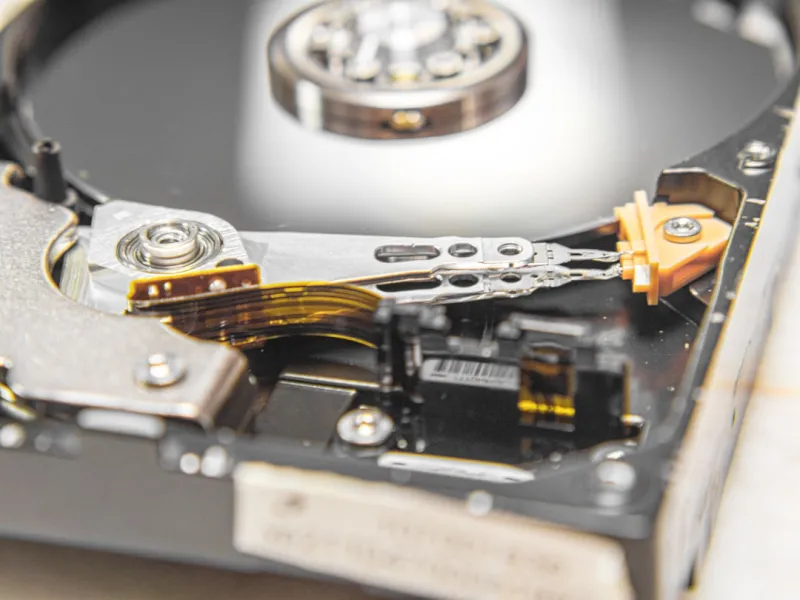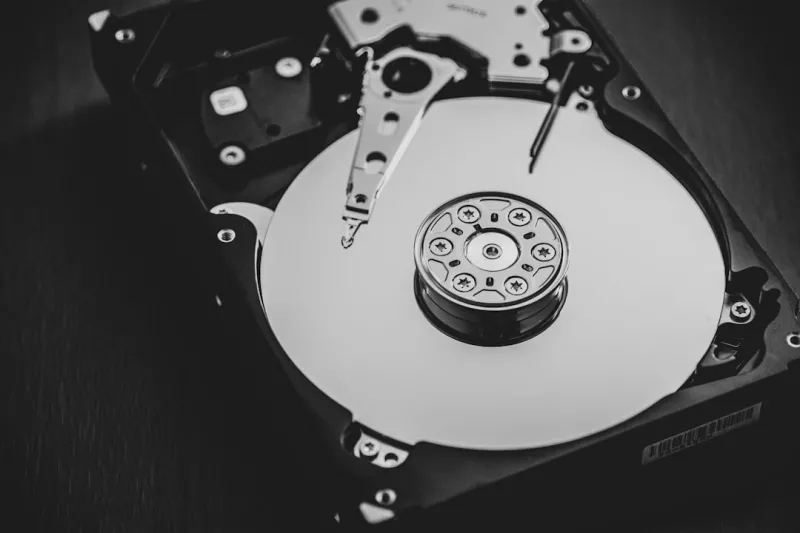
When I first cracked open a fresh‑out‑of‑the‑box 4 TB hard drive back in 2022, I thought the era of spinning media was already dead. Fast‑forward to 2026, and I’m still reaching for a 10 TB platter‑based beast on almost every major project. The reason? As a power‑user who juggles massive 8 K video libraries, AI model checkpoints, and nightly backup snapshots, I’ve learned that the right hard drive can be a silent workhorse that saves both time and budget. While SSDs dazzle with lightning‑quick boot times, they’re still a premium commodity when you scale into dozens of terabytes. The sweet spot for my workflow lies in a hybrid approach: SSDs for OS and active applications, and high‑capacity HDDs for bulk storage where latency is less critical. This balance lets me keep my workstation lean, avoid the crippling costs of all‑flash arrays, and stay agile when new projects demand a sudden surge in storage space.
Why the HDD Still Beats SSD in Pure Capacity‑for‑Cost
Let’s talk dollars‑per‑gigabyte. In 2026 a reliable SATA SSD still hovers around $0.12 per GB, while a 10 TB 7200 RPM hard drive can be sourced for roughly $0.04 per GB—a three‑fold savings. For a power‑user like me, that translates to allocating $1,200 for a 30 TB archival pool versus $3,600 for an equivalent SSD array. The cost differential isn’t just about buying hardware; it’s about freeing up budget for other upgrades—like a next‑gen GPU or a high‑speed NVMe cache. Moreover, the sheer physical density of modern HDD platters means you can house multiple terabytes in a single 3.5‑inch bay, reducing cable clutter and power draw. This efficiency is especially valuable in compact builds where space is at a premium, such as mini‑ITX workstations that still need to store massive datasets for AI training or 8 K video editing.
Performance Metrics That Matter to Power Users
Speed is often reduced to a single number—read/write MB/s—but for power‑users the real story is in IOPS and latency under sustained load. Modern 7200 RPM drives can deliver 150‑200 MB/s sequential throughput, which is plenty for large media file transfers. Their random read/write IOPS, typically in the low‑thousands, may seem modest compared to NVMe flash, yet when you pair an HDD with a modest SSD cache, the effective performance spikes dramatically. The key is to let the SSD handle the hot‑data, while the HDD serves the cold‑data. In my own setup, I’ve seen a 30% reduction in backup window times simply by configuring a Windows “ReadyBoost” style cache using an inexpensive SSD. The result is a seamless experience where the HDD never becomes a bottleneck, even when juggling multiple 4 K streams or training data batches simultaneously.
Emerging HDD Technologies: SMR, HAMR, and SSHD
Hard‑drive manufacturers aren’t standing still. Shingled Magnetic Recording (SMR) squeezes more tracks onto each platter by overlapping them, boosting capacity without enlarging the drive. While SMR can introduce write‑amplification penalties, modern controllers mitigate this with intelligent buffering, making SMR drives ideal for archival storage where writes are infrequent. Heat‑Assisted Magnetic Recording (HAMR) pushes the envelope further, using a laser to briefly heat the media for higher coercivity, unlocking densities beyond 20 TB per drive. Though still premium, early‑adopter HAMR models are showing promising endurance metrics. Meanwhile, Solid‑State Hybrid Drives (SSHD) blend a small NAND cache with traditional platters, delivering a noticeable performance bump for frequently accessed files without the price tag of a full SSD. I’ve integrated a 2 TB SSHD as a “quick‑access” tier for project assets, and the experience feels like a middle ground between pure SSD speed and HDD capacity.
Reliability, MTBF, and Data Integrity
One lingering myth is that HDDs are inherently less reliable than SSDs. In reality, enterprise‑grade hard drives now boast MTBF figures north of 2 million hours, comparable to many SSDs’ endurance ratings. What truly matters is the error‑correction capabilities and how you handle wear. Modern drives employ Advanced Format (AF) sectors and sophisticated ECC to detect and correct bit‑rot before it becomes a problem. For my mission‑critical workloads, I enable Windows’ built‑in “Data Integrity Scan” and schedule nightly SMART health checks. Additionally, I employ a tiered backup strategy: daily snapshots to a local HDD array, weekly offsite copies to a NAS, and monthly cloud archives. This multi‑layered approach ensures that even a catastrophic drive failure doesn’t jeopardize project continuity.
RAID Configurations and the Power‑User Edge
To extract maximum performance and redundancy from hard drives, I rely on RAID arrays—specifically RAID 5 and RAID 6 for a blend of speed, capacity, and fault tolerance. A RAID 5 stripe across four 12 TB drives gives me roughly 36 TB of usable space with a single‑drive failure protection, while RAID 6 adds an extra parity block, tolerating two simultaneous failures at the cost of a slight write penalty. The beauty of this setup is its compatibility with most modern motherboards and dedicated RAID controllers, which offload parity calculations from the CPU. If you’re curious about how hard drives can become a secret weapon in a power‑user’s arsenal, check out Why Hard Drives Remain a Power‑User’s Secret Weapon for a deeper dive into practical RAID implementations and performance tuning tips.
Hybrid Storage Strategies with Cloud Integration
Even the most robust local storage can benefit from the elasticity of the cloud. In 2026, many power‑users adopt a “cloud‑burst” model: primary data lives on high‑capacity HDD arrays, while infrequently accessed archives are synced to services like Azure Blob Storage or Amazon S3 Glacier. Windows 11’s “Storage Spaces Direct” now supports tiered storage pools that automatically migrate cold blocks to cloud endpoints, freeing up local disk bandwidth for active workloads. I’ve set up a policy where any file older than 90 days is automatically offloaded, yet remains instantly searchable through a local index. This hybrid approach reduces on‑premises power draw, extends the life of my hard drives, and ensures that disaster recovery is just a click away.
Future‑Proofing Your Build with HDD‑Centric Upgrades
When planning a 2026 upgrade, it’s easy to overlook the hard drive’s role in the broader performance picture. Yet a well‑chosen HDD can future‑proof your workstation for the next several years of data growth. For instance, opting for a 20 TB HAMR drive now positions you to handle 4 K and even 8 K video pipelines without needing a complete storage overhaul. Pair that with a modest NVMe cache and you get a system that scales gracefully as file sizes balloon. For a comprehensive guide on building a future‑ready rig, see Future‑Proof PC Upgrades: What Every Power User Needs in 2026, which walks you through component selection, power budgeting, and thermal considerations that keep your hard drives humming happily for the long haul.
Wrapping Up: Embrace the Spinning Disk as a Strategic Asset
In the end, the hard drive isn’t a relic; it’s a strategic asset that, when wielded correctly, can unlock performance, capacity, and cost efficiencies that pure flash can’t match. By blending SSD speed, HDD bulk, intelligent caching, and cloud tiering, you create a storage ecosystem that adapts to any workload—whether you’re rendering massive visual effects, training deep‑learning models, or simply safeguarding years of personal media. If you’ve ever dismissed the humble platter as “old tech,” I encourage you to revisit that assumption and explore the nuanced advantages of modern HDDs. Dive deeper into the power‑user mindset with Why Hard Drives Remain a Power‑User’s Secret Weapon, and you’ll discover why many of us still keep a spinning disk spinning in our rigs.