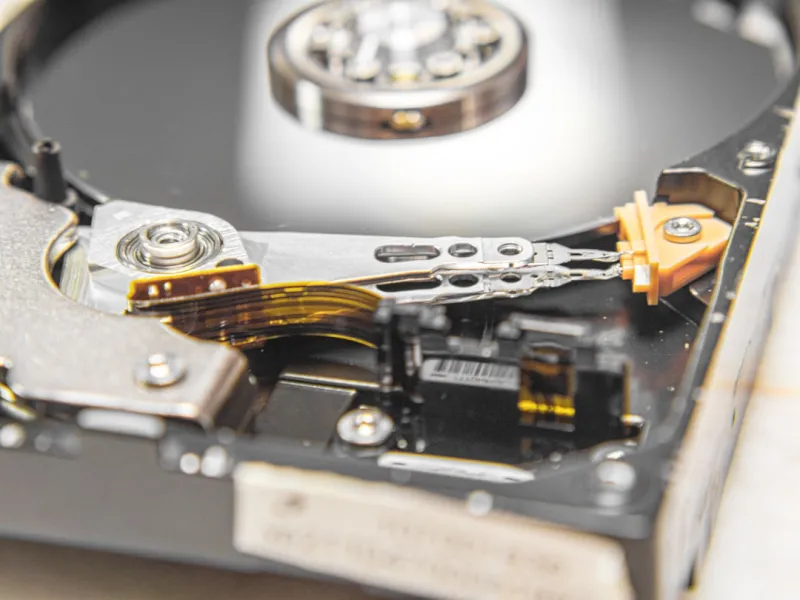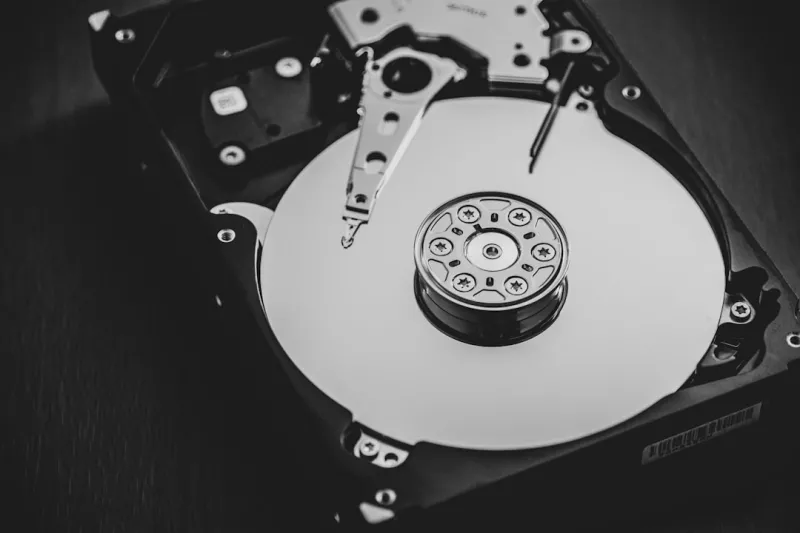
When I first cracked open a 2024 SSD and felt the quiet hum of the spindle in an old 3.5‑inch HDD, I realized that hard drives are still the unsung heroes of a power‑user’s rig. In 2026, the storage landscape feels like a high‑speed freeway, yet many still chase the flash‑only hype, forgetting that the massive, cost‑effective capacity of traditional hard drives remains vital for data‑intensive workloads. As a long‑time tinkerer, I’ve learned that the right blend of SSD speed and HDD bulk creates a workflow that’s both nimble and budget‑friendly. Whether you’re rendering 8K video, training AI models, or simply archiving a mountain of gigabytes, the storage hierarchy you choose defines how quickly you can move from idea to execution. In this post, I’ll walk you through the strategic choices, performance nuances, and future‑proofing tips that let you leverage hard drives as the reliable backbone of any modern workstation.
Why Hard Drives Still Matter in a Flash‑First World
Modern SSDs dominate the conversation because of their lightning‑fast random read/write speeds, but they’re not a silver bullet. The sweet spot for most power‑users lies in a hybrid approach: an NVMe drive for the OS and active projects, paired with a high‑capacity HDD for long‑term storage. In 2026, a 16 TB 7200 RPM hard drive can store terabytes of raw footage, massive datasets, and backup images at a fraction of the cost of an equivalent SSD. Moreover, the mechanical nature of HDDs gives them a predictable wear pattern, meaning they’re less prone to the sudden failures that sometimes plague early‑life SSDs. By assigning archival tasks to the HDD, you free up SSD bandwidth for the tasks that truly need instant access, extending the SSD’s lifespan while keeping your overall storage budget in check. This balanced strategy is the core of the philosophy I champion in my Underrated Power‑User Backbone guide.
Choosing the Right Form Factor and Interface
The era of the 2.5‑inch SATA HDD is winding down, but the 3.5‑inch form factor still reigns supreme for bulk storage. In 2026, the SATA III 6 Gbps interface remains fully compatible with the latest motherboards, delivering consistent performance for sequential reads and writes that matter most when moving large files. Some enthusiasts are experimenting with SAS (Serial Attached SCSI) drives for even higher reliability and speed, but the added cost and controller requirements usually outweigh the benefits for most desktop power‑users. When selecting a drive, pay attention to the cache size—larger caches (256 MB or more) can dramatically improve burst performance, which is critical when you’re pulling massive video clips into an editing timeline. Pair a 4‑TB or 8‑TB drive for active media storage, and keep a 12‑TB or larger unit for long‑term archives; this tiered approach mirrors the storage architecture of enterprise environments without the corporate price tag.
Optimizing the HDD for Speed and Longevity
Even though HDDs are mechanical, you can still tweak them for optimal performance. Start by ensuring your drive sits on a vibration‑isolated mount; many cases now include rubberized bays that reduce resonance, which can otherwise cause head‑seek errors. Enable write caching in the BIOS or OS, but pair it with a reliable UPS to guard against sudden power loss that could corrupt the cache. In 2026, Windows and Linux both offer advanced scheduler options—switching from the default “cfq” to “deadline” or “noop” can reduce latency for sequential workloads typical of large file transfers. Regularly schedule surface scans with tools like chkdsk or smartctl to monitor health metrics such as Reallocated Sector Count and Seek Error Rate. By proactively managing these parameters, you extend the drive’s usable life and keep data integrity intact, a practice I stress in my PC Upgrades Playbook.
The Role of RAID and Redundancy for Power Users
Many power‑users shy away from RAID, assuming it’s an enterprise‑only solution, but a simple RAID‑1 mirror can provide peace of mind without significant cost. In 2026, software RAID implementations have matured, offering near‑hardware performance with the flexibility to reconfigure on the fly. For archival storage, a RAID‑5 or RAID‑6 array on multiple 8‑TB drives gives you redundancy and capacity, protecting against single‑disk failures while still delivering respectable read speeds for large media libraries. If you’re working with mission‑critical datasets—such as training data for machine‑learning models—consider a RAID‑10 configuration to combine the speed of striping with the safety of mirroring. Remember, RAID is not a substitute for backups; it guards against hardware failure but does not protect against accidental deletion or ransomware, so maintain an off‑site backup strategy alongside any RAID setup.
Integrating Hard Drives with Emerging Technologies
Artificial intelligence workloads are exploding in 2026, and while GPUs and TPUs get most of the spotlight, the data pipeline feeding them must be robust. Large language models and vision systems consume terabytes of training data, and moving that data from storage to compute can become a bottleneck. By staging raw datasets on a high‑capacity HDD and using a fast NVMe cache for active batches, you achieve a seamless flow that keeps the accelerator busy. Additionally, many modern NAS devices now support hybrid storage pools, automatically moving frequently accessed files to SSD tier while keeping the rest on HDD. This “auto‑tiering” approach aligns perfectly with a power‑user’s need for both speed and capacity, letting you focus on model development rather than manual data shuffling. Embrace these hybrid solutions to future‑proof your workstation without breaking the bank.
Cost‑Benefit Analysis: When to Upgrade and When to Stay
Budget constraints are real, even for the most dedicated power‑users. In 2026, a 12 TB 7200 RPM HDD can be purchased for under $200, while a comparable SSD of the same capacity can cost upwards of $1,200. The decision to upgrade hinges on your workflow patterns. If you find yourself constantly juggling multi‑terabyte video archives or scientific datasets, the incremental cost of a larger HDD is justified by the sheer storage headroom it provides. Conversely, if your daily tasks revolve around rapid code compilation, virtual machine spin‑ups, or gaming, investing in a larger NVMe drive may yield more noticeable performance gains. Conduct a simple audit: list the top five tasks that consume the most storage bandwidth, then allocate SSD space for those and reserve HDD space for everything else. This targeted approach ensures you get the most bang for your buck without over‑investing in speed you won’t fully utilize.
Future‑Proofing Your Storage Strategy
Looking ahead, the industry is inching toward next‑generation interfaces like PCIe 5.0 NVMe and even the early adoption of Storage Class Memory (SCM). However, these technologies remain premium and are still being evaluated for long‑term reliability. In the meantime, building a flexible storage ecosystem that can accommodate both current and upcoming standards is the smartest move. Choose a motherboard with multiple M.2 slots, a dedicated SATA controller, and spare SATA ports for future expansion. Keep an eye on emerging standards such as NVMe‑over‑TCP, which could enable network‑attached HDDs to appear as local drives, further blurring the line between local and remote storage. By designing your chassis and power supply with headroom for additional drives, you ensure that when the next wave of storage tech arrives, you can integrate it without a complete system overhaul. This forward‑thinking mindset is the hallmark of a true power‑user.
Final Thoughts: Embrace the Balance, Not the Extremes
Hard drives may not glitter like the latest SSDs, but they are the workhorse that keeps a power‑user’s digital empire running smoothly. In 2026, the optimal storage strategy is less about chasing the flash‑only narrative and more about crafting a balanced ecosystem where SSDs handle speed‑critical tasks and HDDs shoulder the bulk of data storage. By understanding form factors, interfaces, RAID options, and hybrid tiering, you can build a workstation that delivers both performance and capacity without breaking the bank. Remember to monitor health, back up intelligently, and keep an eye on emerging technologies—these practices will keep your data safe and your workflow efficient for years to come. So, next time you consider a storage upgrade, think about how a reliable hard drive can serve as the sturdy foundation for all your creative and computational ambitions.