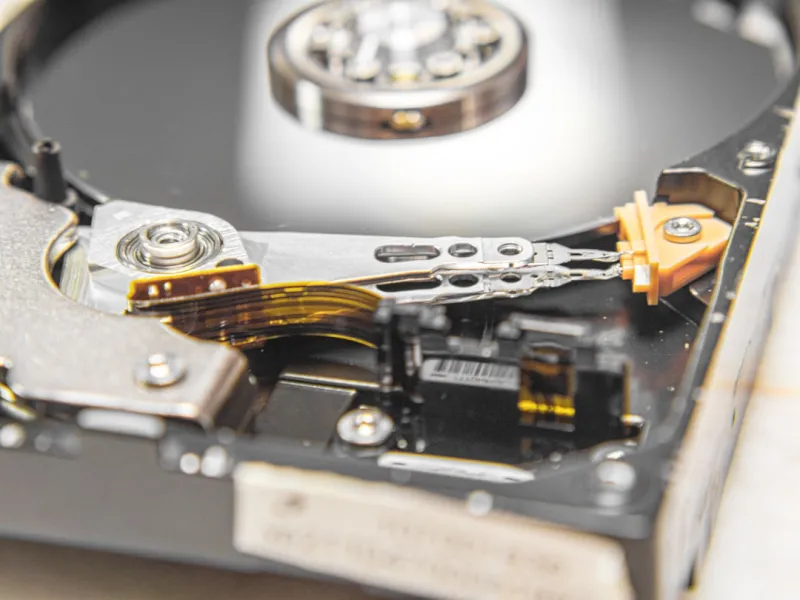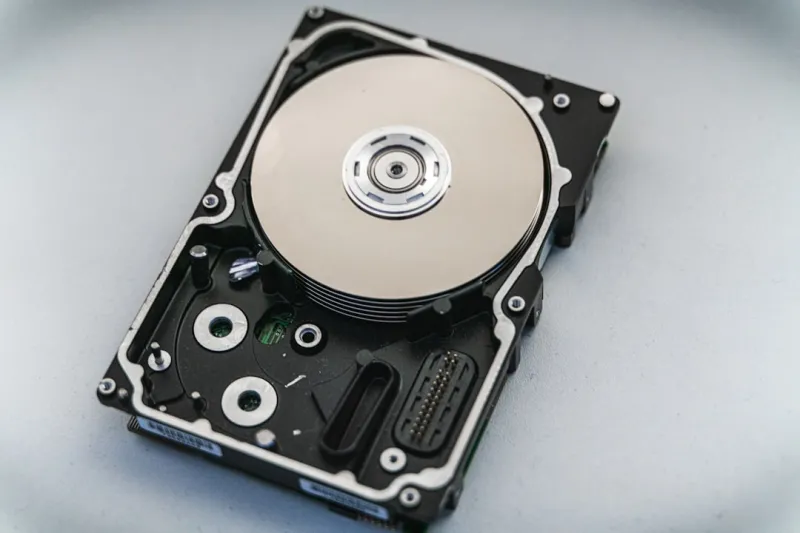
When most people think about storage in 2026, they picture sleek NVMe SSDs humming at terabyte‑per‑second speeds, while the humble hard drive gets relegated to the attic. As a longtime power‑user and self‑declared “data hoarder,” I’ve learned that the narrative is far more nuanced. Mechanical drives still dominate the landscape for bulk, archival, and cost‑effective storage, especially when you’re juggling multi‑terabyte media libraries, massive AI model checkpoints, and endless VM snapshots. The key isn’t choosing one over the other; it’s architecting a tiered system where each drive type plays to its strengths. In this article I’ll walk through why hard drives are staging a comeback, how they fit into a modern AI‑ready workflow, and the practical steps you can take to future‑proof your storage without breaking the bank.
Why Hard Drives Aren’t Going Extinct
First, let’s bust the myth that the spinning platter is a relic. In 2026, manufacturers have pushed areal density to over 2 TB per square inch, meaning a single 20 TB 3.5‑inch drive can hold the same amount of data that required a rack of older SSDs. The price per gigabyte continues to favor HDDs, often by a factor of three or more, which makes them the go‑to choice for cold storage, backup, and bulk archival. Moreover, recent advances in helium‑filled drives and shingled magnetic recording (SMR) have dramatically improved reliability and sequential write performance—critical for large, unchanging datasets. For power users who need to store terabytes of raw video footage, 3D model textures, or training data for generative AI, the cost savings and capacity advantages are impossible to ignore.
Balancing Speed and Capacity: A Tiered Storage Blueprint
My personal workflow follows a three‑tier model: NVMe for the OS and active projects, SATA SSDs for frequently accessed files, and high‑capacity HDDs for everything else. This approach mirrors the strategy outlined in Upgrade Strategies for Power Users, where you align storage tiers with workload intensity. The fast tier handles low‑latency tasks like compiling code, loading large datasets into RAM, and rendering previews. The mid‑tier is a sweet spot for large video edits that you’ll scrub back and forth on. Finally, the archival tier—our trusty HDDs—stores completed projects, raw footage, and long‑term backups. By keeping the hot data on flash and the cold data on magnetic media, you achieve both performance and cost efficiency.
Choosing the Right Hard Drive for the Job
Not all HDDs are created equal, and the market now offers a clear segmentation. For desktop workstations, 3.5‑inch drives with a 7200 RPM spindle and CMR (conventional magnetic recording) are still the gold standard for reliability, especially when you’re writing large files continuously. If you need massive capacity on a tighter budget, SMR drives provide an economical solution for write‑once, read‑many scenarios like backup archives. In my rig, I’ve mixed both: a 12 TB CMR drive for active archive, paired with a 20 TB SMR unit for long‑term storage of completed projects. The key is to understand your workload’s write pattern; SMR excels when data is rarely overwritten, while CMR shines under frequent random writes.
Integrating HDDs with Modern AI Workflows
AI workloads are hungry for data, and feeding a model directly from an SSD can quickly become a bottleneck when the dataset exceeds the SSD’s capacity. I’ve found that staging data on a fast HDD cache—essentially a RAID‑0 array of 14 TB drives—offers a sweet spot between speed and capacity. The cache holds a rolling window of training samples, while the bulk of the dataset lives on larger, slower drives. This hybrid setup mirrors the ideas discussed in Hard Drive Revival, proving that hard drives can still be pivotal in AI pipelines when you orchestrate them intelligently.
Data Integrity and Security in a Spinning World
Security concerns often lead power users to favor SSDs, assuming they’re less prone to failure. However, modern HDDs incorporate advanced error‑correcting code (ECC) and self‑monitoring, analysis, and reporting technology (SMART) that can pre‑emptively warn you of impending issues. Pair this with a robust backup strategy—think 3‑2‑1 rule: three copies, on two different media, one offsite—and you have a resilient system. For encryption, hardware‑based self‑encrypting drives (SEDs) are now commonplace, offering AES‑256 encryption with minimal performance impact. I routinely enable SED on all my archival drives, ensuring that even if a drive is physically removed, the data remains unintelligible without the proper key.
Future‑Proofing Your Storage: Planning for 2028 and Beyond
Looking ahead, the storage landscape will continue to evolve with technologies like heat‑assisted magnetic recording (HAMR) and microwave‑assisted magnetic recording (MAMR) promising even higher densities. While these are still emerging, you can future‑proof today’s build by selecting drive bays that support both 3.5‑inch and upcoming 2.5‑inch high‑capacity form factors, and by opting for power supplies with ample headroom for additional drives. Additionally, leveraging software‑defined storage solutions—like Windows Storage Spaces Direct or ZFS on Linux—allows you to pool disparate drives into a single logical volume, simplifying expansion as new drive technologies become affordable.
Performance Tweaks: Getting the Most Out of Your HDDs
Even though HDDs are inherently slower than SSDs, there are practical tweaks to squeeze out extra performance. Enable write caching in the OS, but pair it with a battery‑backed UPS to protect against sudden power loss. Use a dedicated SATA controller with a large cache buffer, which can dramatically improve burst writes. In my experience, setting the drive’s acoustic management (AAM) to a performance mode reduces latency for random reads, especially when the drive is used as a scratch disk for video rendering. Additionally, regular defragmentation—now less critical thanks to SMR—can still benefit CMR drives by keeping contiguous file blocks together, reducing seek times.
The Environmental Angle: Green Storage Practices
Hard drives, surprisingly, have a lower embodied carbon footprint per terabyte compared to SSDs, largely because they use less exotic materials. By opting for high‑capacity HDDs for archival purposes, you not only save money but also reduce electronic waste. I’ve adopted a “reuse first” policy: older drives that are still functional get repurposed as secondary backup nodes, extending their lifespan. When it’s finally time to retire a drive, I follow certified e‑recycling programs to ensure hazardous components are handled responsibly. This approach aligns with the broader sustainability goals many power users now consider when planning their rigs.
Putting It All Together: My Recommended Storage Checklist
To wrap up, here’s a concise checklist you can follow when building or upgrading your storage ecosystem in 2026:
- Identify data categories: hot, warm, cold.
- Select NVMe for OS and active apps; SATA SSD for frequent file access.
- Choose 7200 RPM CMR HDDs for active archives; SMR for write‑once backups.
- Implement a RAID‑0 or RAID‑10 cache for AI training data.
- Enable SED encryption and SMART monitoring on all drives.
- Adopt a 3‑2‑1 backup strategy with at least one offsite copy.
- Plan chassis and PSU headroom for future drive expansion.
- Leverage software‑defined storage to pool heterogeneous media.
- Practice green storage: reuse, recycle, and minimize waste.
By following these steps, you’ll harness the enduring strengths of hard drives while complementing them with the speed of flash, creating a balanced, future‑ready system that can handle everything from 4K video editing to massive AI model training.