
At Comp Doc Computers, we understand how frustrating it is when your technology lets you down. With more than 30 years of industry experience, Shawn is a certified Microsoft technician- and he has provided trusted IT solutions to countless local businesses and home users. We offer free over-the-phone consultations, so please feel free to give us a call today. Plus, we are proud to offer special discounts for seniors and students!
- Comp Doc Computers Serving Belleville & Quinte Region Since 2001

- Comp Doc Computers
- Belleville, Ontario
- 613-438-8127
- sales@CompDocComputers.com
- Mon - Sat 9.00 am - 5.00 pm
- Sunday CLOSED
Computer Repair Blog - Page 41
 August 27, 2026
By Shawn
AI Computing Unleashed: A Power‑User’s Blueprint for 2026
Discover a power‑user’s guide to AI computing in 2026, covering hardware choices, software stacks, security, edge AI, and future‑proof upgrades.
Category: AI Computing
Read the full article
 August 27, 2026
By Shawn
Network Mastery for Power Users: Building a Future‑Ready Home Infrastructure
Explore the latest networking trends, tools, and strategies that empower power users to create a seamless, ultra‑secure, and ultra‑fast home infrastructure.
Category: Computer Networking
Read the full article
 August 27, 2026
By Shawn
Critical 2026 Updates Every Power User Must Know
A deep dive into the essential 2026 updates for power users, covering Windows 12 AI, security playbooks, AI‑enhanced Office, storage tactics, and GPU health.
Category: Important Updates
Read the full article
 August 27, 2026
By Shawn
Mastering Modern Encryption: A Power‑User’s Guide to Keeping Data Safe
Explore the latest encryption trends, practical tools, and AI‑enhanced security tips that power‑users need in 2026 to safeguard data across devices and cloud.
Category: Computer Encryption
Read the full article
 August 27, 2026
By Shawn
Why Video Card Glitches Still Crash Power Users (And How to Fix Them)
A power‑user’s step‑by‑step guide to diagnosing and fixing video‑card issues, covering hardware, drivers, stress testing, and future‑proofing strategies.
Category: Troubleshooting Video Cards
Read the full article
 August 27, 2026
By Shawn
Supercharge Your Microsoft Office Workflow with AI, Security, and Windows 12
Learn how to unlock AI copilots, tighten security, and integrate Office with Windows 12 for unstoppable productivity.
Category: Microsoft Office
Read the full article
 August 26, 2026
By Shawn
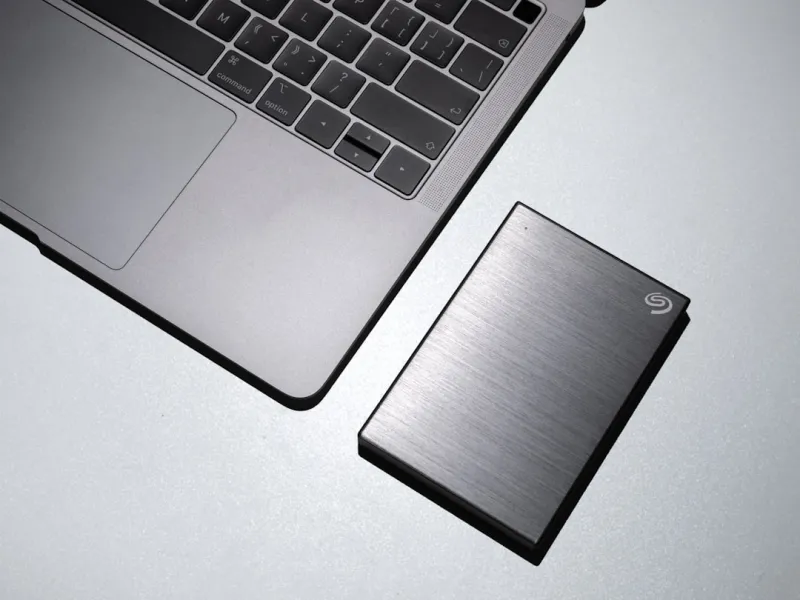
Why Hard Drives Remain a Power‑User’s Secret Weapon in 2026
Hard drives still hold a strategic edge for power users in 2026. Learn how to pick, integrate, and maintain them for speed, capacity, and longevity.
Category: Hard Drives
Read the full article
 August 26, 2026
By Shawn
A Power‑User’s Step‑by‑Step Guide to Troubleshooting Video Cards
Master GPU troubleshooting with a power‑user’s checklist: from driver fixes to thermal audits, RMA strategies, and future‑proofing your video card.Why Every Power‑User Needs a Systematic Video‑Card Playbook When my RTX 4090 started spewing green squares during a simple 4K YouTube binge, I knew it was time to pull out the toolbox of diagnostics that I’ve honed over a decade of high‑performance builds. In 2026, graphics hardware is more sophisticated than ever, yet the failure modes remain surprisingly classic: driver mismatches, power delivery hiccups, thermal throttling, and firmware bugs. The key difference today is the sheer volume of firmware layers—BIOS, VBIOS, and the OS driver stack—all of which can conflict if you’re not vigilant. My approach is to treat each symptom as a clue in a larger mystery, applying a repeatable methodology that any power‑user can adopt. By the end of this guide you’ll have a checklist that turns a flickering...
Category: Troubleshooting Video Cards
Read the full article