
At Comp Doc Computers, we understand how frustrating it is when your technology lets you down. With more than 30 years of industry experience, Shawn is a certified Microsoft technician- and he has provided trusted IT solutions to countless local businesses and home users. We offer free over-the-phone consultations, so please feel free to give us a call today. Plus, we are proud to offer special discounts for seniors and students!
- Comp Doc Computers Serving Belleville & Quinte Region Since 2001

- Comp Doc Computers
- Belleville, Ontario
- 613-438-8127
- sales@CompDocComputers.com
- Mon - Sat 9.00 am - 5.00 pm
- Sunday CLOSED
Shawn DesRochers - Page 52

Shawn DesRochers
Shawn is passionate about computers and technology. He has been involved with computers since 1996 and has been helping people ever since. From his early days of tinkering with hardware to becoming a certified Microsoft technician, Shawn has dedicated his career to understanding how computers work and how to fix them when they don't.
As the founder and lead technician of Comp Doc Computers, Shawn brings over 30+ years of experience to every repair. Whether it's a simple virus removal or a complex data recovery, he approaches each job with the same attention to detail and commitment to quality.
Shawn believes in educating his customers so they can make informed decisions about their technology. He takes the time to explain what went wrong, how he fixed it, and what can be done to prevent future issues.
Posts by Shawn DesRochers
 August 22, 2026
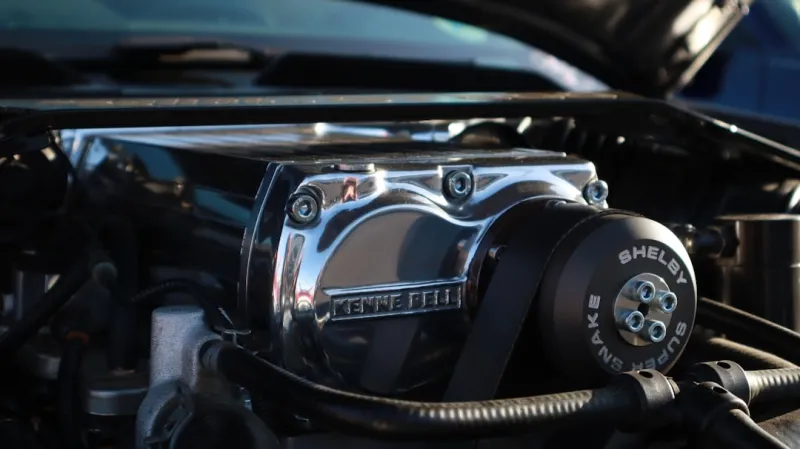
Why RAM Issues Still Crash Power‑User PCs and How to Fix Them
A power‑user’s step‑by‑step guide to spotting, diagnosing, and resolving RAM issues, with tips on BIOS tweaks, overclocking, and future‑proof upgrades.
Category: Troubleshooting Memory / RAM
Read "Why RAM Issues Still Crash Power‑User PCs and How to Fix Them"
 August 22, 2026
Upgrade Your PC for Maximum Power‑User Performance in 2026
A power‑user’s roadmap to 2026 upgrades: balance CPU, motherboard, memory, storage, and GPU for a future‑proof, high‑performance PC.
Category: PC Upgrades
Read "Upgrade Your PC for Maximum Power‑User Performance in 2026"
 August 22, 2026
The Power‑User’s Playbook: Building a Future‑Proof Development Workflow
A deep dive into the habits, tools, and hardware choices that let power‑users ship faster, stay secure, and future‑proof their development workflow in 2026.
Category: Software Development
Read "The Power‑User’s Playbook: Building a Future‑Proof Development Workflow"
 August 22, 2026
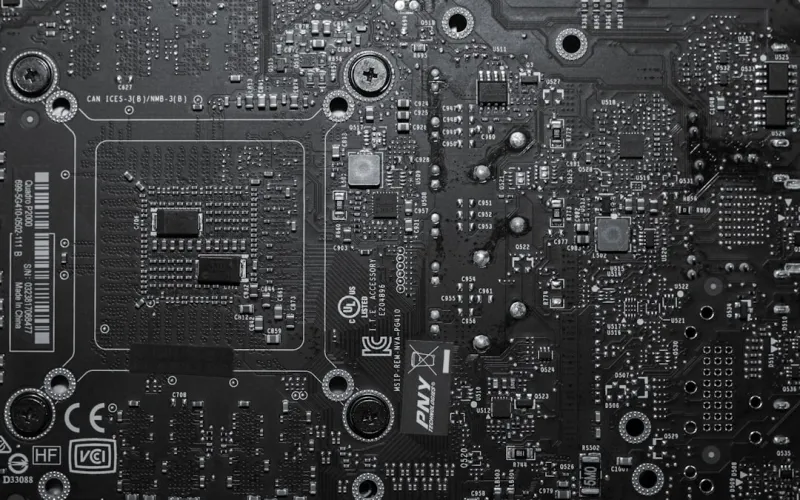
Why Modern Motherboards Are the Power‑User’s Engine for Future‑Proof Performance
Discover how 2026 motherboard innovations—from PCIe 6.0 bandwidth to integrated security—can future‑proof your power‑user rig and boost performance.
Category: Motherboards
Read "Why Modern Motherboards Are the Power‑User’s Engine for Future‑Proof Performance"
 August 22, 2026
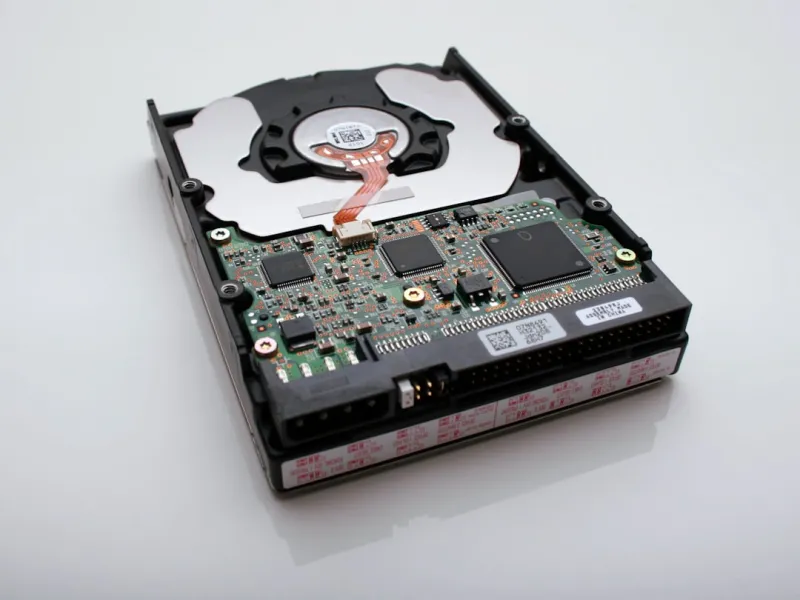
Hard Drive Strategies Every Power User Needs in 2026
Explore the evolving hard drive landscape, learn to balance SSD speed with HDD capacity, and secure massive data stores—essential reading for today’s power user.
Category: Hard Drives
Read "Hard Drive Strategies Every Power User Needs in 2026"
 August 22, 2026
Why Windows 12 Is Redefining the Power‑User Experience
Explore Windows 12’s game‑changing features for power users, from AI‑driven performance to fortified security, and learn how to future‑proof your workflow.
Category: Operating Systems
Read "Why Windows 12 Is Redefining the Power‑User Experience"
 August 22, 2026
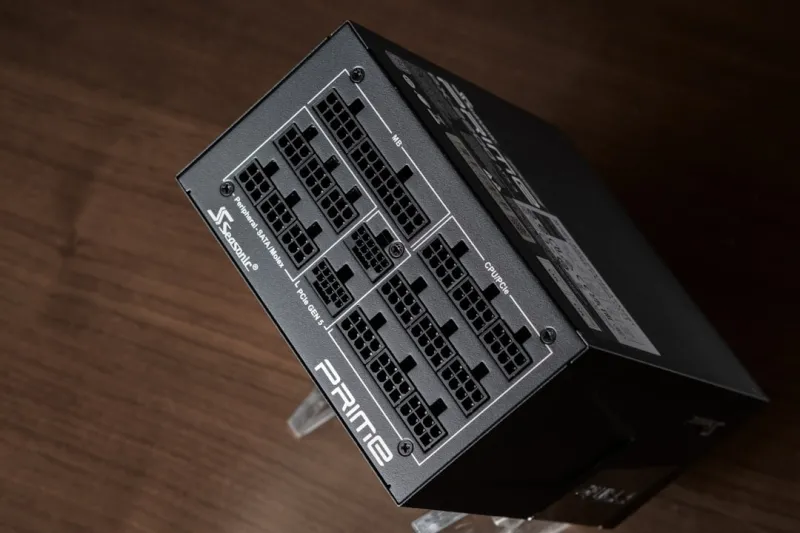
Mastering the 2026 Power‑User PC Build: Hardware Choices That Future‑Proof Your Workflow
A 2026 power‑user’s roadmap to selecting CPUs, GPUs, motherboards, memory, storage, and cooling for a future‑proof, high‑performance workstation.
Category: Computer Hardware
Read "Mastering the 2026 Power‑User PC Build: Hardware Choices That Future‑Proof Your Workflow"
 August 22, 2026
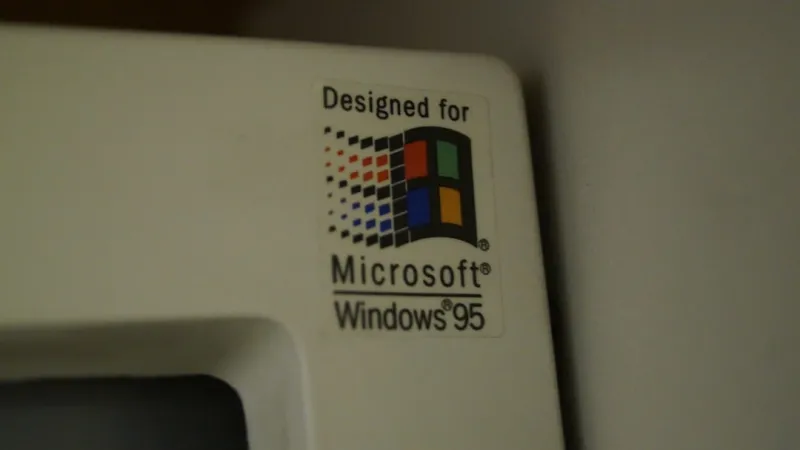
Why Windows 12 Is the Ultimate Power‑User Playground
Explore Windows 12’s new performance, security, and productivity features that let power users maximize speed, protect data, and streamline workflows.
Category: Microsoft Windows
Read "Why Windows 12 Is the Ultimate Power‑User Playground"