
At Comp Doc Computers, we understand how frustrating it is when your technology lets you down. With more than 30 years of industry experience, Shawn is a certified Microsoft technician- and he has provided trusted IT solutions to countless local businesses and home users. We offer free over-the-phone consultations, so please feel free to give us a call today. Plus, we are proud to offer special discounts for seniors and students!
- Comp Doc Computers Serving Belleville & Quinte Region Since 2001

- Comp Doc Computers
- Belleville, Ontario
- 613-438-8127
- sales@CompDocComputers.com
- Mon - Sat 9.00 am - 5.00 pm
- Sunday CLOSED
Shawn DesRochers - Page 23

Shawn DesRochers
Shawn is passionate about computers and technology. He has been involved with computers since 1996 and has been helping people ever since. From his early days of tinkering with hardware to becoming a certified Microsoft technician, Shawn has dedicated his career to understanding how computers work and how to fix them when they don't.
As the founder and lead technician of Comp Doc Computers, Shawn brings over 30+ years of experience to every repair. Whether it's a simple virus removal or a complex data recovery, he approaches each job with the same attention to detail and commitment to quality.
Shawn believes in educating his customers so they can make informed decisions about their technology. He takes the time to explain what went wrong, how he fixed it, and what can be done to prevent future issues.
Posts by Shawn DesRochers
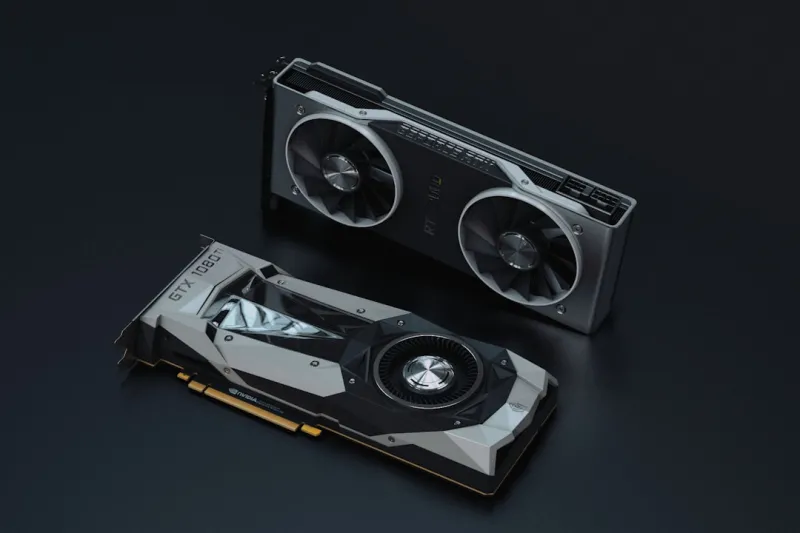 September 2, 2026
Diagnosing the Most Common GPU Failures: A Power‑User’s Playbook
A step‑by‑step guide for power users to diagnose and fix the most common video‑card problems, from power delivery to driver quirks.
Category: Troubleshooting Video Cards
Read "Diagnosing the Most Common GPU Failures: A Power‑User’s Playbook"
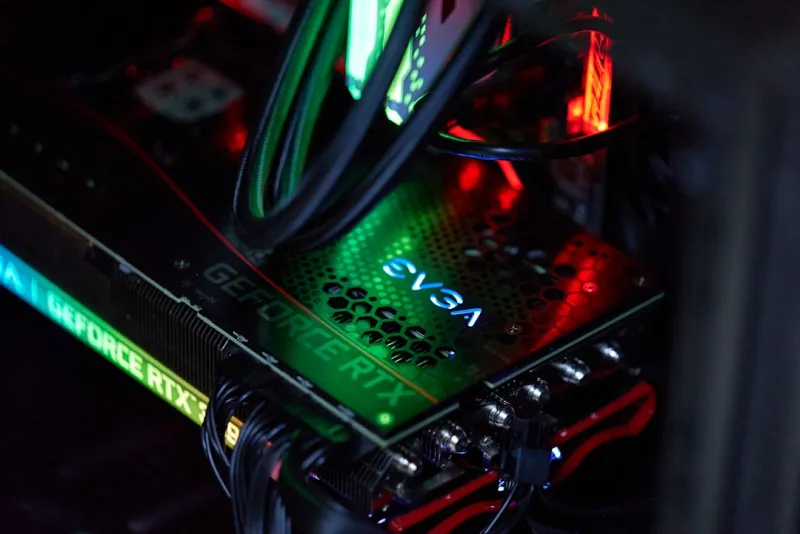 September 2, 2026
Why Your GPU Keeps Crashing and How to Fix It Once and for All
A power‑user’s deep dive into GPU crashes: symptoms, diagnostics, firmware fixes, and upgrade strategies to keep your workstation stable and ready for AI workloads.
Category: Troubleshooting Video Cards
Read "Why Your GPU Keeps Crashing and How to Fix It Once and for All"
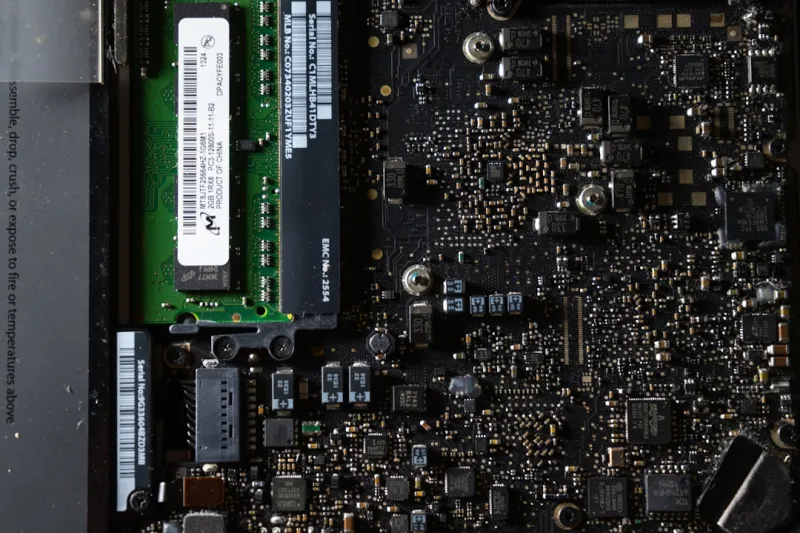 September 2, 2026
Diagnosing and Fixing RAM Issues Before They Crash Your Workflow
A step‑by‑step guide for power users to identify, test, and resolve RAM issues, ensuring stable performance for AI and creative workflows.
Category: Troubleshooting Memory / RAM
Read "Diagnosing and Fixing RAM Issues Before They Crash Your Workflow"
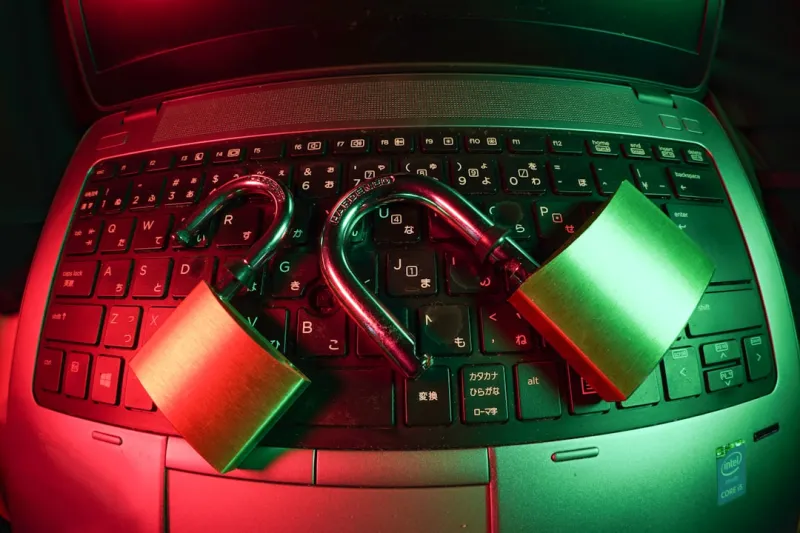 September 2, 2026
How Power Users Can Outsmart the 2026 Threat Landscape
A power‑user’s guide to navigating AI‑driven malware, zero‑trust desktops, and hardware‑rooted security in 2026, ensuring performance without compromise.
Category: Computer Security
Read "How Power Users Can Outsmart the 2026 Threat Landscape"
 September 2, 2026
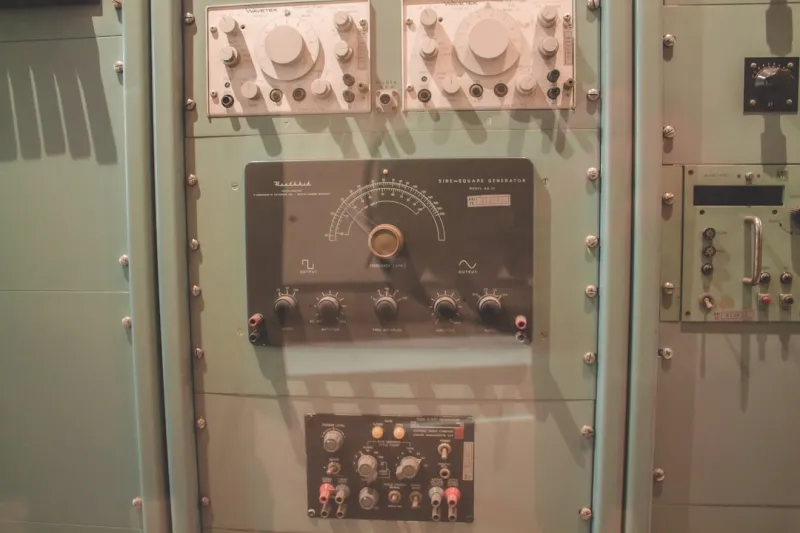
Operating Systems in 2026: Power‑User Strategies for Performance, Security, and AI Integration
A deep dive into 2026’s OS landscape, offering power‑user tactics to optimize performance, secure systems, and harness AI‑enhanced features across Windows, Linux, and macOS.
Category: Operating Systems
Read "Operating Systems in 2026: Power‑User Strategies for Performance, Security, and AI Integration"
 September 2, 2026
Beyond the Lock: Mastering Modern Encryption for Power Users
Learn how power users can secure data with post‑quantum algorithms, hardware‑based encryption, and smart key management while keeping performance razor‑sharp.
Category: Computer Encryption
Read "Beyond the Lock: Mastering Modern Encryption for Power Users"
 September 2, 2026
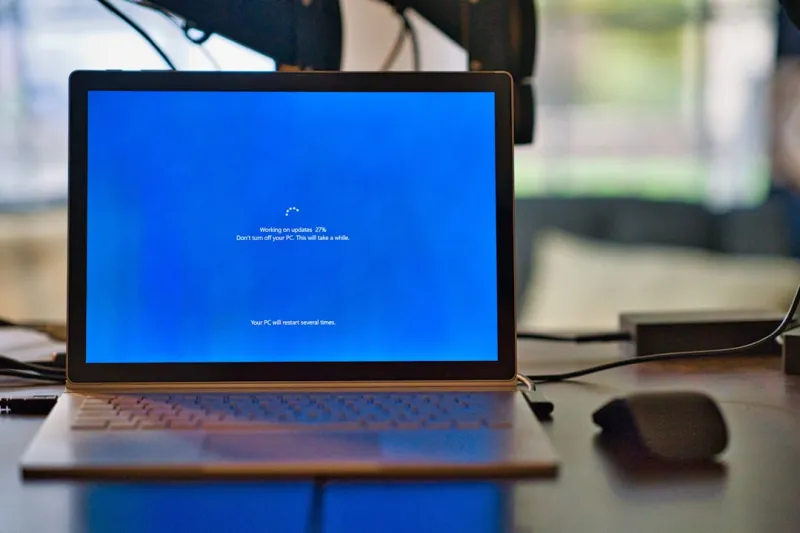
Why the Blue Screen Still Demands Power Users’ Attention
The blue screen isn’t dead—it’s a vital diagnostic tool for power users. Discover modern triggers, troubleshooting steps, and future‑proof strategies to keep your workstation stable.
Category: Computer Blue Screen
Read "Why the Blue Screen Still Demands Power Users’ Attention"
 September 2, 2026
AI Computing Unleashed: Building a Future‑Ready Power‑User Workstation
A power‑user’s roadmap to designing a future‑ready AI workstation—hardware, OS, security, networking, and productivity—all in one comprehensive guide.
Category: AI Computing
Read "AI Computing Unleashed: Building a Future‑Ready Power‑User Workstation"