
As a seasoned IT professional, I've encountered my fair share of graphics card issues. A faulty video card can be frustrating, especially when you're in the middle of a critical project or a gaming session. In this article, I'll share my expertise on troubleshooting video card issues and provide you with practical solutions to get your graphics up and running smoothly.
Understanding Video Card Issues
Before we dive into the troubleshooting process, it's essential to understand the common causes of video card issues. A faulty video card can be caused by a variety of factors, including overheating, driver problems, power supply issues, and physical damage. In some cases, a video card issue can be a symptom of a larger problem, such as a failing power supply or a hardware security threat. By identifying the root cause of the issue, you can take the necessary steps to prevent it from happening again in the future.
Common Symptoms of a Faulty Video Card
A faulty video card can manifest in different ways, depending on the severity of the issue. Some common symptoms include:
- Display flickering or freezing
- Graphics corruption or artifacts
- No display at all
- Random shutdowns or restarts
If you're experiencing any of these symptoms, it's essential to troubleshoot the issue promptly to prevent further damage to your system.
Troubleshooting Video Card Issues
Now that we've covered the common causes and symptoms of video card issues, let's move on to the troubleshooting process. Here are some steps you can take to diagnose and fix a faulty video card:
- Update your graphics drivers: Outdated drivers can cause a range of issues, including display problems and performance degradation. Make sure to check for updates regularly and install the latest drivers.
- Check for overheating: Overheating can cause a video card to malfunction or shut down. Ensure that your system has adequate cooling, and clean out any dust or debris that may be blocking airflow.
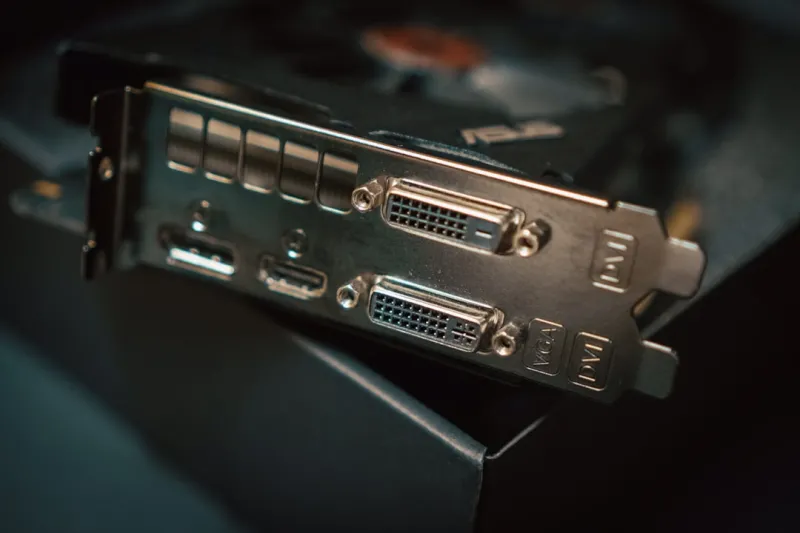
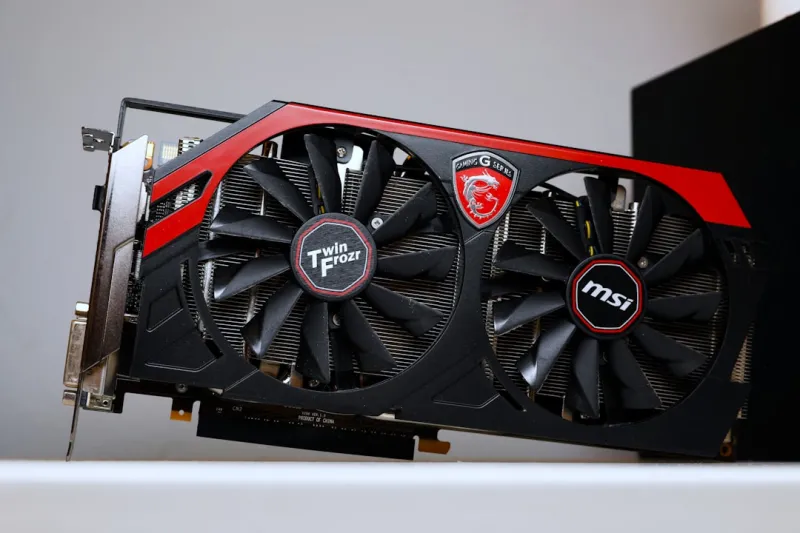
- Inspect the video card: Physical damage to the video card can cause a range of issues. Inspect the card for any signs of damage, such as burn marks or broken components.
By following these steps, you can identify and fix common video card issues.
Advanced Troubleshooting Techniques
If the basic troubleshooting steps don't resolve the issue, you may need to use more advanced techniques to diagnose the problem. These can include:
- Running a stress test: Tools like FurMark or Unigine Heaven can help you stress test your video card and identify any potential issues.
- Using a debugging tool: Tools like GPU-Z or HWiNFO can provide you with detailed information about your video card, including temperature, voltage, and performance metrics.
- Reinstalling drivers: If you're experiencing issues with your graphics drivers, try reinstalling them from scratch to see if that resolves the problem.
These advanced techniques can help you identify and fix more complex video card issues.
Preventing Video Card Issues
While troubleshooting is essential, prevention is always better than cure. Here are some tips to help you prevent video card issues:
- Monitor your system's temperature: Keep an eye on your system's temperature to ensure that it's running within a safe range.
- Update your drivers regularly: Regular driver updates can help prevent issues and ensure that your system is running smoothly.
- Use a high-quality power supply: A good power supply can help prevent power-related issues that can damage your video card.
By following these tips, you can reduce the risk of video card issues and ensure that your system runs smoothly.
The Importance of Computer Hardware Security
As we discussed earlier, a faulty video card can be a symptom of a larger hardware security threat. It's essential to take steps to protect your system from potential threats, including malware, viruses, and physical damage. By prioritizing computer hardware security, you can prevent a range of issues, including video card problems.
Reviving an Old PC or Laptop
If you're experiencing issues with an older PC or laptop, you may be wondering if it's worth reviving. In some cases, a simple upgrade or repair can breathe new life into an old system. If you're looking to revive an old PC or laptop, check out our guide for tips and tricks.
Conclusion
In conclusion, troubleshooting video card issues requires a combination of technical knowledge and practical skills. By understanding the common causes and symptoms of video card issues, you can take the necessary steps to diagnose and fix problems. Remember to prioritize prevention, update your drivers regularly, and take steps to protect your system from potential threats. If you're experiencing issues with your video card, try the troubleshooting steps outlined in this article, and don't hesitate to seek professional help if needed.
Future of Computing
As we look to the future of computing, it's clear that graphics cards will continue to play a critical role in delivering high-performance computing experiences. From gaming to artificial intelligence, stay tuned for emerging trends that will shape the industry in the months to come.