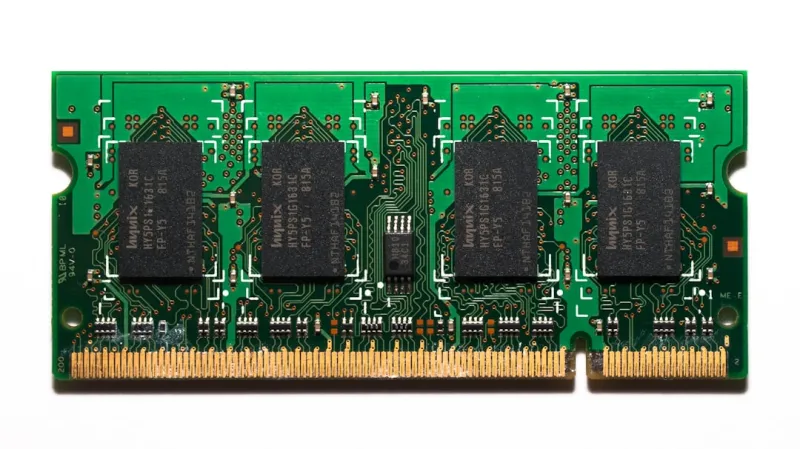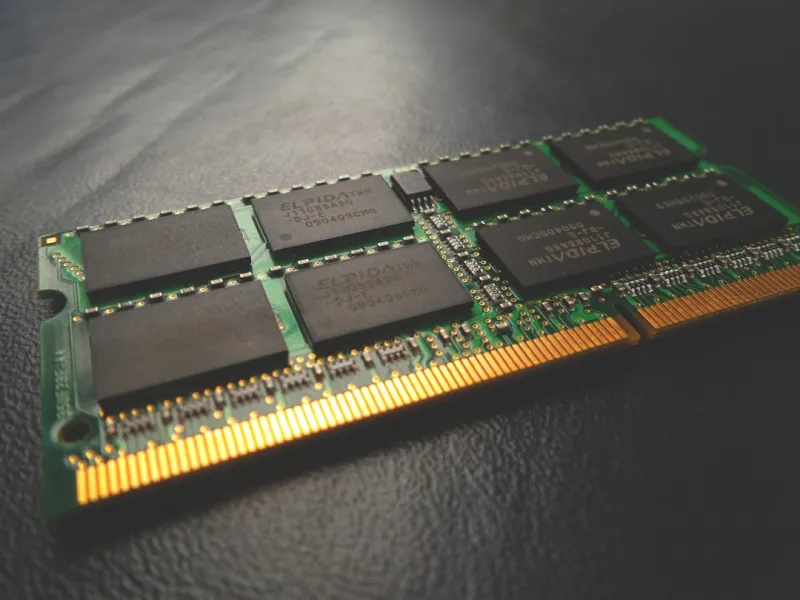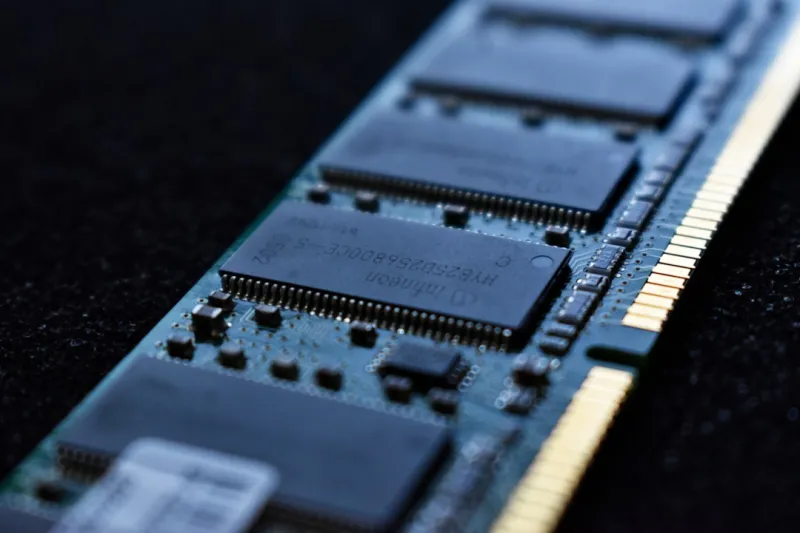
As a seasoned computer technician, I've encountered my fair share of issues related to memory and RAM. In this article, I'll share my expertise on troubleshooting memory and RAM problems, providing you with a comprehensive guide to help you diagnose and resolve common issues. Whether you're a seasoned tech enthusiast or a beginner, this article aims to equip you with the knowledge and skills to tackle memory-related problems with confidence.
Understanding Memory and RAM
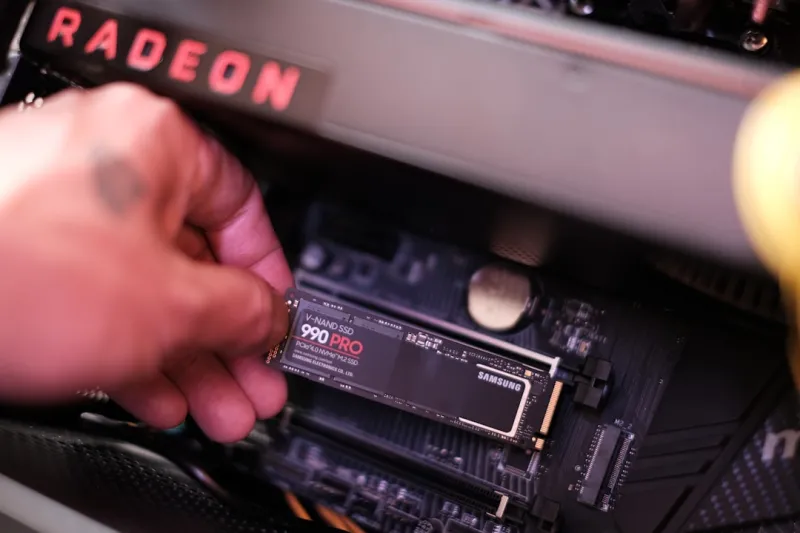
Before diving into the troubleshooting process, it's essential to understand the basics of memory and RAM. RAM (Random Access Memory) is a type of computer storage that temporarily holds data and applications while your computer is running. The more RAM your computer has, the more applications you can run simultaneously without experiencing performance issues. On the other hand, memory refers to the overall storage capacity of your computer, including RAM, hard drives, and solid-state drives.
When it comes to troubleshooting memory and RAM issues, it's crucial to identify the root cause of the problem. Common symptoms of memory-related issues include random crashes, freezing, and error messages. If you're experiencing any of these issues, it's essential to investigate further to determine whether the problem lies with your RAM, motherboard, or other components.
Common Causes of Memory and RAM Issues
There are several common causes of memory and RAM issues, including physical damage, incompatible hardware, and software conflicts. Physical damage to your RAM or motherboard can cause a range of issues, from data corruption to complete system failure. Incompatible hardware, such as mismatched RAM speeds or types, can also cause problems. Software conflicts, including malware and viruses, can also impact your computer's performance and stability.
To troubleshoot memory and RAM issues effectively, it's essential to isolate the problem and identify the root cause. This may involve running diagnostic tests, inspecting your hardware, and reviewing system logs. By taking a systematic approach to troubleshooting, you can quickly identify and resolve common memory and RAM issues.
Troubleshooting Steps
So, how do you troubleshoot memory and RAM issues? Here are some steps to follow:
- Run a memory diagnostic test: Tools like MemTest86+ can help you identify issues with your RAM.
- Inspect your hardware: Check for physical damage, dust buildup, and ensure that all components are securely connected.
- Review system logs: Look for error messages and patterns that may indicate the root cause of the issue.
- Try removing recently installed hardware: If you've recently added new hardware, try removing it to see if it resolves the issue.
By following these steps, you can quickly identify and resolve common memory and RAM issues. However, if you're still experiencing problems, it may be necessary to consult a comprehensive guide to troubleshooting memory and RAM issues.
The Importance of Computer Security
Computer security is a critical aspect of maintaining a healthy and stable computer system. Malware and viruses can cause a range of issues, from data corruption to complete system failure. To protect your computer from these threats, it's essential to install anti-virus software, keep your operating system up to date, and avoid suspicious downloads. For more information on computer security, check out The State of Computer Security: Navigating Emerging Threats and Solutions.
Additional Troubleshooting Resources
If you're experiencing issues with your computer, there are many resources available to help you troubleshoot and resolve common problems. For example, if you're experiencing issues with your video card, check out Troubleshooting Video Card Issues: A Comprehensive Guide. Additionally, if you're experiencing Blue Screen of Death errors, The Blue Screen of Death: Causes, Prevention, and Troubleshooting may provide valuable insights and solutions.
Conclusion
In conclusion, troubleshooting memory and RAM issues requires a systematic approach and a solid understanding of computer hardware and software. By following the steps outlined in this article and consulting additional resources, you can quickly identify and resolve common memory and RAM issues. Remember to always prioritize computer security and take steps to protect your computer from malware and viruses. With the right knowledge and skills, you can maintain a healthy and stable computer system that meets your needs and expectations.
As a computer technician, I've seen firsthand the impact that memory and RAM issues can have on computer performance and stability. By taking a proactive approach to troubleshooting and maintenance, you can minimize the risk of memory-related issues and ensure that your computer runs smoothly and efficiently. Whether you're a seasoned tech enthusiast or a beginner, I hope that this article has provided you with valuable insights and practical advice on troubleshooting memory and RAM issues.
In my next article, I'll be exploring the evolution of motherboards and the latest trends and technologies in this critical computer component. Stay tuned for more insights and analysis on the world of computer hardware and software.