
At Comp Doc Computers, we understand how frustrating it is when your technology lets you down. With more than 30 years of industry experience, Shawn is a certified Microsoft technician- and he has provided trusted IT solutions to countless local businesses and home users. We offer free over-the-phone consultations, so please feel free to give us a call today. Plus, we are proud to offer special discounts for seniors and students!
- Comp Doc Computers Serving Belleville & Quinte Region Since 2001
- Comp Doc Computers
- Belleville, Ontario
- 613-438-8127
- sales@CompDocComputers.com
- Mon - Sat 9.00 am - 5.00 pm
- Sunday CLOSED
Computer Repair Blog - Page 4
 October 1, 2026
By Shawn
Choosing the Right Operating System for Power Users
A deep dive into the 2026 OS landscape, revealing hidden Windows tricks, macOS power‑user secrets, and the Linux resurgence to help you choose the perfect platform.
Category: Operating Systems
Read the full article
 September 30, 2026
By Shawn
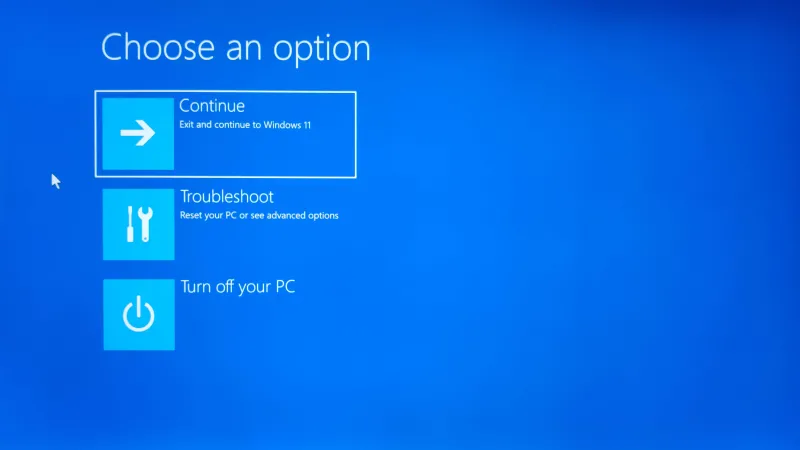
Automatic Repair Screen on a Laptop or Computer: What It Means and What to Do
If your laptop or desktop computer suddenly displays “Preparing Automatic Repair,” “Diagnosing your PC,” or “Automatic Repair couldn’t repair your PC,” it can be alarming. You may wonder whether your computer has lost your files or whether the hard drive has failed. The good news is that seeing the Automatic Repair screen does not automatically mean your computer is permanently damaged.
Category: Computer Blue Screen
Read the full article
 September 28, 2026
By Shawn
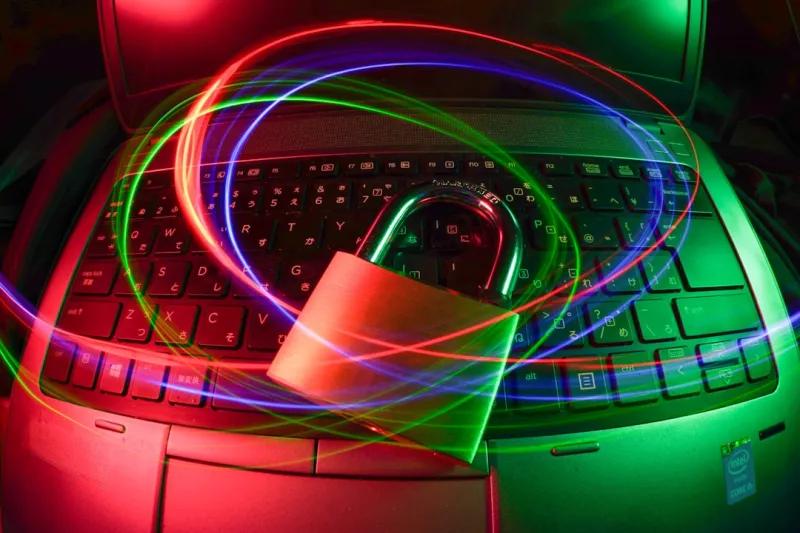
Why Encryption Matters to Every Power User
Explore how power users can master encryption, balance speed, manage keys, and stay ahead of emerging threats in a practical, future‑ready guide.
Category: Computer Encryption
Read the full article
 September 28, 2026
By Shawn
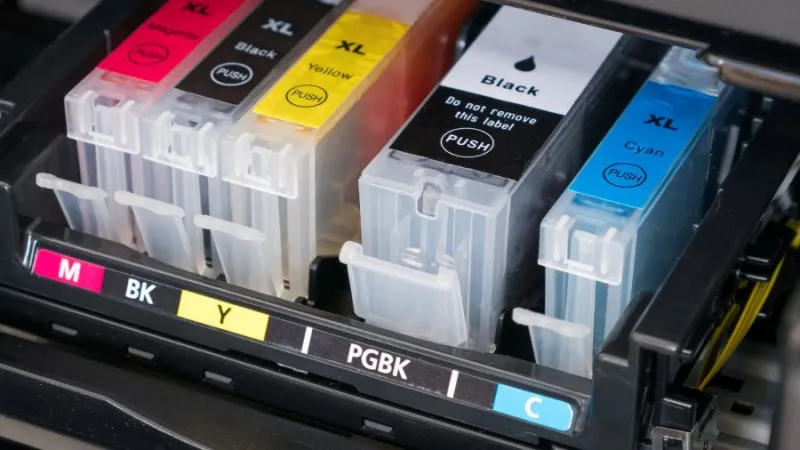
OEM vs Compatible Ink Cartridges: Why OEM Ink May Be Worth the Extra Cost
When your printer needs a new ink cartridge, you will usually see two choices: an OEM cartridge made by the printer manufacturer or a compatible cartridge made by a third-party company. Compatible cartridges can be less expensive, but the lowest price does not necessarily make them the best choice for your printer.
Category: Printer Tips
Read the full article
 September 25, 2026
By Shawn
Why Does My Computer Keep Freezing? Common Causes and Fixes
Few things are more frustrating than sitting down to use your computer and suddenly having everything stop responding. The mouse won't move. A program becomes unresponsive. You click a button and nothing happens. Sometimes the computer starts working again after a few seconds. Other times, the entire system freezes and you have to restart it.
Category: Windows Tips
Read the full article
 September 23, 2026
By Shawn
Mac Power User Secrets: Unlock Speed, Security, and Seamless Multitasking
Uncover hidden macOS features and pro tricks that transform your Mac into a high‑performance, secure, and ultra‑productive machine.
Category: Mac Tips
Read the full article
 September 17, 2026
By Shawn
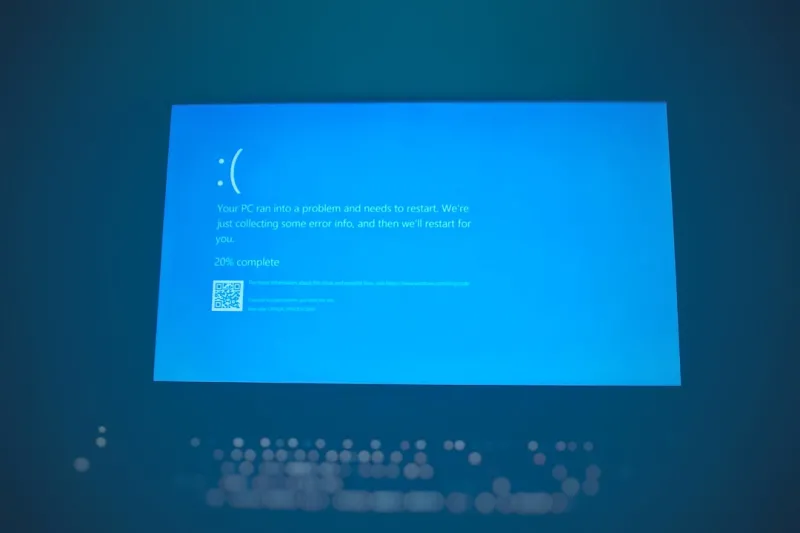
Unlock Hidden Windows Tricks Every Power User Should Know
A deep dive into the most effective Windows shortcuts, security measures, and automation tricks that seasoned users rely on to streamline their workflow.
Category: Windows Tips
Read the full article
 September 16, 2026
By Shawn
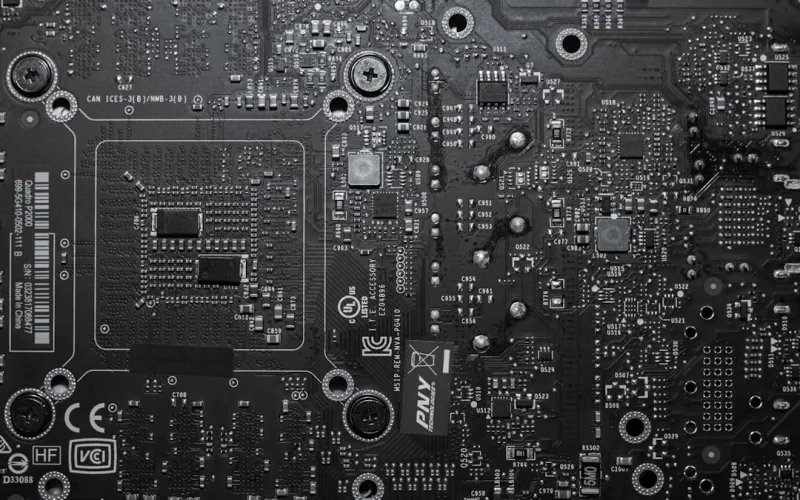
How to Diagnose and Fix Common Motherboard Problems
A practical guide to identifying, diagnosing, and fixing common motherboard issues, with expert tips, diagnostic tools, and preventive maintenance strategies.
Category: Motherboard Troubleshooting
Read the full article