
As a seasoned IT professional, I've seen my fair share of computer woes, but one of the most frustrating issues has to be faulty RAM. A malfunctioning memory module can bring your entire system to a grinding halt, causing crashes, freezes, and data loss. In this article, I'll share my expertise on troubleshooting memory issues, helping you identify and fix common problems with your computer's RAM.
Understanding the Importance of RAM
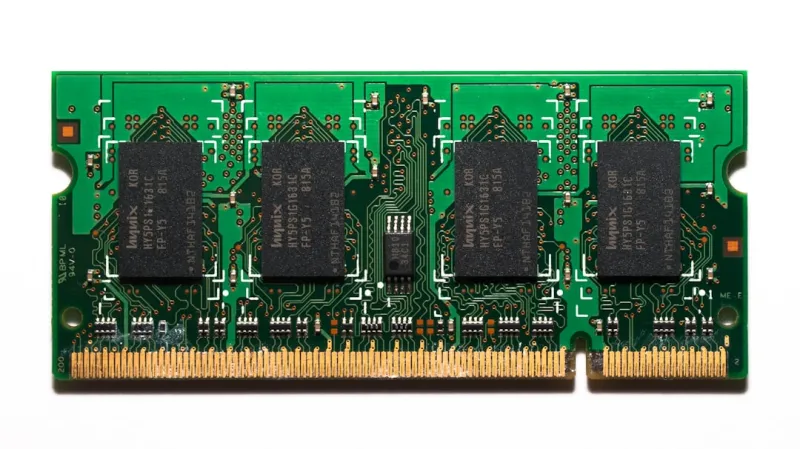
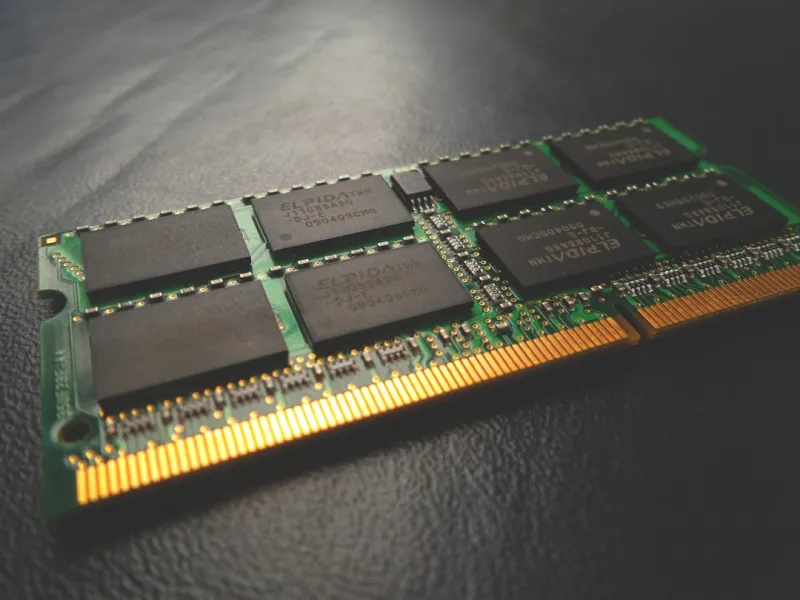
RAM (Random Access Memory) plays a crucial role in your computer's performance, acting as a temporary storage space for data the CPU uses to perform calculations. When RAM becomes faulty, it can lead to a cascade of problems, from minor annoyances to complete system failures. Identifying the signs of faulty RAM is essential to prevent data loss and costly repairs. In my experience, a single defective RAM stick can cause a domino effect, impacting the entire system's stability.
To better understand the importance of RAM, let's consider its functions. RAM provides the CPU with the data it needs to perform calculations, allowing your computer to multitask and run applications smoothly. When RAM is faulty, the CPU may struggle to access the data it needs, leading to slow performance, crashes, and errors.
Common Signs of Faulty RAM
So, how do you know if your RAM is the culprit behind your computer woes? Look out for these common signs:
- Frequent system crashes or freezes
- Blue screens of death (BSODs) with error messages indicating memory issues
- Random errors or corruption of files
- Inability to run multiple applications simultaneously
If you're experiencing any of these issues, it's time to investigate your RAM. I recall a case where a client's computer would freeze randomly, and after troubleshooting, we discovered that one of the RAM sticks was faulty.
Testing Your RAM
Before you start replacing your RAM, it's essential to confirm that it's indeed the source of the problem. You can use built-in Windows tools like the Windows Memory Diagnostic tool or third-party software like MemTest86+ to test your RAM for errors. These tools will help you identify if your RAM is faulty and, if so, which module is causing the issue. For more information on testing your RAM, check out my previous article on reviving an old PC or laptop.
The Impact of Malware on RAM
While faulty RAM can cause problems, it's not the only culprit. Malware and viruses can also wreak havoc on your computer's memory, causing issues like memory corruption and data theft. To protect your computer from these threats, make sure to keep your antivirus software up-to-date and perform regular scans. For more information on combating malware, check out my article on understanding and combating viruses and malware.
Upgrading Your RAM
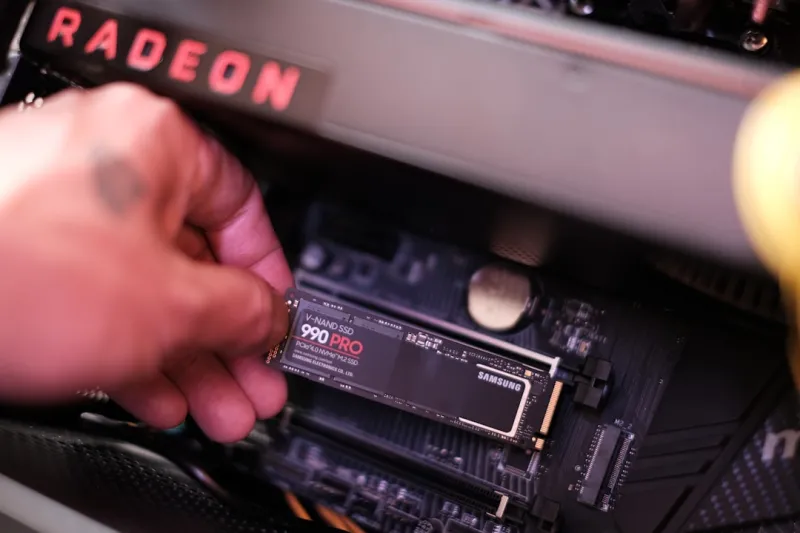
If you've confirmed that your RAM is faulty, it's time to consider upgrading. Adding more RAM or replacing defective modules can breathe new life into your computer, improving performance and stability. When upgrading your RAM, make sure to purchase compatible modules to avoid any compatibility issues. For guidance on upgrading your computer's hardware, check out my article on the evolution of computer hardware.
Best Practices for RAM Maintenance
To prevent RAM-related issues in the future, follow these best practices:
- Regularly clean dust from your computer's vents and fans
- Monitor your computer's temperature
- Avoid physical stress on your computer
- Use a surge protector
By taking proactive steps, you can help extend the lifespan of your RAM and prevent costly repairs. For more tips on maintaining your computer's security, check out my article on keeping your computer and data secure
.
Conclusion
In conclusion, faulty RAM can be a frustrating issue, but by understanding the signs of faulty RAM, testing your memory, and taking proactive steps to maintain your computer's health, you can prevent data loss and costly repairs. For more information on troubleshooting common computer issues, stay tuned to our blog. I'm committed to helping you get the most out of your computer and keeping your data safe.
Future of Computing
As technology continues to advance, we can expect to see significant improvements in RAM design and performance. The increasing demand for AI and machine learning applications will drive innovation in memory technology, enabling faster and more efficient data processing. For more insights on the future of computing, check out my article on trends to watch in the next 12 months.
By understanding the importance of RAM and taking proactive steps to maintain your computer's health, you can help prevent data loss and costly repairs. If you're experiencing issues with your computer's RAM, don't hesitate to contact us for assistance.