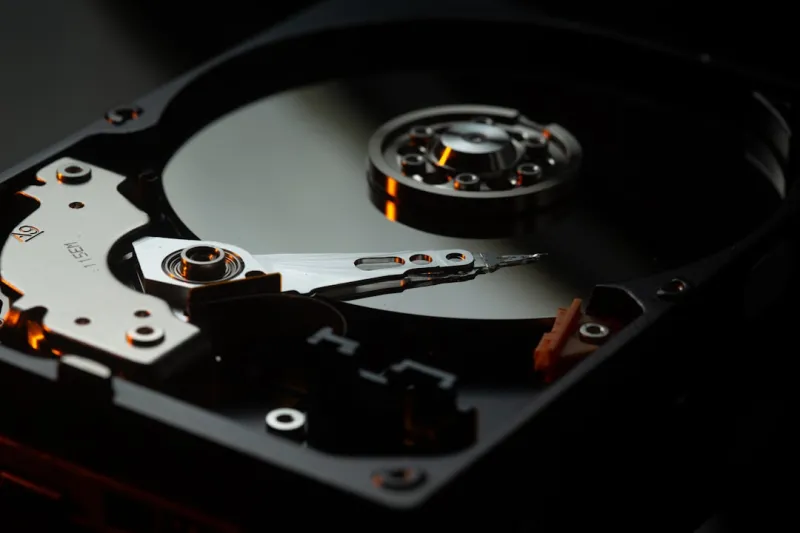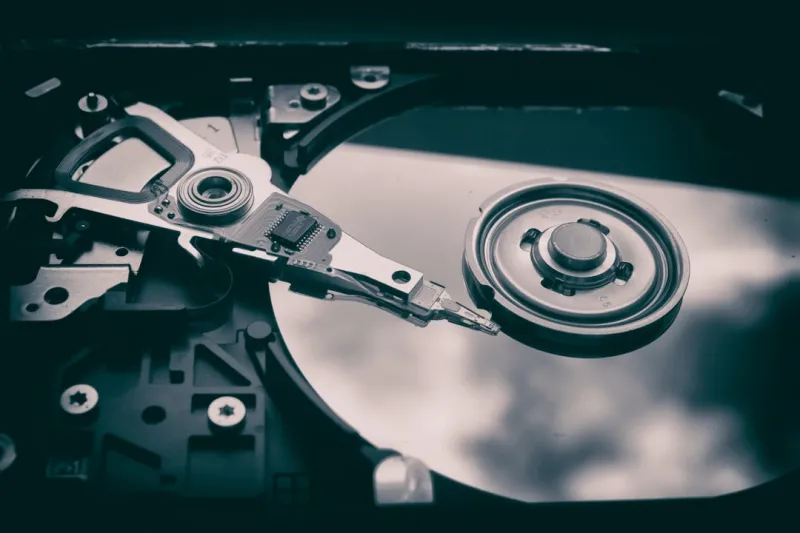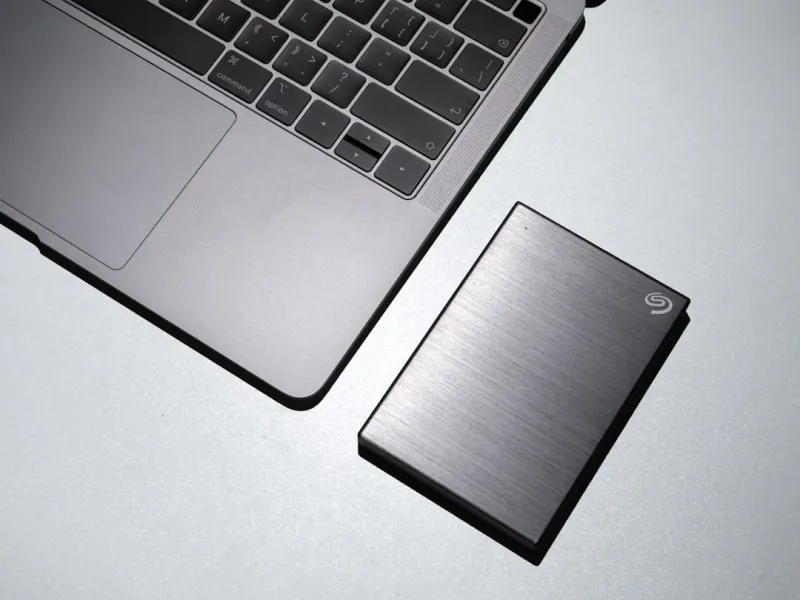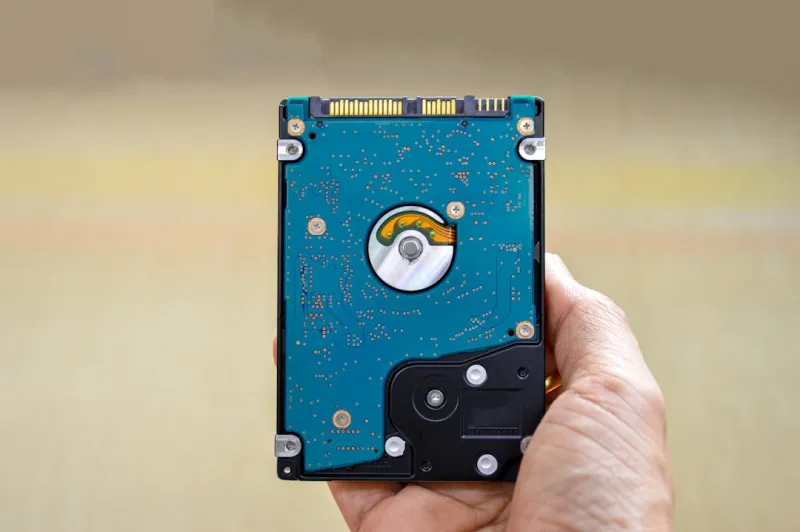
When most people think about storage in 2026, the first thing that springs to mind is a sleek NVMe SSD flashing lights in a high‑end rig. Yet, as a power‑user who’s been tearing apart motherboards and building workstations since the early 2010s, I can assure you that hard drives still occupy a pivotal spot in the performance‑price equation. The raw capacity you can squeeze onto a single 3.5‑inch platter today eclipses what a comparable SSD can deliver for a fraction of the cost. For developers juggling massive AI training sets, video editors archiving raw footage, or anyone who simply refuses to watch their backup budget explode, the humble hard drive remains a workhorse that refuses to retire quietly.
Let’s rewind a bit. In the era of spinning platters, 7200 RPM was the gold standard for consumer drives, while 10 K‑RPM models catered to enterprise workloads. Fast‑forward to 2026, and we see a resurgence of 10 K‑RPM drives aimed at the prosumer market, delivering sequential reads that can keep pace with many SSDs in sustained workloads. Meanwhile, capacity has exploded: a single 20 TB CMR (conventional magnetic recording) drive now sits comfortably on a standard SATA‑III bus, offering more space than the most expensive consumer SSDs on the market. The cost per gigabyte advantage—often under $0.03/GB—means you can stockpile terabytes without breaking the bank, a factor that continues to sway budget‑conscious power users.
Performance isn’t just about raw numbers; it’s about how those numbers translate into real‑world tasks. A 7200 RPM drive with a 256 MB cache can deliver burst speeds that feel snappy when loading large project files, especially when the data is sequentially laid out. However, random I/O remains a domain where SSDs dominate. The trick for power users is to pair drives intelligently: keep your OS, applications, and active project files on an NVMe SSD for instant responsiveness, while relegating archival and less‑frequent datasets to a high‑capacity HDD. This hybrid approach leverages the best of both worlds, ensuring that your workstation never stalls due to a storage bottleneck.
Reliability is another cornerstone of the hard‑drive conversation. Modern HDDs feature advanced error‑correction codes, vibration‑resistant mounting, and in many cases, built‑in self‑monitoring, analysis and reporting technology (SMART) that can warn you of impending failures. For a power user, the mantra “backup your backup” isn’t just a suggestion—it’s a survival plan. I personally employ a 3‑2‑1 strategy: two local copies (one on an SSD, one on an HDD) and a third off‑site cloud snapshot. This layered safety net ensures that even a catastrophic platter failure won’t wipe out months of work. For deeper insights into safeguarding your data, check out the guide on Why Hard Drives Still Matter for Power Users in 2026.
Hybrid solutions, often dubbed SSHDs (solid‑state hybrid drives), attempt to blur the line between speed and capacity. By embedding a modest NAND cache—typically 8 GB or 16 GB—directly onto the platter, these drives can auto‑tier frequently accessed data, delivering near‑SSD read times for those hot files while preserving the massive storage envelope of a traditional HDD. For developers who compile large codebases intermittently, or video editors who repeatedly scrub through the same clips, an SSHD can shave precious minutes off load times without the cost premium of a full‑blown NVMe drive. Yet, it’s worth noting that the performance gains are workload‑dependent; random access patterns that don’t favor caching will revert to conventional HDD speeds.
Selecting the perfect hard drive for your power‑user rig involves a nuanced checklist. First, determine the interface: SATA‑III remains ubiquitous, but for enterprise‑grade performance, SAS (Serial Attached SCSI) offers higher throughput and dual‑port redundancy—ideal for RAID arrays. Next, weigh the recording technology: CMR provides consistent write performance, while SMR (shingled magnetic recording) excels at bulk, write‑once workloads but can stumble under heavy random writes. Form factor matters, too; while 3.5‑inch bays dominate desktop workstations, 2.5‑inch models fit sleek mini‑ITX builds and can be powered directly from the motherboard’s SATA port. For a deeper dive into component selection, the Hardware Playbook for Power Users offers a comprehensive roadmap.
Real‑world scenarios illuminate why hard drives retain relevance. In AI research, training datasets can swell to dozens of terabytes; storing that on SSDs would be prohibitively expensive, whereas a handful of 20 TB drives can hold the entire corpus for a fraction of the price. Video production houses regularly ingest raw 8K footage at 600 Mbps—transferring those files onto a high‑capacity HDD for long‑term archiving ensures that projects stay accessible without inflating storage budgets. Even gamers with massive libraries find value in a dedicated HDD for rarely played titles, freeing up the SSD for current releases and reducing load‑time frustrations. Each use case underscores a common theme: the ability to store more data, more cheaply, without sacrificing reliability.
Looking ahead, hard‑drive technology is far from stagnant. Heat‑Assisted Magnetic Recording (HAMR) promises to push areal densities beyond 2 TB per platter, potentially delivering 30 TB drives within the next couple of years. Meanwhile, advancements in SMR algorithms are reducing write‑penalty latency, making it a more viable option for mixed workloads. Power consumption is also improving; modern 7200 RPM drives now draw under 6 W under load, a modest footprint for a device that can hold terabytes of data. As SSDs continue to dominate the performance frontier, these incremental innovations ensure that hard drives remain a cost‑effective backbone for storage‑intensive tasks.
In closing, if you’re a power user who refuses to compromise on capacity, budget, or reliability, the hard drive should still sit proudly in your build. Start by cataloguing your workload: identify which data is “hot” and deserves SSD speed, and which is “cold” and can live on a high‑capacity HDD. Implement a tiered backup regimen, and consider future‑proofing with emerging technologies like HAMR. For a concise recap of why spinning media still matters, revisit Why Hard Drives Still Matter for Power Users in 2026 and align its insights with your own storage strategy. When you blend the right mix of speed, space, and safety, you’ll find that the old‑school platter still has plenty of punch in the modern power‑user’s arsenal.