Why Hard Drives Still Matter in a World Obsessed with SSDs
When I first got my hands on a 4 TB 7200 RPM desktop drive back in 2020, the buzz was already shifting toward lightning‑fast NVMe flash. Yet even as solid‑state technology dominates consumer headlines, the humble hard drive remains a cornerstone for power users who juggle massive media libraries, scientific datasets, and archival backups. In 2026, the cost per gigabyte for HDDs has slipped below $0.02, making them the economical choice for petabyte‑scale storage without sacrificing reliability. This article dives into the nuanced reasons why you, as a power user, should keep a hard drive in your arsenal—whether it’s for long‑term preservation, bulk data staging, or as a safety net when SSDs reach their write‑cycle limits. I’ll also walk you through the latest form‑factor innovations, firmware tricks, and upcoming recording technologies that could reshape the HDD landscape in the next few years.
The Technological Evolution of Hard Drives Up to 2026
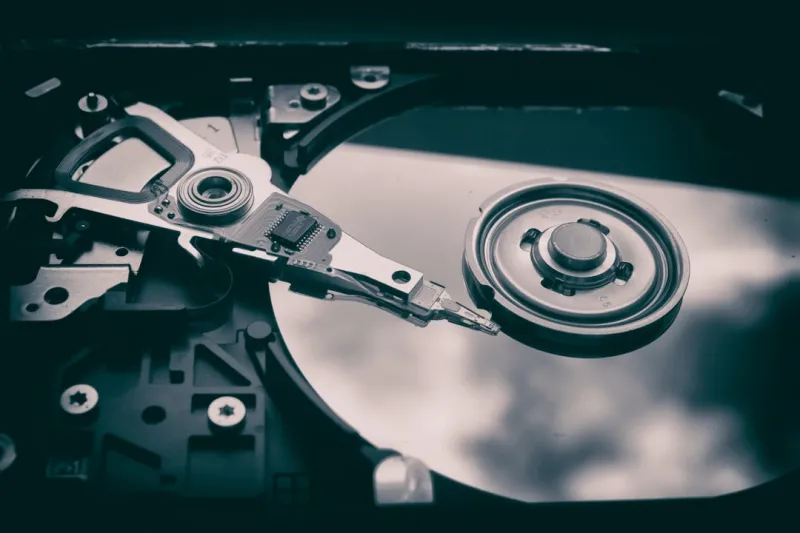
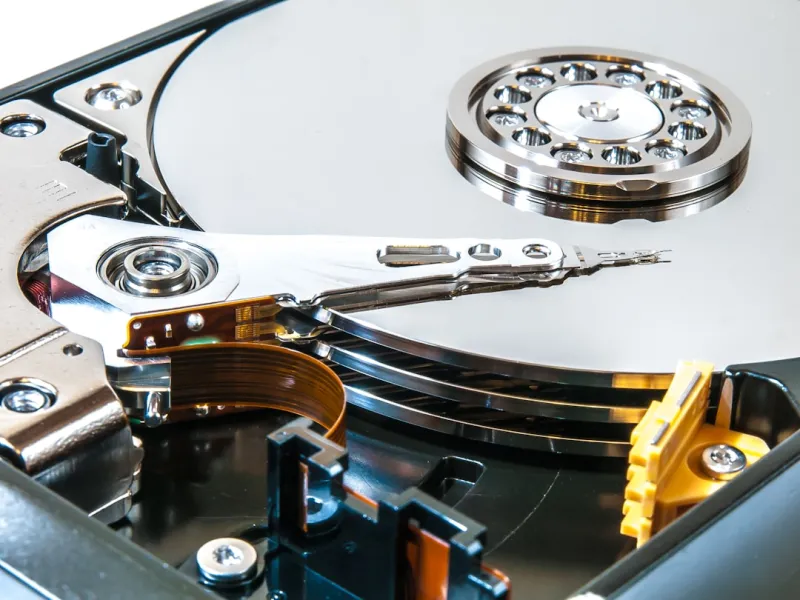
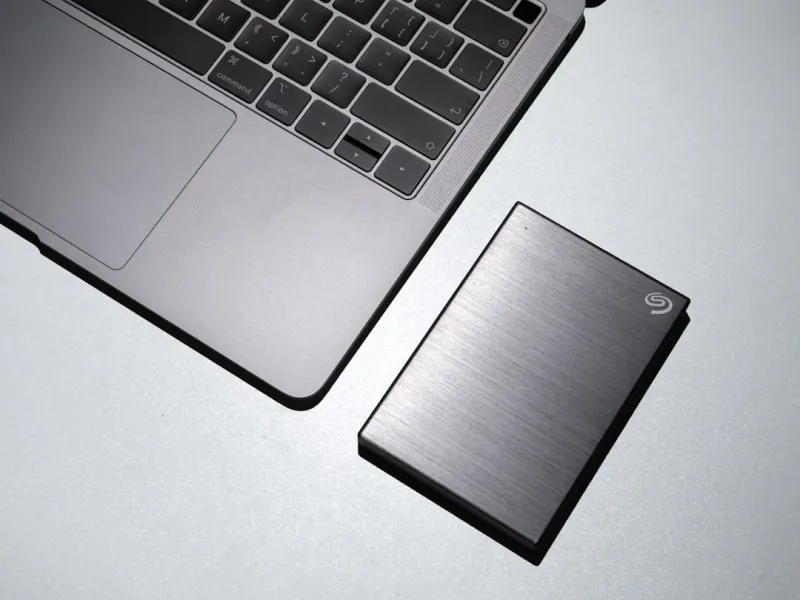
Hard drive technology has progressed in ways many casual users don’t notice. In the past five years, areal density has crept past 2 Tb/in² thanks to advances in perpendicular magnetic recording (PMR) and the emergence of shingled magnetic recording (SMR) for high‑capacity, low‑performance tiers. Modern 3.5‑inch drives now ship with up to 20 TB of raw capacity, while 2.5‑inch variants cap at 8 TB, delivering the same spin speeds—typically 5400 RPM for portable drives and 7200 RPM for desktop models. Meanwhile, firmware algorithms have become smarter, dynamically reallocating bad sectors and optimizing write amplification. The external enclosure market has also matured, with USB‑4 and Thunderbolt 4 docks offering near‑native SATA‑III bandwidth, making it easier than ever to plug a multi‑terabyte HDD into a laptop without bottlenecking the interface.
Cost‑Effective Archiving: The Hard Drive’s Unique Value Proposition
For power users, the primary driver behind retaining HDDs is the unbeatable cost‑per‑gigabyte ratio. While a 4 TB NVMe SSD can set you back $600+, the same capacity in a 7200 RPM HDD sits comfortably under $80. This price differential becomes critical when you need to store raw video footage, large GIS datasets, or versioned code repositories that collectively balloon into the dozens of terabytes. Moreover, HDDs have a well‑documented longevity profile—most manufacturers guarantee a 5‑year MTBF (Mean Time Between Failures) that translates into a solid 10‑year service life when paired with proper cooling and vibration mitigation. As a result, many enterprises still allocate dedicated HDD arrays for cold storage, allowing SSDs to focus on high‑frequency workloads where latency matters most.
Selecting the Right Form Factor and Speed for Your Build
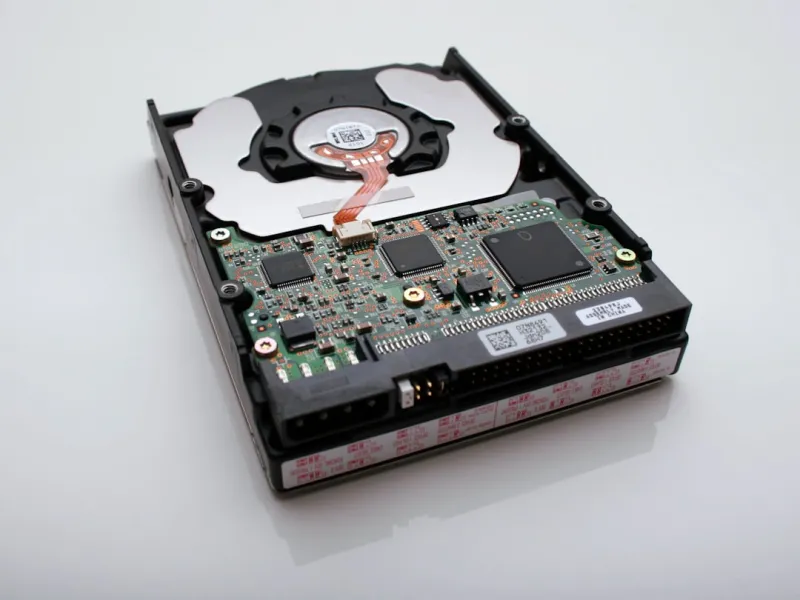
Choosing between a 2.5‑inch and 3.5‑inch drive isn’t just about physical size; it’s about aligning spin speed, cache, and power consumption with your workflow. A 7200 RPM 3.5‑inch HDD typically offers 256 MB of cache and delivers sequential read speeds of up to 250 MB/s—ideal for feeding data into AI‑accelerated pipelines without creating a bottleneck. In contrast, a 5400 RPM 2.5‑inch drive consumes less power and generates less heat, making it suitable for portable workstations or laptops where battery life is paramount. When configuring a high‑performance desktop, I often pair a fast NVMe boot drive with a spacious 12 TB 7200 RPM HDD, using the SSD for OS and apps while relegating bulk media and dataset storage to the HDD. This hybrid approach maximizes both speed and capacity while keeping the overall system cost in check.
Hard Drives Meet AI‑Powered Workstations
AI workloads are hungry for data, and that data often lives on HDDs before it’s ingested into GPU memory. In my recent build, I integrated a 20 TB enterprise‑grade HDD into an AI‑ready workstation, feeding raw image datasets directly from the drive into a TensorFlow pipeline. The result? A seamless flow that avoided the costly overhead of constantly moving terabytes of data onto SSDs. For those interested in the specifics of pairing storage with AI compute, check out AI‑Powered Workstations: What Every Power User Needs to Know. By leveraging the massive sequential throughput of modern HDDs, you can keep your SSDs free for model checkpoints and inference caches, extending their lifespan and preserving their performance edge.
Data Integrity, SMART Monitoring, and Security Considerations
Hard drives today come equipped with a suite of self‑diagnostic tools known collectively as SMART (Self‑Monitoring, Analysis, and Reporting Technology). These sensors track temperature, spin‑up time, reallocated sector count, and more, allowing you to predict failures before they happen. I recommend setting up automated alerts—using tools like CrystalDiskInfo on Windows or smartmontools on Linux—to notify you when a drive’s health dips below a critical threshold. Additionally, many manufacturers now ship drives with built‑in hardware encryption (TCG Opal), giving you the option to encrypt data at rest without sacrificing performance. When handling sensitive datasets, enable full‑disk encryption and pair it with a robust backup strategy that includes both on‑site HDD mirrors and off‑site cloud snapshots.
Best Practices for Maintaining Peak HDD Performance
Even the most robust hard drives can suffer from degraded performance if neglected. Regular defragmentation—especially for drives that store large, contiguous files like video archives—helps maintain optimal read/write speeds. However, avoid excessive defragmentation on SMR drives, as their overlapping tracks can cause unnecessary write amplification. Physical placement matters too: mount HDDs on vibration‑dampening brackets and ensure adequate airflow to keep temperatures under 40 °C. For power users juggling frequent firmware updates, the guide How Power Users Can Master the Critical Tech Updates of 2026 offers a step‑by‑step checklist to keep your drives and associated controllers up to date without downtime.
Looking Ahead: HAMR, SMR, and the Future of Magnetic Storage
The next frontier for magnetic storage lies in heat‑assisted magnetic recording (HAMR) and continued refinements to shingled magnetic recording (SMR). HAMR uses a tiny laser to momentarily heat the recording surface, allowing data to be written at densities previously thought unattainable. Early 2026 prototypes from leading OEMs claim up to 30 TB per 3.5‑inch platter, with projected consumer releases slated for 2028. Meanwhile, SMR continues to mature, offering higher capacities for archival tiers while mitigating write‑penalty concerns through intelligent caching algorithms. As these technologies mature, expect the cost per gigabyte to drop even further, reinforcing the hard drive’s role as the go‑to solution for massive, cost‑sensitive storage pools.
Putting It All Together: Building a Resilient Storage Strategy
In the end, a well‑rounded storage ecosystem leverages the strengths of each medium. Use NVMe SSDs for latency‑critical workloads, SATA SSDs for fast application loading, and HDDs for bulk, long‑term storage. By aligning drive selection with workload characteristics, you not only optimize performance but also extend the lifespan of your high‑end components. If you’re ready to future‑proof your AI‑ready power‑user PC, explore the detailed roadmap in Future‑Proof Your AI‑Ready Power‑User PC in 2026. Embrace the synergy between flash and magnetic storage, and you’ll have a system that scales gracefully as data volumes explode—without breaking the bank.