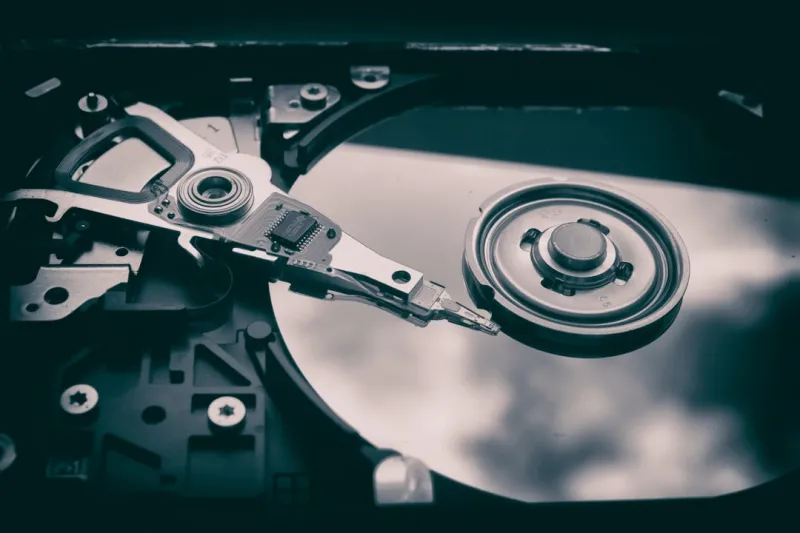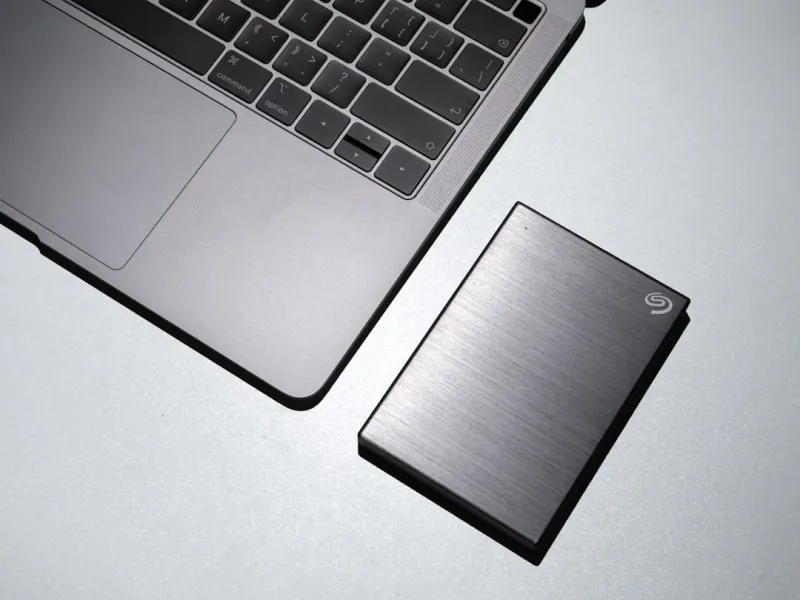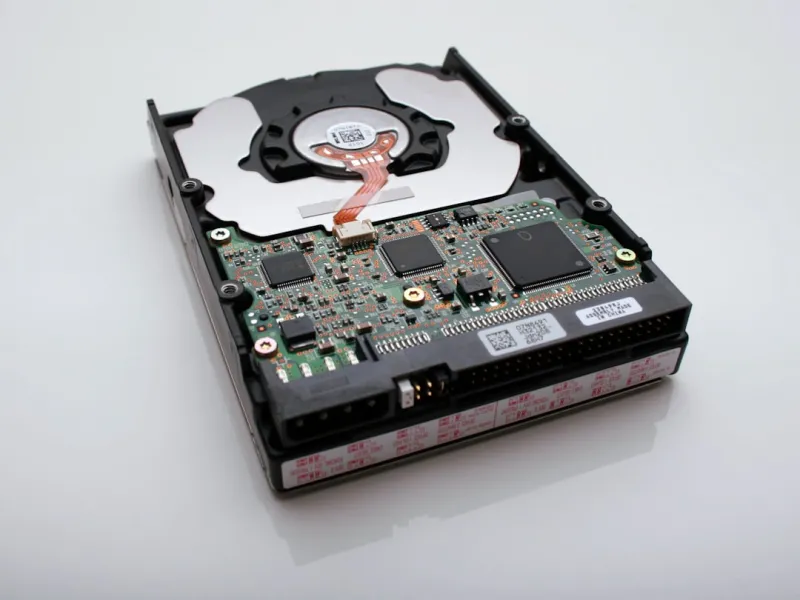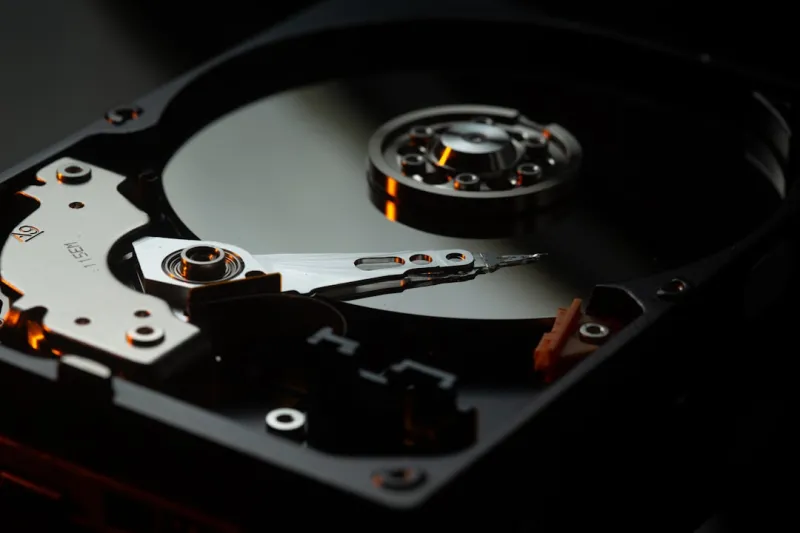
When you hear the word “hard drive” in 2026, the first thing that comes to mind is often “old tech” or “something you’re supposed to replace with an SSD.” As a power‑user who’s built rigs from the ground up, I’ve learned that dismissing traditional HDDs outright is a mistake, especially when you factor in sheer capacity, cost per gigabyte, and the unique role they play in a balanced storage ecosystem. The market this year is flooded with 20‑TB and even 30‑TB 3.5‑inch drives that can sit quietly in a NAS or a desktop, offering petabyte‑scale archives without breaking the bank. While NVMe flash blazes ahead in raw speed, the economics of storing massive video libraries, scientific datasets, and game archives still tip the scales in favor of spinning media. In this post, I’ll walk you through why hard drives remain a cornerstone for power users, how to select the right model for your workload, and the best practices to keep them humming reliably for years to come.
SSD vs. HDD: Understanding the Real Cost of Capacity
Let’s cut through the hype: a 4‑TB NVMe SSD can cost upwards of $500, while a 16‑TB 7200 RPM HDD sits at a fraction of that price, often under $200. For power users who juggle multiple projects—whether it’s 4K video editing, large‑scale AI model training, or deep‑learning datasets—the storage budget can balloon quickly. The key is to allocate speed where it matters (OS, apps, active project files) and stash bulk data on a high‑capacity HDD. This hybrid approach lets you keep your workflow snappy without sacrificing storage space. In fact, pairing a fast SSD with a reliable HDD mirrors the strategy outlined in AI Computing Trends Every Power User Must Master, where tiered storage is essential for handling massive model checkpoints without throttling performance.
Choosing the Right Form Factor for Power Users
The classic 3.5‑inch drive remains the workhorse for desktop builds, but 2.5‑inch and even 2.5‑inch “ultra‑thin” variants have carved out a niche in compact workstations and external enclosures. When selecting a drive, consider your chassis space, cooling capacity, and the interface—most modern HDDs still rely on SATA III, delivering up to 6 Gb/s, which is more than adequate for sequential reads/writes of large media files. If you’re building a rack‑mount NAS for a small team, the 2.5‑inch drives’ lower power draw and heat output can translate into quieter operation and reduced energy costs. Remember, the form factor also influences vibration management; larger platters can be more prone to wobble, so invest in sturdy mounting brackets or vibration‑dampening screws to preserve longevity.
Performance Myths and Real‑World Benchmarks
Many power users assume that an HDD’s 150‑MB/s ceiling makes it useless for any serious work. In practice, the real bottleneck often lies elsewhere: network latency, CPU throttling, or software inefficiencies. Benchmarks from 2026 show that streaming a 4‑K video from a 10‑TB drive to an SSD‑based editing suite can sustain 120‑MB/s without stutter, thanks to intelligent caching and OS-level prefetching. Moreover, the sequential read/write advantage of a high‑rpm drive shines when moving massive backups or cloning entire partitions. If you’re skeptical, try a simple dd if=/dev/zero of=/mnt/hdd/test bs=1M count=10240 oflag=direct test; you’ll likely see numbers that debunk the myth that HDDs are inherently “slow.” Pairing this data with the insights from Future‑Proof Your Development Workflow: Strategies for 2026 Power Users can help you allocate tasks to the appropriate storage tier.
Data Integrity, Encryption, and Longevity
One of the biggest concerns with spinning media is data degradation over time. Modern HDDs employ technologies like Self‑Encrypting Drives (SEDs) and Advanced Format (AF) sectors to improve reliability and security. Enable hardware‑based encryption in the BIOS to protect sensitive data without the performance hit of software solutions. Additionally, look for drives that support SMART monitoring with extended error reporting; this gives you early warning signs of impending failure. For long‑term archival, consider storing data in multiple drives with RAID‑1 or RAID‑5 configurations, but remember that RAID is not a backup—it’s a redundancy layer. Pair RAID with an off‑site or cloud backup to protect against catastrophic events.
Future‑Proofing Storage: Hybrid Solutions and Emerging Tech
While pure HDDs still dominate the high‑capacity market, the future points toward hybrid solutions that blend flash caching with magnetic storage. Some 2026 models incorporate a small NVMe cache on the drive controller, dramatically reducing latency for frequently accessed files while retaining massive capacity. These “SSHD” drives can be a sweet spot for users who need quick access to commonly used assets without splurging on a full‑size NVMe. Keep an eye on upcoming technologies like HAMR (Heat‑Assisted Magnetic Recording) and MAMR (Microwave‑Assisted Magnetic Recording), which promise even higher densities without sacrificing durability. Investing in a drive that supports these emerging standards can extend the usable life of your storage stack for years.
Best Practices for Installation and Maintenance
Installation may seem straightforward, but a few nuances can make a world of difference. Always mount the drive on a vibration‑isolated bracket and ensure your power supply provides clean, stable voltage—fluctuations can cause head‑parking errors over time. After installation, run a full SMART scan using tools like CrystalDiskInfo or the built‑in Windows “wmic” command to verify health. Schedule regular defragmentation for large, rarely‑changed files; this keeps read heads moving efficiently and can improve performance by up to 15 % in some scenarios. Dust is the silent killer—clean your case filters monthly, and consider using a low‑profile fan to maintain optimal airflow over the drive bays.
Backing Up Like a Pro: Multi‑Layer Strategies
A robust backup strategy for power users involves three layers: local fast backup (SSD), local high‑capacity backup (HDD), and off‑site/cloud backup. Use software like Macrium Reflect to clone your OS drive nightly onto a secondary SSD, then schedule weekly incremental backups of your project folders to a dedicated 12‑TB HDD. For the third layer, leverage a reputable cloud provider with versioning and lifecycle policies to keep a copy of critical data. This “3‑2‑1” rule—three copies, two different media, one off‑site—minimizes risk from drive failure, ransomware, or physical damage. The peace of mind this provides is worth the modest time investment each week.
How Hard Drives Fit Into an AI‑Powered Workflow
In 2026, AI workloads dominate the power‑user landscape, and storage decisions directly impact model training times and inference latency. While the training data itself—often terabytes of images, audio, or text—resides comfortably on high‑capacity HDDs, the active dataset cache lives on NVMe drives. This tiered approach mirrors the pattern described in Unlocking AI Power: A 2026 Guide for the Modern Power User, where you preload batches from the HDD into RAM via a fast SSD buffer, reducing I/O stalls. Additionally, many AI pipelines now support “lazy loading” from HDDs, allowing you to keep the full dataset on a single 20‑TB drive without overwhelming your system’s memory. Understanding this workflow lets you size your HDDs appropriately, balancing cost with the massive storage demands of modern AI projects.
Final Takeaways and Upgrade Checklist
Hard drives aren’t relics; they’re strategic assets in a power‑user’s toolkit. To recap: prioritize capacity‑to‑cost ratio, choose the correct form factor, leverage hybrid drives for speed‑critical caches, and enforce rigorous health monitoring. Pair your HDDs with SSDs for a tiered storage architecture, and never skip the three‑layer backup strategy. As you plan your next build or upgrade, keep this checklist in mind:
- Identify primary workloads that need speed vs. capacity.
- Select a high‑rpm, high‑capacity HDD with SED support.
- Implement vibration‑damping mounts and clean airflow.
- Configure SMART monitoring and schedule regular defrags.
- Integrate the drive into a 3‑2‑1 backup regimen.
By treating hard drives as a core component rather than an afterthought, you’ll future‑proof your rig, safeguard your data, and maintain the performance edge you need to stay ahead in the fast‑moving tech landscape of 2026.