
At Comp Doc Computers, we understand how frustrating it is when your technology lets you down. With more than 30 years of industry experience, Shawn is a certified Microsoft technician- and he has provided trusted IT solutions to countless local businesses and home users. We offer free over-the-phone consultations, so please feel free to give us a call today. Plus, we are proud to offer special discounts for seniors and students!
- Comp Doc Computers Serving Belleville & Quinte Region Since 2001

- Comp Doc Computers
- Belleville, Ontario
- 613-438-8127
- sales@CompDocComputers.com
- Mon - Sat 9.00 am - 5.00 pm
- Sunday CLOSED
Authors - Page 2

Shawn DesRochers
Shawn is passionate about computers and technology. He has been involved with computers since 1996 and has been helping people ever since. From his ea...
1362 posts
Website
Latest from Our Authors
 October 5, 2026
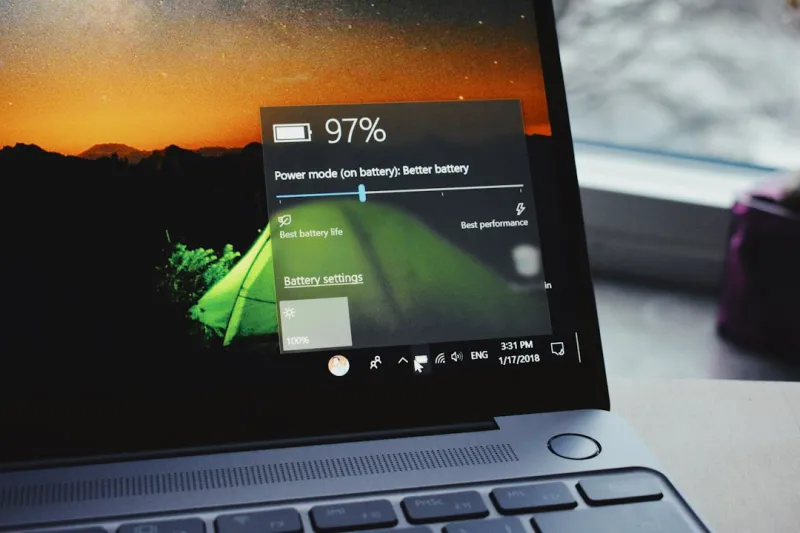
Unlock the Windows Tips Power Users Swear By
By ShawnA deep dive into practical Windows tweaks that enhance speed, privacy, and workflow for power users—learn how to master power settings, virtual desktops, and more.
Category: Windows Tips
Read "Unlock the Windows Tips Power Users Swear By"
 October 3, 2026
The Hidden War: How Modern Malware Is Evolving
By ShawnA deep dive into 2026’s evolving malware landscape, revealing AI threats, ransomware tactics, and essential security habits for power users.
Category: Viruses & Malware
Read "The Hidden War: How Modern Malware Is Evolving"
 October 2, 2026
Mastering macOS: Hidden Tools and Workflows Every Power User Needs
By ShawnExplore insider macOS shortcuts, automation, and security tactics that turn everyday tasks into lightning‑fast actions, keeping your Mac secure and ultra‑productive.
Category: Mac Tips
Read "Mastering macOS: Hidden Tools and Workflows Every Power User Needs"
 October 2, 2026
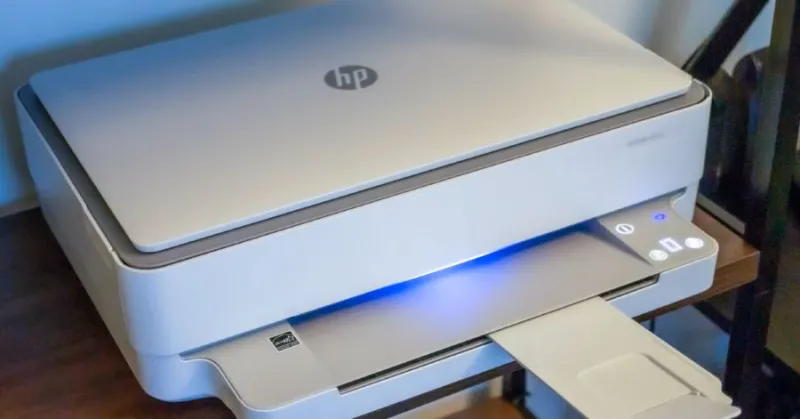
Why Your Printer Says Offline When It Isn’t
By ShawnYour printer is turned on, connected to Wi-Fi and appears to be working normally, yet Windows says offline when you try to print. This is a common printer problem, and it doesn't necessarily mean your printer is broken. The issue may be caused by a stuck print job, a network connection, Windows settings, a printer driver or communication problems between your computer and printer.
Category: Printer Tips
Read "Why Your Printer Says Offline When It Isn’t"
 October 1, 2026
Choosing the Right Operating System for Power Users
By ShawnA deep dive into the 2026 OS landscape, revealing hidden Windows tricks, macOS power‑user secrets, and the Linux resurgence to help you choose the perfect platform.
Category: Operating Systems
Read "Choosing the Right Operating System for Power Users"
 September 30, 2026
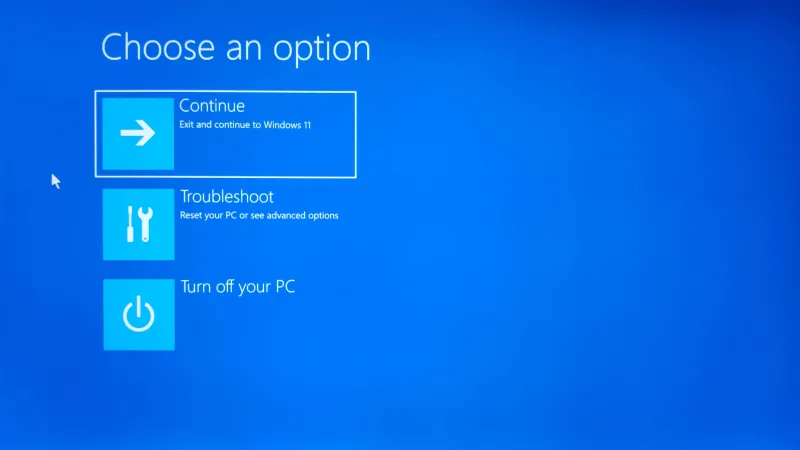
Automatic Repair Screen on a Laptop or Computer: What It Means and What to Do
By ShawnIf your laptop or desktop computer suddenly displays “Preparing Automatic Repair,” “Diagnosing your PC,” or “Automatic Repair couldn’t repair your PC,” it can be alarming. You may wonder whether your computer has lost your files or whether the hard drive has failed. The good news is that seeing the Automatic Repair screen does not automatically mean your computer is permanently damaged.
Category: Computer Blue Screen
Read "Automatic Repair Screen on a Laptop or Computer: What It Means and What to Do"
 September 28, 2026
Why Encryption Matters to Every Power User
By ShawnExplore how power users can master encryption, balance speed, manage keys, and stay ahead of emerging threats in a practical, future‑ready guide.
Category: Computer Encryption
Read "Why Encryption Matters to Every Power User"
 September 28, 2026
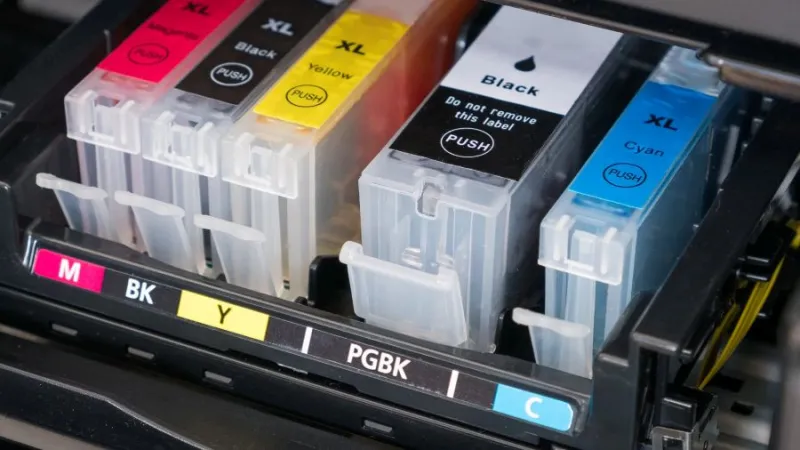
OEM vs Compatible Ink Cartridges: Why OEM Ink May Be Worth the Extra Cost
By ShawnWhen your printer needs a new ink cartridge, you will usually see two choices: an OEM cartridge made by the printer manufacturer or a compatible cartridge made by a third-party company. Compatible cartridges can be less expensive, but the lowest price does not necessarily make them the best choice for your printer.
Category: Printer Tips
Read "OEM vs Compatible Ink Cartridges: Why OEM Ink May Be Worth the Extra Cost"