Troubleshooting Memory Issues: A Comprehensive Guide to Resolving RAM-Related Problems
As a seasoned IT professional, I've encountered my fair share of frustrating computer issues. One of the most common and infuriating problems is faulty or malfunctioning memory (RAM). A faulty RAM module can cause a wide range of issues, from system crashes and freezes to data corruption and loss. In this article, we'll explore the world of troubleshooting memory issues, and I'll share my expertise on how to diagnose and resolve RAM-related problems. Whether you're a seasoned tech enthusiast or a beginner, this comprehensive guide will help you tackle even the most stubborn memory issues.
Understanding the Basics of RAM
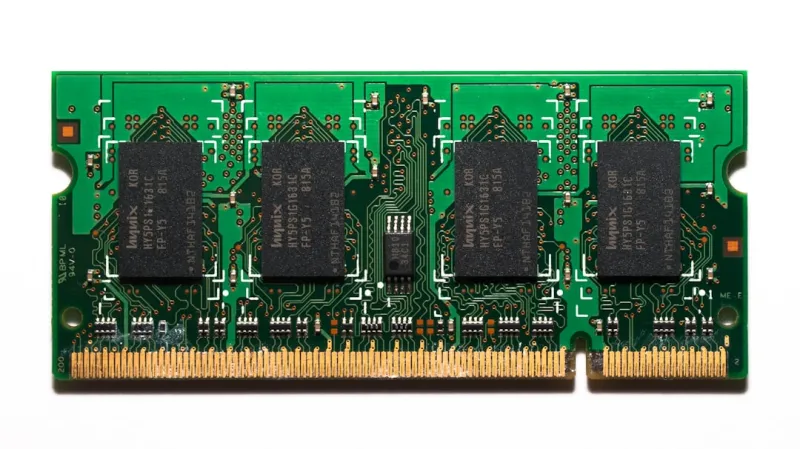
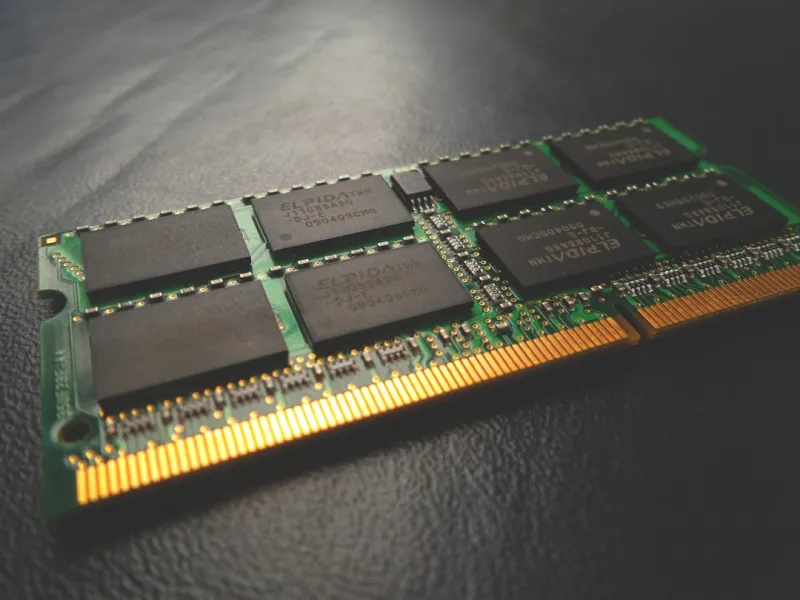
Before we dive into troubleshooting, let's take a brief look at how RAM works. RAM (Random Access Memory) is a type of computer storage that temporarily holds data and applications while your system is running. Unlike hard drives or solid-state drives, RAM is volatile, meaning that its contents are lost when the power is turned off. RAM plays a crucial role in determining your system's performance, and a faulty RAM module can have a significant impact on your computer's overall health.
When it comes to RAM, there are several factors to consider, including capacity, speed, and compatibility. Ensuring that your RAM is compatible with your system and meets your performance needs is essential. In my experience, I've seen many cases where a mismatch between RAM and system specifications has led to instability and errors.
Common Symptoms of Faulty RAM
So, how do you know if your RAM is faulty? Here are some common symptoms to look out for:
- Frequent system crashes or freezes
- Blue screens of death (BSODs)
- Data corruption or loss
- Random errors or warnings
- Inability to boot or restart
If you're experiencing any of these issues, it's essential to investigate further to determine if your RAM is the culprit. In some cases, a faulty RAM module can be a sign of a more significant problem, such as a failing motherboard or power supply.
Diagnosing RAM Issues
Diagnosing RAM issues can be a challenging task, but there are several tools and techniques that can help. Here are some steps to follow:
First, try running a memory diagnostic test using a tool like Windows Memory Diagnostic or MemTest86+. These tools can help identify issues with your RAM, such as faulty modules or incorrect configurations. You can also try swapping out your RAM modules to see if the problem persists.
In some cases, a hardware issue can be causing your RAM problems. For example, a faulty motherboard or power supply can cause RAM-related issues. If you're unsure about the cause of your RAM problems, it's always best to consult with a professional or seek guidance from a trusted online resource.
Resolving RAM Issues
Once you've identified the source of your RAM issues, it's time to take action. Here are some steps to follow:
First, try replacing the faulty RAM module. This can be a straightforward process, but ensure that you're using compatible RAM and following proper safety precautions. If you're not comfortable replacing the RAM yourself, consider consulting with a professional or seeking guidance from a trusted online resource.
In some cases, a software issue can be causing your RAM problems. For example, a buggy or outdated driver can cause RAM-related issues. Ensure that your drivers are up-to-date and consider running a virus scan to detect any malware.
Preventing Future RAM Issues
Prevention is the best medicine when it comes to RAM issues. Here are some tips to help prevent future problems:
First, ensure that you're using high-quality RAM that's compatible with your system. Avoid using cheap or counterfeit RAM, as it can be prone to failure. Regularly clean dust from your system and ensure that your RAM is properly seated.
Consider investing in a RAM cooling system to keep your RAM modules at a safe temperature. High temperatures can cause RAM to degrade over time, leading to issues and failures.
Conclusion
In conclusion, troubleshooting memory issues can be a challenging task, but with the right tools and techniques, you can diagnose and resolve RAM-related problems. By understanding the basics of RAM, identifying common symptoms, and following proper diagnostic and repair procedures, you can get your system up and running smoothly in no time. Remember to always prioritize prevention and take steps to protect your RAM and system from future issues.
As we look to the future of computing, it's clear that advances in technology will continue to shape the landscape of computer hardware and software. By staying informed and up-to-date on the latest trends and threats, you can ensure that your system remains secure and reliable for years to come.