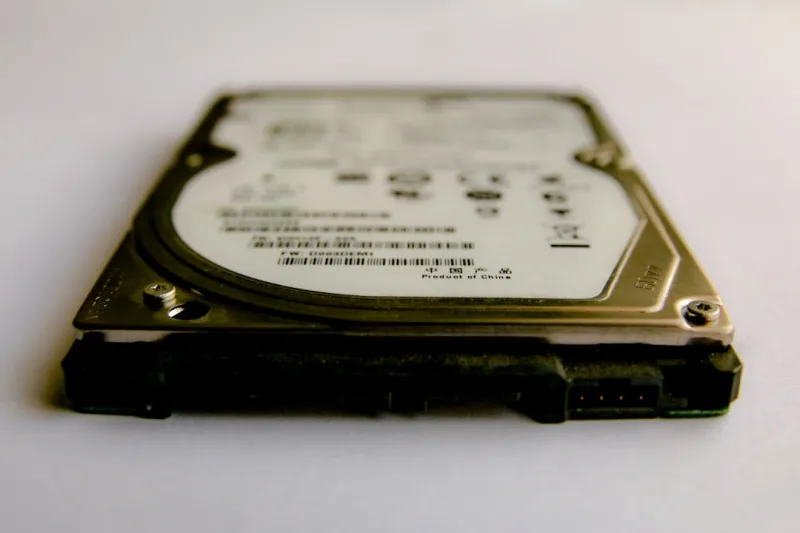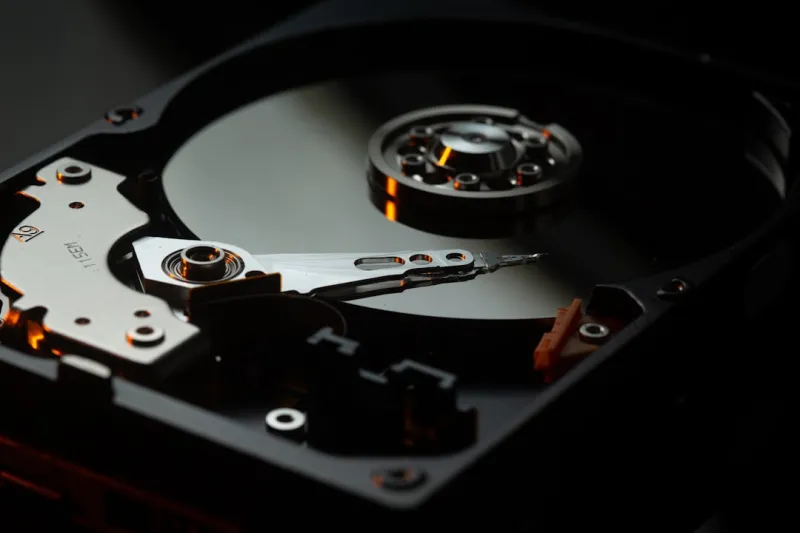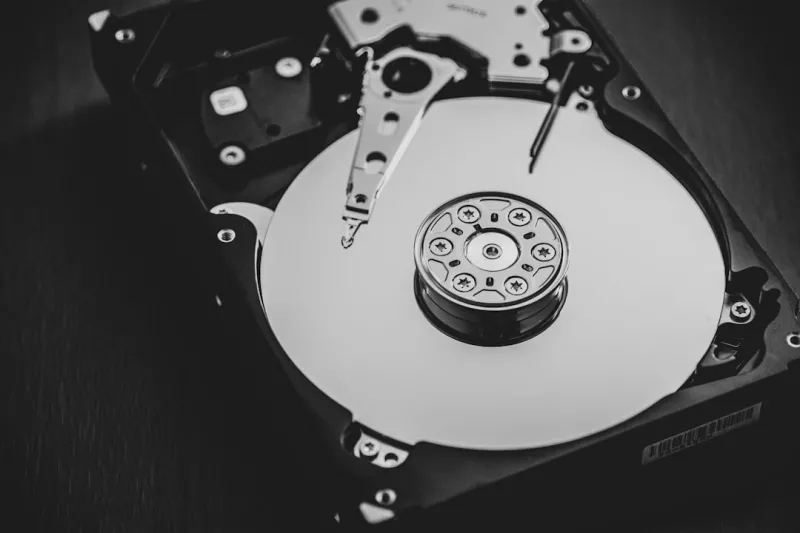
When you hear “hard drive,” many people picture the noisy, slow relics of a decade ago. As a power‑user who’s built everything from AI‑ready workstations to high‑octane gaming rigs, I’ve learned that the spinning disk isn’t dead—it’s quietly evolving, and in 2026 it’s reclaiming a spot alongside lightning‑fast NVMe SSDs. The surge in massive video files, multi‑terabyte databases, and AI model checkpoints has stretched SSD capacities to their limits, driving many pros back to the humble HDD for sheer volume and cost‑effectiveness. In this post I’ll walk you through why the modern hard drive remains a secret weapon, how it fits into a balanced storage hierarchy, and what you should consider when you plan your next upgrade.
The Evolution of Capacity and Cost in 2026
Hard drives have shed their “low‑capacity” stigma, with 20‑TB and 30‑TB models now commonplace and priced at a fraction of what a comparable SSD would cost per gigabyte. Thanks to advancements in shingled magnetic recording (SMR) and helium‑filled platters, manufacturers have pushed areal density without sacrificing reliability. For a power‑user juggling 4K video, 8K raw footage, and massive datasets, the economics are simple: a single 30‑TB HDD can hold the same amount of data that would require three or four high‑end SSDs, freeing up budget for faster caches or GPU upgrades. If you’re curious about why spinning storage still matters, check out Hard Drives in 2026: Why Power Users Still Need Massive Spinning Storage for a deep dive into capacity trends.
Performance Characteristics: When Speed Meets Scale
It’s easy to dismiss HDDs as “slow,” but the reality is more nuanced. Modern 7200 RPM drives deliver sequential read/write speeds of 200‑250 MB/s—fast enough for large media file transfers and backup windows that used to take hours. More importantly, their sustained throughput under heavy, continuous writes outperforms many consumer SSDs that suffer from throttling after the SLC cache fills. For workloads that involve streaming massive video libraries or feeding AI training pipelines with sequential data, the consistent performance of a well‑tuned HDD can actually reduce bottlenecks. Pairing a high‑capacity HDD with a PCIe 4.0 NVMe cache creates a hybrid storage tier: the SSD handles random I/O and OS tasks, while the HDD stores the bulk, delivering a sweet spot of speed and storage density.
Reliability and Data Integrity in the Age of AI
One of the biggest myths about spinning disks is that they’re inherently unreliable. In 2026, enterprise‑grade HDDs boast MTBF (mean time between failures) numbers exceeding 2 million hours, rivaling many SSDs. Features like SMART monitoring, error‑correcting codes (ECC), and built-in vibration sensors have become standard even on consumer models. For AI researchers, data corruption can mean hours of lost training time, so the predictability of an HDD’s error handling is a comforting safety net. Moreover, the physical separation of data on platters reduces wear‑leveling concerns that plague SSDs after countless write cycles. When you need to archive terabytes of model checkpoints, the confidence that a hard drive will retain data without degradation for years is priceless.
Use‑Case Spotlight: Video Production and Large‑Scale Media Archives
Video editors often cite storage cost as the biggest hurdle. A single 8K RAW clip can easily exceed 200 GB; a feature‑length project can quickly balloon to several terabytes. In my own studio, I rely on a RAID‑6 array of 20‑TB HDDs to store raw footage, while the edit suite runs off a blazing NVMe SSD for real‑time playback. This separation ensures that the editing experience remains buttery‑smooth, while the HDD array provides a cheap, redundant vault for archival. The same principle applies to photographers and podcasters who need to keep raw files, logs, and backups without breaking the bank. By leveraging the massive capacity of modern hard drives, you can maintain a scalable media library that grows with your creative ambitions.
Security, Encryption, and Compliance Considerations
Data security is non‑negotiable for power‑users handling sensitive client information or proprietary research. While SSDs often tout built‑in hardware encryption, many HDDs now support Opal 2.0 self‑encrypting drive (SED) standards, allowing you to encrypt entire volumes without performance penalties. Pair this with the best practices outlined in Encrypt Everything: A Power‑User’s Playbook for 2026, and you can lock down massive datasets without sacrificing accessibility. Additionally, the longer lifespan of HDDs makes them ideal for long‑term compliance storage, where audit trails require data to be retained unchanged for years. Remember to enable secure erase and regularly rotate encryption keys to stay ahead of modern threats.
Future‑Proofing Your Storage Strategy
Looking ahead, the best storage strategy is layered. A well‑balanced system will feature a lightning‑fast NVMe cache, a solid‑state secondary drive for OS and applications, and a high‑capacity HDD tier for bulk data. This approach not only maximizes performance but also safeguards your investment against rapid technological shifts. For a deeper exploration of how to future‑proof your build, see Future‑Proofing Your Power‑User PC: Hardware Strategies That Actually Work. By planning for modular upgrades—such as swapping in newer NVMe standards or expanding your HDD array—you ensure that your workstation remains relevant for years, even as storage densities continue to climb.
Choosing the Right Hard Drive for Your Needs
Not all HDDs are created equal. If you’re building an AI workstation that writes massive datasets continuously, look for drives with CMR (conventional magnetic recording) rather than SMR, as CMR handles random writes more gracefully. For archival purposes where write‑once, read‑many (WORM) behavior is acceptable, SMR drives offer higher density at a lower cost. Also consider the interface: SATA‑III still dominates the consumer market, but SAS (Serial Attached SCSI) offers higher reliability and dual‑port redundancy for mission‑critical environments. Finally, factor in warranty length—enterprise‑grade models often come with five‑year warranties, a testament to their durability. By matching drive specifications to your workload, you’ll extract the maximum value from each terabyte.
Conclusion: Embrace the Spinning Disk as a Strategic Asset
In 2026, the hard drive is no longer a relic—it’s a strategic asset that complements the speed of SSDs and the flexibility of cloud storage. Whether you’re editing cinematic footage, training massive AI models, or simply looking to archive years of data affordably, the modern HDD offers a compelling mix of capacity, cost, and reliability. By integrating it thoughtfully into a tiered storage architecture, you can future‑proof your workstation, stay compliant, and keep performance humming. So next time you plan a build, don’t write off the spinning disk; instead, let it power the backbone of your data‑intensive workflows.