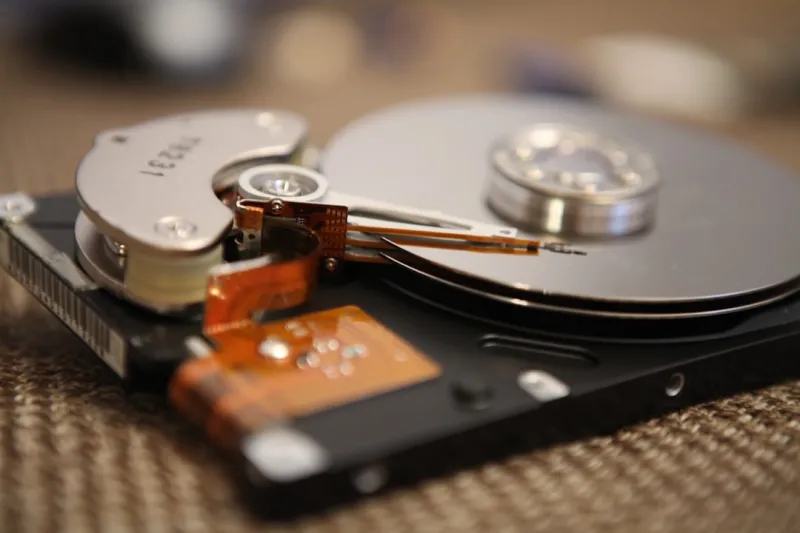
When I first cracked open my old tower back in the late‑2010s, the humming of a 7200 RPM platter was almost as comforting as the click of a mechanical keyboard. Fast‑forward to 2026, and the conversation around storage is dominated by flash‑driven brag‑rights, yet I still find myself reaching for a classic hard‑drive when the job calls for raw capacity, cost‑efficiency, and a touch of nostalgia. My workflow as a power‑user—juggling 4K video edits, massive game libraries, and nightly backups—has taught me that the “old school” isn’t obsolete; it’s a strategic layer in a modern build. In this post, I’ll walk you through the reasons a spinning disk still earns a place on the bench, how to pick the right model for a power‑user’s arsenal, and what to expect from HDD innovation as we move deeper into the decade. If you’ve ever felt torn between the flash‑fast allure of NVMe and the pragmatic bulk of a hard drive, stick around; the answer isn’t a binary choice but a nuanced blend.
Why Hard Drives Still Matter for Power‑Users in 2026
Even as NVMe SSDs shave microseconds off load times, the economics of storage haven’t shifted enough to make HDDs irrelevant. A single terabyte of SATA‑based flash can still cost upwards of $90, whereas a comparable hard‑drive platter offers the same capacity for under $30—a difference that adds up when you’re archiving terabytes of 4K footage or maintaining a massive game library. Moreover, the longevity of a well‑maintained drive can outlast many early‑generation SSDs, which suffer from write‑wear cycles that accelerate under heavy write workloads. In 2026, the “write‑amplification” myth is largely debunked for SSDs, yet the reality remains that constant video rendering, VM snapshots, and large‑scale data logging still favor the endurance profile of a mechanical drive. If you’ve ever wondered why the community still talks about HDDs, check out Why Hard Drives Still Matter for Power‑Users for a deeper dive into the strategic advantages that keep spinning media in the conversation.
Capacity isn’t just about storing more; it’s about the freedom to experiment without constantly pruning. When I’m testing a new GPU driver across multiple benchmark suites, I need a sandbox that can hold several terabytes of raw data, logs, and screenshots simultaneously. A high‑capacity HDD provides that buffer, allowing me to keep raw output untouched for post‑analysis while the primary SSD handles the OS and active project files. This separation not only streamlines workflow but also isolates potential data corruption—if an SSD hiccups under heavy write pressure, my archival data on the HDD remains pristine. The cost‑per‑gigabyte advantage also means you can maintain a “cold storage” tier for older projects, keeping your primary SSD lean and snappy. The strategic layering of storage tiers is a hallmark of power‑user methodology, and hard drives are the backbone of that tiered approach.
Choosing the Perfect HDD for Power‑User Performance
Picking the right hard drive isn’t a one‑size‑fits‑all exercise; it’s about matching spindle speed, cache size, and interface to the demands of your workload. For most power‑users, a 7200 RPM drive strikes the sweet spot between performance and reliability. While 10 K and 15 K RPM drives exist, they’re often overkill for consumer‑grade hardware and can introduce unnecessary heat and power draw. Look for drives that advertise at least 256 MB of onboard cache—this acts as a high‑speed buffer for read‑ahead and write‑back operations, shaving seconds off large file transfers. SATA III remains the dominant interface for HDDs in 2026, delivering up to 6 Gb/s, which is ample for sequential workloads like media ingestion. If you need more bandwidth, some newer models support SATA Express or even a hybrid SATA‑PCIe bridge, but those are niche. For a comprehensive checklist, see Hard Drive Essentials Every Power User Should Know, which walks through the specs that matter most when you’re building a machine that won’t quit on you.
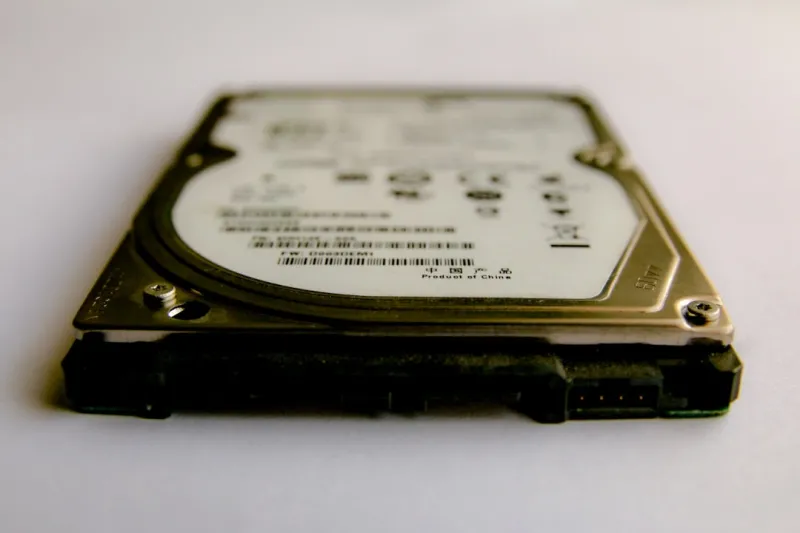
Form factor is another often‑overlooked variable. While 3.5‑inch bays dominate desktop chassis, the rise of compact high‑performance builds has spurred a resurgence in 2.5‑inch high‑capacity drives. The smaller form factor reduces the overall weight and can improve airflow within cramped cases—a subtle but measurable benefit for thermally constrained builds. When pairing a new HDD with a modern motherboard, verify that the SATA ports support “hot‑swap” if you plan to rotate drives for backup or testing. Some high‑end boards also feature “power‑management” settings that allow you to spin down idle drives, extending their lifespan and shaving a few watts off your system’s draw. Don’t forget to enable “AHCI” mode in the BIOS; while it’s the default for SSDs, it also unlocks NCQ (Native Command Queuing) for HDDs, improving multi‑threaded read/write efficiency during heavy workloads.
Reliability metrics such as MTBF (Mean Time Between Failures) and TBW (Terabytes Written) still hold relevance for hard drives, albeit differently than for SSDs. A good quality 7200 RPM drive typically boasts an MTBF of 1.2 million hours, but real‑world performance is better gauged through warranty length and user reviews. In my own builds, I lean toward drives offering at least a five‑year warranty, as manufacturers are confident in the durability of their platters and bearings. Pair that with a regular SMART‑monitoring routine—set up alerts for re‑allocated sector counts, spin‑retry errors, and temperature spikes—and you have a proactive health check that catches issues before they become catastrophic data loss events.
Future‑Proofing Your Storage Strategy
Looking ahead, the hard‑drive market isn’t stagnating; it’s evolving in ways that complement flash storage rather than compete with it. Emerging technologies like Shingled Magnetic Recording (SMR) and Helium‑filled enclosures are pushing areal densities beyond 2 TB per platter, meaning you can now pack 20 TB+ into a single 3.5‑inch bay without a proportional increase in power consumption. For power‑users who need massive archival capacity—think scientific datasets or raw footage from multiple cameras—these high‑density drives offer a cost‑effective alternative to expensive enterprise‑grade SSDs. Additionally, the growing adoption of “Hybrid” drives that combine a small NAND cache with a traditional platter is blurring the line between speed and capacity, delivering near‑SSD performance for frequently accessed data while still providing the bulk storage of a HDD.
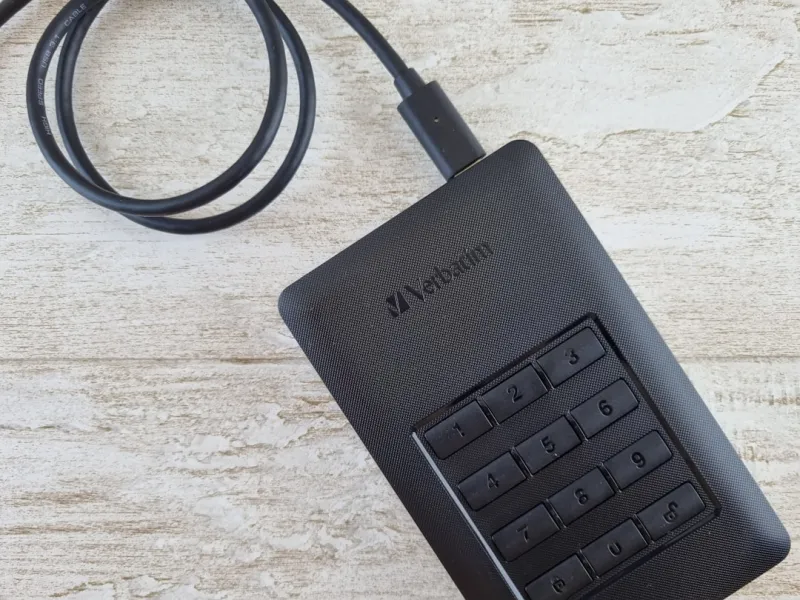
Security remains a top concern, especially when dealing with sensitive data on a device that’s physically accessible. Modern HDDs now support self‑encrypting drive (SED) standards, allowing you to lock the entire platter with a single AES‑256 key. While I still prefer to layer software encryption on top of hardware features for defense‑in‑depth, the built‑in encryption simplifies compliance for teams that need to meet strict data‑protection regulations. If you’re interested in a practical guide to securing your storage, the “Encrypt Like a Power User” series offers step‑by‑step instructions tailored to the 2026 threat landscape.
Finally, integrating your HDD into a broader upgrade strategy is where the real magic happens. The Ultimate PC Upgrade Playbook for Power Users walks through how to balance SSD speed, HDD capacity, and RAM bandwidth in a cohesive system that scales with your needs. By treating your storage as a modular component—easy to swap, hot‑plug, and expand—you future‑proof your rig against the inevitable march of software demands. Keep an eye on emerging PCIe‑based “storage accelerators” that can offload compression and deduplication tasks, further extending the life of your existing HDDs. In short, the hard drive isn’t a relic; it’s a versatile, evolving piece of the power‑user toolbox that, when chosen wisely, can keep your system fast, affordable, and ready for whatever data‑heavy challenges 2026 throws your way.