
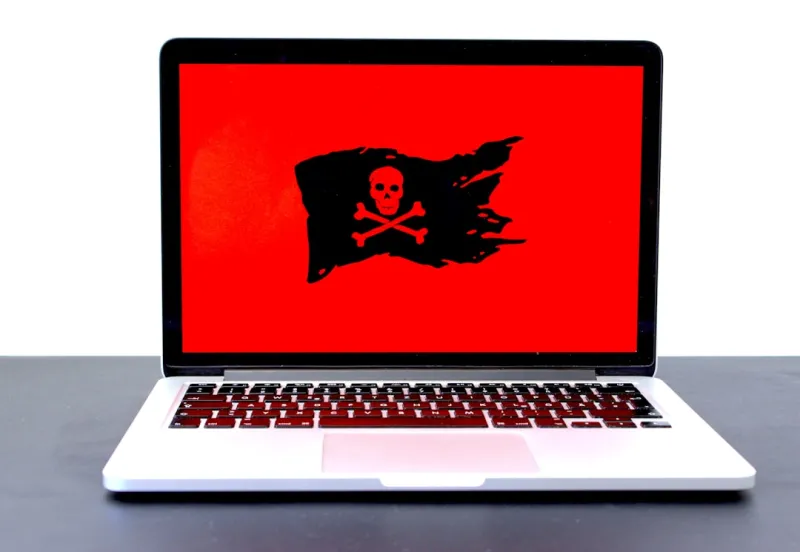
When I first logged onto a forum in early 2026 and saw a thread titled “My PC turned into a botnet overnight,” I felt a familiar mix of dread and fascination. The cyber‑crime ecosystem has always been a moving target, but this year we’re witnessing a convergence of AI, supply‑chain compromises, and hyper‑targeted ransomware that feels more like a coordinated military operation than a lone hacker’s prank. For power users who treat their rigs as both workhorse and playground, the stakes have never been higher. Every new firmware update, every third‑party plugin, and even a seemingly innocuous script can become the entry point for a sophisticated payload. In this post, I’ll walk you through the trends that are reshaping the malware battlefield in 2026, explain why the old “install an AV and forget it” mindset is dead, and share a playbook that lets you stay ahead without sacrificing performance or the joy of tinkering.
The Evolving Threat Landscape in 2026
First, let’s talk about the rise of AI‑driven malware. In the past, attackers relied on static code signatures and manual social engineering. Today, generative models can craft polymorphic payloads on the fly, adapting their behavior to evade heuristics the moment they encounter a new endpoint. This isn’t sci‑fi hype; we’ve seen dozens of ransomware families leveraging GPT‑style engines to generate unique encryption keys and ransom notes for each victim, making decryption tools virtually obsolete overnight. The speed at which these AI bots can scan a network, enumerate credentials, and propagate laterally is staggering. For a power user who often runs multiple VMs, containers, and experimental builds, a single compromised sandbox can become the launchpad for a full‑scale infection that spreads across your home lab, external storage, and even cloud sync services.
Supply‑chain attacks have also entered a new phase. The infamous “SolarWinds” breach felt like a distant memory, but in 2026 the attack surface has expanded to include firmware updates for GPUs, SSD firmware, and even BIOS flashing utilities. Malicious actors now embed backdoors directly into the code that powers our most trusted hardware, turning a routine driver install into a Trojan horse. Because these components are signed and often auto‑updated, the infection can happen silently, without any user interaction. The fallout is especially painful for power users who demand bleeding‑edge performance; a compromised driver can corrupt benchmarks, cause data loss, and even brick a motherboard before you realize something’s wrong.
Another trend that’s gaining momentum is “ransomware as a service” (RaaS) platforms that cater specifically to niche communities like gamers, content creators, and hardware modders. These services provide plug‑and‑play ransomware kits that can be tailored to encrypt high‑value assets such as 4K video footage, 3D rendering caches, and massive game libraries. The business model is simple: a low subscription fee for the attacker, and a cut of the ransom for the affiliate who distributes the payload. Because the ransomware is designed to target the very data that power users cherish, the emotional impact—and the willingness to pay—are dramatically higher than with generic corporate attacks.
Why Power Users Must Rethink Their Security Playbook
Given this heightened threat environment, the old playbook—installing a consumer‑grade antivirus, enabling Windows Defender, and hoping for the best—is no longer sufficient. In my own workflow, I’ve adopted a layered defense strategy that treats each component of my system as a potential attack surface. This mindset is exactly what the article Why Modern Power Users Must Rethink Their Computer Security Playbook champions: a shift from reactive to proactive security. Think of your PC as a fortress where the walls, moat, and guards are all configurable. You need to harden the BIOS, enforce signed boot, and employ hardware‑based root of trust, while also ensuring your software stack is up‑to‑date and monitored for anomalous behavior.
One of the most effective changes you can make is moving to a zero‑trust architecture even on a single‑machine setup. This means never assuming that any process, driver, or script is trustworthy by default. Tools like Windows Sandbox, Qubes‑OS‑style compartmentalization, and container runtimes allow you to isolate risky activities—such as testing a new mod manager or running unverified binaries—away from your primary environment. Combine that with strict application whitelisting and multi‑factor authentication for any remote access, and you drastically reduce the attack surface. Remember, the goal isn’t to lock yourself out of experimentation, but to make it so that a compromised experiment can’t reach the rest of your system.
Another pillar of the new playbook is visibility. Traditional AV solutions give you a binary “clean” or “infected” status, but modern threats require continuous telemetry. Endpoint Detection and Response (EDR) platforms now offer real‑time process trees, memory analysis, and behavior‑based alerts that can spot an AI‑generated payload before it finishes encrypting your data. While some EDR tools are enterprise‑grade, there are community‑driven options that integrate well with the power‑user workflow and can be customized with scripts that log every driver load event—a habit I picked up after a near‑miss with a rogue GPU firmware update.
Practical Defense Tactics for 2026
Now that we’ve covered the why, let’s dive into the how. First, stay on top of Critical Tech Updates Power Users Can’t Afford to Miss. In 2026, firmware patches are released almost weekly, and many of them address zero‑day exploits that could otherwise be weaponized by ransomware. Automate the update process where possible, but also verify signatures manually for high‑value components like SSD controllers and GPU BIOS. A simple script that checks the vendor’s hash against the installed version can save you from a cascade of failures later on.
Second, adopt an immutable backup strategy. Traditional backup solutions that allow overwriting can be hijacked by ransomware to encrypt your snapshots as well. Instead, use a combination of WORM (Write Once Read Many) storage for critical archives and versioned cloud backups that retain historical points. For power users with large media libraries, a hybrid approach—local NVMe for fast access and an off‑site, immutable object store for long‑term protection—offers the best of both worlds. Test your restores regularly; a backup that you can’t restore is no better than no backup at all.
Third, leverage the built‑in security features of Windows, which remains the dominant platform for power users. The article Why Windows Remains the Ultimate Playground for Power Users highlights how features like Controlled Folder Access, Exploit Guard, and Hyper‑V isolation can be fine‑tuned for a balance between security and performance. Enable Controlled Folder Access on directories that hold your source code, render caches, and game saves to prevent ransomware from encrypting them outright. Pair this with Exploit Guard’s mitigation policies to block suspicious memory injections that AI‑driven malware often relies on.
Finally, cultivate a habit of “security hygiene drills.” Just as you might benchmark a new GPU, schedule monthly exercises where you simulate a breach: run a known test malware sample in a sandbox, observe how your detection tools respond, and practice restoring from your immutable backups. These drills not only validate your defenses but also keep you mentally prepared for a real incident. Over time, you’ll develop a reflexive checklist that you can run in seconds—something every power user needs when juggling multiple projects, deadlines, and late‑night coding sessions.
In closing, the malware landscape of 2026 is more sophisticated, faster, and more personalized than ever before. But with the right mindset—one that treats security as an integral part of the power‑user workflow rather than an afterthought—you can continue to push the limits of your hardware without living in fear of a silent infection. Stay curious, stay vigilant, and don’t forget to back up your masterpieces in a way ransomware can’t touch. If you found this guide helpful, check out the other deep‑dive posts linked throughout—there’s always more to learn in the ever‑evolving world of tech.




