When I first started tinkering with motherboards a decade ago, the biggest decision was whether to go with an Intel or AMD platform. Fast forward to 2026, and the landscape has exploded into a multidimensional puzzle where chipset features, power delivery, and even on‑board AI co‑processors dictate whether your rig can keep up with the latest generative AI tools, real‑time ray tracing, and massive data pipelines. The motherboard is no longer a passive foundation; it’s the nervous system that synchronizes CPU, GPU, memory, and storage into a cohesive whole. That’s why I spend as much time researching board layouts, VRM topologies, and firmware updates as I do benchmarking GPUs. In this article, I’ll walk you through the key considerations that make a motherboard truly future‑ready, how to match it to your power‑user workflows, and why neglecting these details can bottleneck even the most expensive CPUs and GPUs.
Why Motherboards Matter More Than Ever
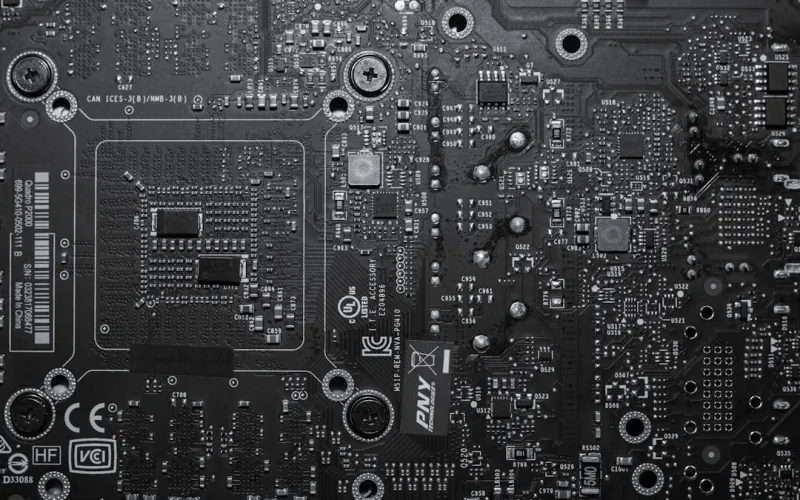
In 2026, the phrase “motherboard is just a board” has become an outdated myth. Modern boards are equipped with integrated AI accelerators, high‑speed networking, and advanced security modules that offload workloads from the CPU. For power users who run multiple virtual machines, train machine‑learning models, or edit 8K footage, the latency and bandwidth between components can be the difference between a smooth workflow and constant stutters. A robust PCB layout with optimized trace routing reduces signal interference, while high‑density power phases ensure stable delivery to overclocked CPUs and multi‑GPU configurations. Moreover, the shift toward PCIe 6.0 and DDR5/DDR6 memory demands motherboards that can handle terabytes per second of data flow without throttling. Ignoring these advancements means you’ll be stuck on a legacy platform that can’t keep pace with the rapid evolution of software tools that power‑users rely on daily.
Choosing the Right Chipset for AI‑Heavy Workloads
The chipset is the unsung hero that orchestrates communication between the CPU, GPU, storage, and peripheral devices. In 2026, Intel’s Z‑790 and AMD’s X670E chipsets have introduced dedicated AI inference engines, enabling on‑board processing of neural network tasks without taxing the main CPU cores. If your daily grind includes AI‑driven code assistants or real‑time object detection, you’ll want a board that supports these accelerators natively. Look for motherboards that advertise “AI‑Ready” or “Neural Compute” capabilities, as they often provide extra PCIe lanes and optimized firmware for low‑latency data transfers. Additionally, the chipset determines the number of USB 4.0 ports, Thunderbolt 4 support, and the ability to run dual‑channel or quad‑channel memory configurations—each of which can dramatically affect the throughput of AI pipelines and large data sets.
PCIe 6.0 and the New Bandwidth Race
PCIe 6.0 has finally become mainstream in 2026, delivering up to 64 GT/s per lane—double the bandwidth of PCIe 5.0 and four times that of PCIe 4.0. This leap is critical for users stacking multiple GPUs, high‑speed NVMe drives, and network interface cards (NICs) that demand relentless data streams. When selecting a motherboard, verify that the primary PCIe slots are wired for x16 @ PCIe 6.0, and that additional slots offer at least x8 @ PCIe 5.0 for secondary GPUs or storage expansions. Keep an eye on lane distribution; some boards sacrifice lane count for extra USB ports, which can be a hidden bottleneck. Also, consider the presence of M.2 slots that support PCIe 6.0, allowing you to install the next generation of ultra‑fast SSDs that can keep up with AI model training datasets without becoming a storage choke point.
Power Delivery: From 100W to 600W and Beyond
Power delivery has evolved from modest 100 W VRMs on budget boards to massive 600 W+ configurations on enthusiast models. In 2026, many power users run 3rd‑generation Intel Core i9 or AMD Ryzen 9 processors with boost clocks exceeding 5.5 GHz, paired with dual‑GPU setups that each draw over 350 W. A motherboard with a robust VRM design—featuring high‑quality MOSFETs, ample chokes, and a generous number of power phases—ensures stable voltage under heavy load and reduces the risk of thermal throttling. Look for boards that provide detailed VRM heat‑sink designs, integrated fan headers, and BIOS options for fine‑tuned voltage curves. A strong power delivery subsystem not only improves performance but also extends the lifespan of your CPU and GPUs by delivering clean, ripple‑free power.
Form Factors: ATX, E‑ATX, and the Rise of Mini‑ITX Powerhouses
The classic ATX form factor remains the workhorse for most builds, offering ample room for multiple M.2 slots, PCIe slots, and extensive VRM heatsinks. However, the demand for compact yet powerful machines has propelled E‑ATX and Mini‑ITX boards into the spotlight. In 2026, manufacturers have managed to cram high‑end VRMs and PCIe 6.0 support into Mini‑ITX designs without compromising stability, thanks to improved PCB materials and component miniaturization. If you value a small footprint for a home office or portable workstation, a Mini‑ITX board with a solid VRM and dual‑M.2 support can be a sweet spot. Conversely, if you plan to run multiple GPUs, a full‑size E‑ATX board offers the extra PCIe lanes and space needed for larger cooling solutions. Choose the form factor that aligns with your case size, cooling strategy, and expansion requirements.
Integrating On‑Board Security Features
Security is no longer an afterthought; it’s baked directly into the silicon of modern motherboards. Features such as TPM 2.0, Secure Boot, and hardware‑based encryption accelerators protect data at rest and in transit. For power users handling sensitive code or proprietary datasets, leveraging these built‑in safeguards can prevent costly breaches. I recommend enabling the Secure Boot options in the BIOS and ensuring the TPM module is activated and linked to your OS’s encryption tools. Additionally, many boards now include integrated anti‑malware firmware that works in concert with software solutions—an approach discussed in depth in Inside the Malware Maze. By combining hardware‑rooted security with vigilant software practices, you create a layered defense that’s far harder for attackers to compromise.
Future‑Proofing with DDR5/DDR6 and Beyond
Memory speed has become a critical performance factor, especially for AI workloads that shuffle gigabytes of data between CPU and GPU. DDR5 is now the baseline for high‑end systems, offering up to 7200 MT/s, while early adopters are experimenting with DDR6 modules promising even higher frequencies and lower power consumption. When selecting a motherboard, confirm it supports the memory speeds you aim to achieve and offers enough DIMM slots for future expansion. Dual‑channel is standard, but many enthusiast boards support quad‑channel configurations that can double bandwidth for memory‑intensive tasks. For troubleshooting memory-related instability, refer to Mastering RAM Troubleshooting, which outlines how to validate timings, voltage, and compatibility—crucial steps to ensure your RAM runs at its rated performance without causing system crashes.
Smart BIOS and AI‑Assisted Tweaking
Gone are the days of static BIOS menus; 2026 motherboards now ship with AI‑assisted tuning utilities that learn from your usage patterns and automatically adjust voltage, fan curves, and power limits for optimal performance. These tools can recommend overclock settings based on real‑time thermal data and even predict component wear, alerting you before a failure occurs. When you first power on a new board, spend time exploring the “AI Optimizer” or “Smart Tuning” sections—often found under the Advanced tab. While these assistants are powerful, they’re not a substitute for manual fine‑tuning. If you’re chasing every ounce of performance, dive into the manual voltage controls, adjust the load‑line calibration, and test stability with stress‑testing suites. The combination of AI guidance and hands‑on tweaking gives you a balanced approach that maximizes performance while maintaining reliability.
Real‑World Build Example: My 2026 Power‑User Rig
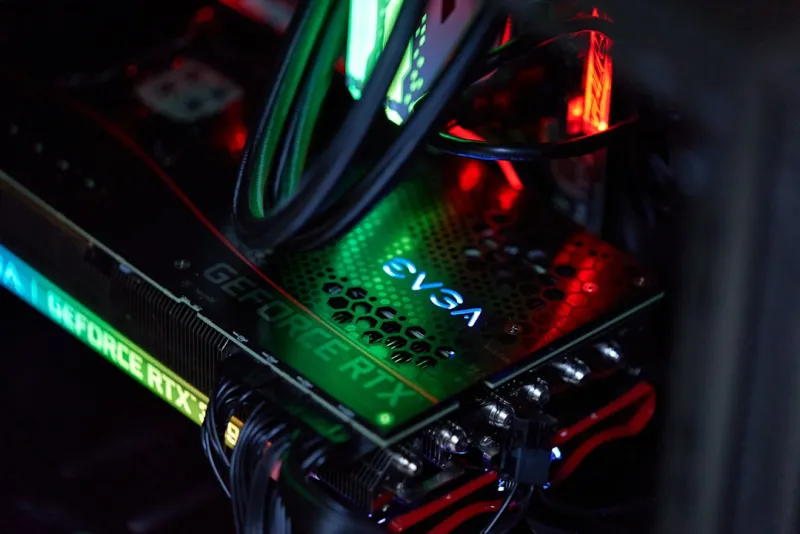
To illustrate how all these considerations come together, let me walk you through my current build. I opted for an E‑ATX board based on the X670E chipset, featuring 20 + 2 power phases, PCIe 6.0 x16 slots, and integrated TPM 2.0. Coupled with a 12‑core Intel i9‑14900K and a dual‑GPU configuration of RTX 6090s, the system handles AI model training and 8K video editing without a hitch. Storage is split between a 4 TB PCIe 6.0 NVMe SSD for the OS and applications, and a 16 TB PCIe 5.0 SSD for project files. Memory runs 64 GB of DDR5‑7200 in quad‑channel mode, and the BIOS leverages AI‑assisted overclocking to push the CPU to 5.7 GHz stable. I documented the build process and performance benchmarks in Mastering the 2026 PC Build, which provides step‑by‑step guidance and tips for replicating this setup on a budget.
Maintenance, Upgrades, and the Road Ahead
Even the most advanced motherboards require regular maintenance to stay at peak performance. Keep the BIOS updated to benefit from the latest stability patches and AI‑tuning enhancements. Periodically clean the VRM heatsinks and verify that fan curves remain optimal as dust accumulates. When planning upgrades, prioritize components that align with the board’s capabilities—such as moving from DDR5‑7200 to DDR6 when the board’s QVL is updated, or adding a PCIe 6.0 networking card for ultra‑low‑latency connections. Looking ahead, we can expect motherboards to integrate more dedicated AI cores, advanced quantum‑ready interfaces, and perhaps even on‑board optical interconnects for data centers. By choosing a flexible, feature‑rich platform today, you’ll be well positioned to adopt these innovations without a complete system overhaul.