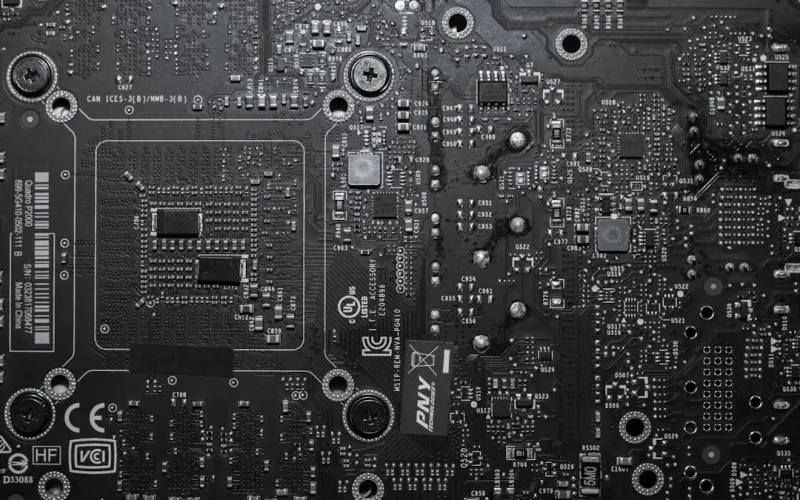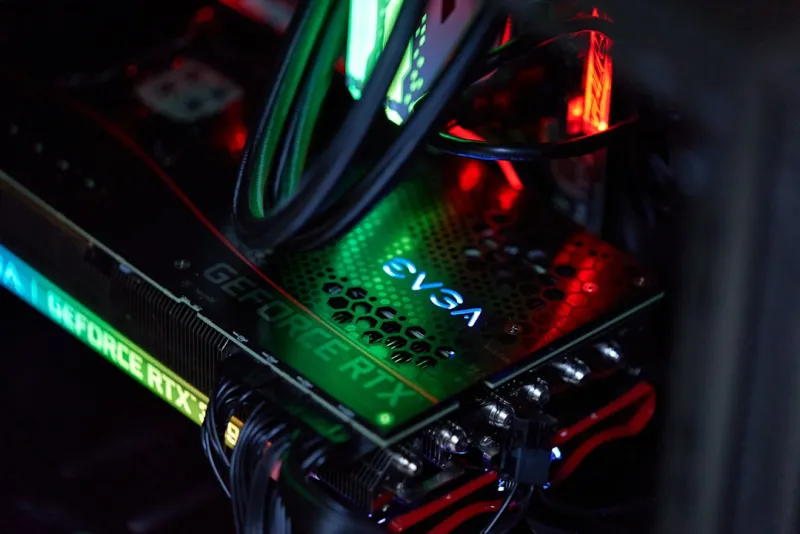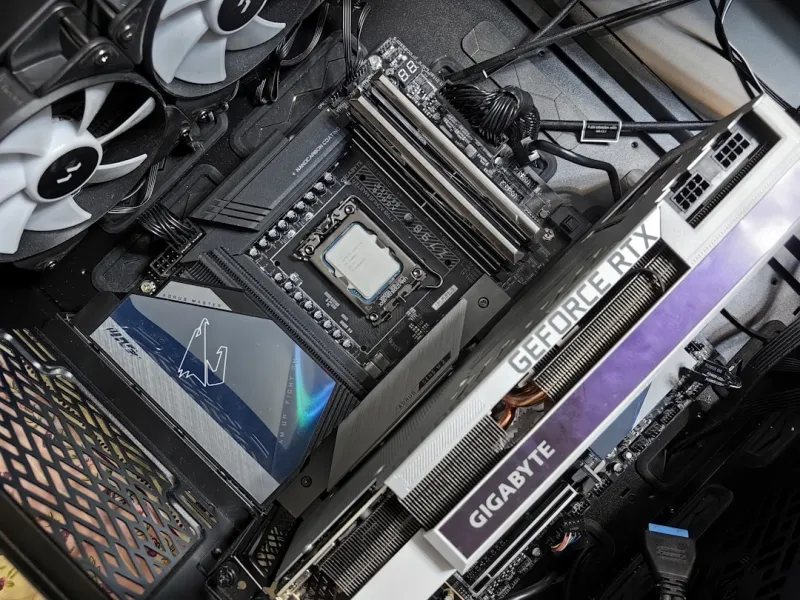
When I first cracked open a vintage ATX board back in the early 2010s, the sheer amount of analog components felt like stepping into a mechanical zoo. Fast‑forward to 2026, and that same board would look like a minimalist art piece next to today’s AI‑enhanced, 12‑phase power monsters. As a long‑time power user and self‑declared “silicon whisperer,” I’ve watched motherboards evolve from simple plug‑and‑play platforms into sophisticated ecosystems that juggle AI workloads, massive bandwidth, and ironclad security—all while staying cool under the relentless heat of modern CPUs. This article is my deep‑dive into the trends that are reshaping the motherboard landscape, the technical nuances you need to master, and why choosing the right board is now as strategic as picking a GPU. Whether you’re assembling a workstation for machine‑learning inference, a gaming rig that never stutters, or a hybrid build that can double‑duty for both, understanding these shifts will keep you ahead of the curve and protect your investment for years to come.
The Evolution of Motherboard Architecture
Motherboard design in 2026 is the result of a decade of relentless miniaturization and integration. Early platforms relied heavily on discrete controllers for audio, networking, and storage, each adding latency and consuming board real estate. Today’s boards consolidate these functions into single‑chip solutions that leverage 7‑nm and even 5‑nm processes, delivering faster data paths and lower power draw. The shift toward system‑on‑chip (SoC) designs means that even entry‑level boards can now support PCIe 6.0, DDR5‑5600 memory, and integrated Wi‑Fi 7 without sacrificing stability. Another game‑changing development is the rise of “smart” VRM modules equipped with AI‑driven thermal management that dynamically adjust duty cycles based on workload patterns. This evolution isn’t just about raw performance—it’s about creating a resilient platform that can adapt to the unpredictable demands of modern software, from real‑time ray tracing to massive language‑model inference. As power users, we need to appreciate that these architectural leaps are not just marketing fluff; they fundamentally alter how we plan, build, and future‑proof our systems.
Chipset Wars: The Battle for Bandwidth and Features
The chipset is the motherboard’s nervous system, and in 2026 the competition between Intel’s “Meteor” and AMD’s “Zenith” families has never been fiercer. Both vendors now offer chipsets that support up to 128 PCIe 6.0 lanes, effectively erasing the old bottleneck that forced users to prioritize between storage and graphics. What’s truly revolutionary, however, is the introduction of “dual‑controller” architectures that split I/O responsibilities across two independent silicon dies, dramatically reducing contention. This design enables simultaneous, full‑speed NVMe 4 TB drives and multiple GPUs without the dreaded lane starvation. Moreover, the latest chipsets integrate dedicated AI inference accelerators, allowing off‑load of tasks like image upscaling and voice recognition directly onto the board. For power users, this means you can run AI‑enhanced workloads without taxing the CPU, preserving cores for compute‑heavy applications. Keep an eye on the Mastering Motherboard Selection: A Power‑User’s Blueprint for 2026 guide for a side‑by‑side comparison of these chipset capabilities.
VRM Design and Power Delivery: From 8‑Phase to 16‑Phase Mastery
Power delivery has become the decisive factor in differentiating a budget board from a true high‑performance platform. In the past, an 8‑phase VRM was considered generous; today, the standard for enthusiast builds is a minimum of 14‑phase, often reaching 20‑phase on flagship models. These multi‑phase designs not only provide smoother voltage regulation for overclocked CPUs but also reduce ripple, which is critical for the stability of AI accelerators that draw fluctuating power spikes. The new “SmartPhase” technology, built into many 2026 boards, uses on‑board sensors and machine‑learning algorithms to predict power demand and proactively adjust phase activation, minimizing thermal stress. Coupled with premium components such as gallium‑nitride (GaN) MOSFETs and solid‑state capacitors, these VRMs maintain sub‑50°C temperatures even under sustained 200 W loads. For anyone pushing a 13th‑gen Intel Core i9 or an AMD Threadripper 7000 series to its limits, investing in a board with a robust VRM is non‑negotiable—otherwise, you’ll see throttling before you even think about hitting that 5 GHz ceiling.
PCIe 6.0, Storage, and the New Bandwidth Frontier
PCIe 6.0 isn’t just a buzzword; it represents a quantum leap in data throughput, delivering up to 64 GT/s per lane—double the bandwidth of PCIe 5.0. In practical terms, this enables NVMe SSDs that can saturate 30 GB/s read/write speeds, dramatically reducing load times for massive datasets and game assets. Additionally, the expanded lane count allows for multiple GPUs, 100 Gbps Ethernet adapters, and high‑speed capture cards to coexist without compromising performance. However, leveraging this bandwidth requires careful motherboard layout planning. Trace length, impedance matching, and proper shielding become critical to avoid signal integrity issues. Many premium boards now feature “Ultra‑Trace” routing, where the PCB layers dedicated to PCIe lanes are isolated from power and ground planes to maintain pristine signal quality. As power users, we should also consider the emerging trend of “storage‑first” designs, where the primary M.2 slots are placed directly under the CPU socket to minimize latency—a subtle yet impactful architectural choice for latency‑sensitive workloads.
Form Factors and Thermal Solutions: The Rise of Compact Power
While the full‑tower ATX remains the workhorse for many builds, 2026 has seen a surge in high‑performance micro‑ATX and mini‑ITX platforms that don’t compromise on capability. Advances in PCB layering and component miniaturization mean that a mini‑ITX board can now house a 16‑phase VRM, dual‑M.2 slots, and even a dedicated AI accelerator. Thermal management has kept pace, with many new boards adopting “Hybrid Cooling” solutions: a combination of vapor‑chamber VRM coolers, integrated heat pipes that extend to the chipset, and even liquid‑metal thermal pads for the VRM and memory. These innovations allow compact builds to achieve thermal performance previously exclusive to larger chassis. For power users constrained by space—perhaps building a portable workstation or a quiet home office—choosing a board that balances form factor with robust cooling is essential. Look for specifications like “VRM temperature < 45°C under load” and “integrated fan‑controlled heatsinks” to ensure your compact rig stays cool under heavy duty.
BIOS/UEFI Evolution: AI‑Assisted Overclocking and Firmware Flexibility
The BIOS/UEFI interface has transformed from a static, text‑heavy menu into a dynamic, AI‑enhanced control center. Modern firmware now includes “SmartOC,” an algorithm that analyzes your CPU’s silicon lottery characteristics and suggests optimal voltage and frequency curves in real time. This feature not only saves countless hours of manual tweaking but also reduces the risk of instability caused by overly aggressive settings. Additionally, many boards support “Unified Firmware Update” (UFU), which synchronizes BIOS, ME, and embedded controller updates in a single, secure transaction—crucial for maintaining system integrity against firmware‑level attacks. For power users who love to customize, the presence of a “Linux‑Ready” mode that disables proprietary boot components can be a game‑changer, ensuring a smoother experience when running headless servers or dual‑boot setups. The new “Developer Mode” also exposes low‑level registers for advanced tuning, a feature previously reserved for niche enthusiast boards.
Security by Design: TPM, Secure Boot, and On‑Board Encryption
Security is no longer an afterthought; it’s baked into the motherboard’s silicon. TPM 2.2 modules are now standard on most 2026 boards, providing hardware‑rooted keys for BitLocker, encrypted file systems, and secure credential storage. Beyond TPM, many manufacturers are integrating dedicated cryptographic accelerators capable of handling RSA‑4096 and post‑quantum algorithms with minimal CPU overhead. Secure Boot has been refined to include a “Zero‑Trust” chain, verifying each firmware component’s signature before execution, which dramatically reduces the attack surface for boot‑kit malware. For power users handling sensitive data—be it proprietary code, financial models, or client information—leveraging these built‑in security features is essential. Pair the hardware protections with software solutions like the Critical Updates Power Users Can’t Afford to Miss guide to stay ahead of emerging threats.
Buying Guide: Matching Your Use‑Case to the Perfect Board
Choosing a motherboard in 2026 is akin to selecting a foundation for a skyscraper—you need to match the board’s capabilities to your intended load. First, identify your primary workload: if you’re deep‑learning with large models, prioritize a board with multiple PCIe 6.0 x16 slots and ample VRM headroom. For gaming and content creation, look for high‑speed networking (Wi‑Fi 7, 10 GbE) and robust audio codecs. Second, consider future expandability; a board with spare M.2 slots, additional SATA ports, and a flexible BIOS will serve you longer. Third, evaluate the quality of the power delivery and cooling solutions—scrutinize VRM phase count, cooling method, and temperature specifications. Finally, factor in brand reputation and warranty, as firmware bugs can be costly. For a deep dive into specific model recommendations, the Building the Ultimate Motherboard for Power Users: A 2026 Playbook offers a curated list of boards that excel in each category.
Looking Ahead: The Future of Motherboards Beyond 2026
What lies beyond the current horizon? Industry whispers suggest that by the early 2030s we’ll see motherboards with built‑in optical interconnects, effectively eliminating the need for traditional copper traces for certain high‑speed communications. Additionally, the rise of “compute‑in‑memory” modules may push manufacturers to embed high‑bandwidth memory directly onto the PCB, blurring the line between system memory and storage. Another exciting prospect is the integration of quantum‑ready interfaces, allowing future quantum co‑processors to plug into a standard PCIe slot. While these concepts may feel speculative today, the rapid pace of innovation suggests they could become mainstream within a decade. For now, the best strategy remains to invest in a board that offers modularity, robust power delivery, and firmware flexibility—attributes that will keep your system relevant as the ecosystem evolves. Stay curious, stay updated, and let your motherboard be the silent workhorse that powers every breakthrough you chase.