Troubleshooting Memory: A Comprehensive Guide to Diagnosing and Fixing RAM Issues
As a computer enthusiast, I've encountered my fair share of frustrating issues, but few are as debilitating as problems with memory (RAM). A faulty or malfunctioning RAM module can bring your entire system to a grinding halt, causing crashes, freezes, and data loss. In this article, we'll explore the common causes of RAM-related issues, provide troubleshooting tips, and discuss ways to prevent such problems from arising in the first place. Whether you're a seasoned pro or a novice, this guide will help you diagnose and fix RAM issues, ensuring your computer runs smoothly and efficiently.
Understanding RAM and Its Importance
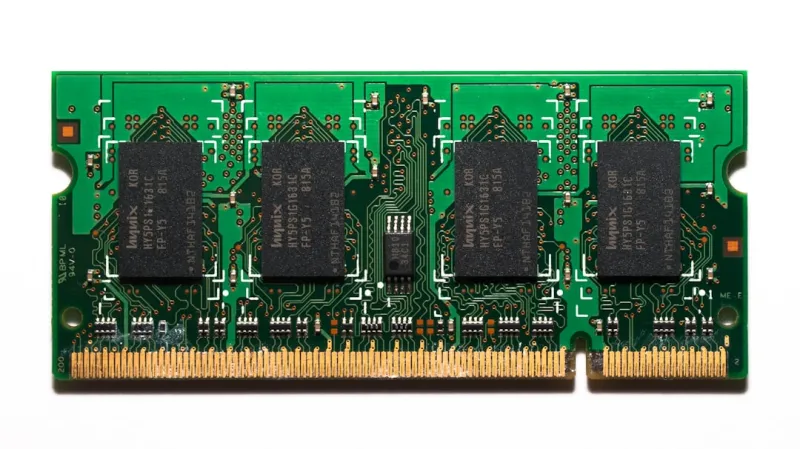
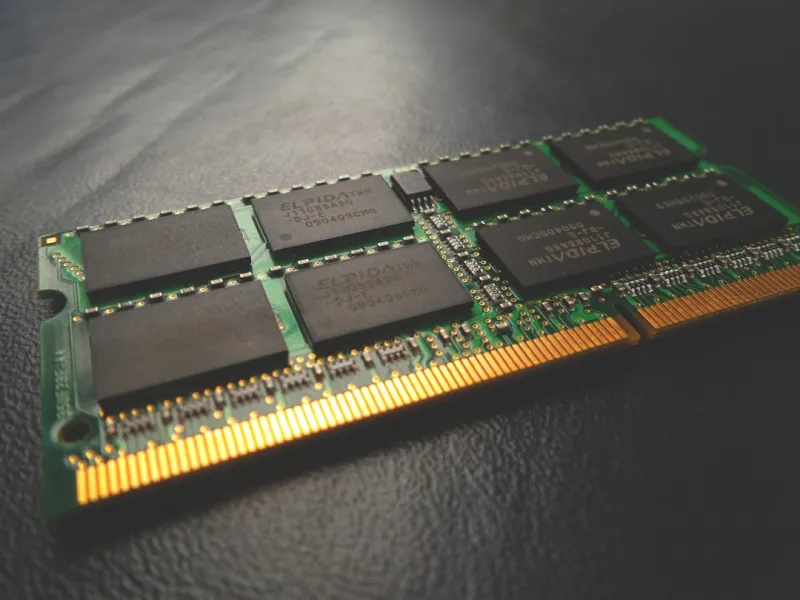
RAM (Random Access Memory) is a critical component of any computer system, acting as a temporary storage space for data and applications. When you open a program or file, your computer loads the necessary data into RAM, allowing for quick access and manipulation. A sufficient amount of RAM ensures that your system can handle multiple tasks simultaneously, while a lack of RAM can lead to sluggish performance, crashes, and errors. It's essential to understand the role of RAM in your computer's overall performance and take steps to maintain its health and functionality.
Common Causes of RAM-Related Issues
So, what can go wrong with RAM? Several factors can contribute to RAM-related problems, including:
- Physical damage: Dropping your computer or exposing it to extreme temperatures can cause physical damage to the RAM modules.
- Incompatible or faulty RAM: Installing incompatible or defective RAM can lead to system instability and crashes.
- Overclocking: Pushing your RAM to run at speeds beyond its recommended specifications can cause instability and errors.
- Power supply issues: A failing or inadequate power supply can cause voltage fluctuations, leading to RAM malfunctions.
Identifying the root cause of the problem is crucial to implementing an effective solution. In the next section, we'll discuss troubleshooting techniques to help you diagnose RAM-related issues.
Troubleshooting RAM Issues
When troubleshooting RAM issues, it's essential to methodically eliminate potential causes and isolate the problem. Here are some steps to follow:
- Run a memory diagnostic test: Tools like MemTest86+ or Windows Memory Diagnostic can help identify faulty RAM modules.
- Check for physical damage: Inspect your RAM modules and motherboard for signs of physical damage or corrosion.
- Verify compatibility: Ensure that your RAM modules are compatible with your motherboard and system specifications.
- Try reseating the RAM: Sometimes, simply reseating the RAM modules can resolve connectivity issues.
By following these steps, you can identify and potentially fix RAM-related problems. If you're still experiencing issues, it may be necessary to replace the faulty RAM module or seek professional assistance.
Upgrading and Replacing RAM
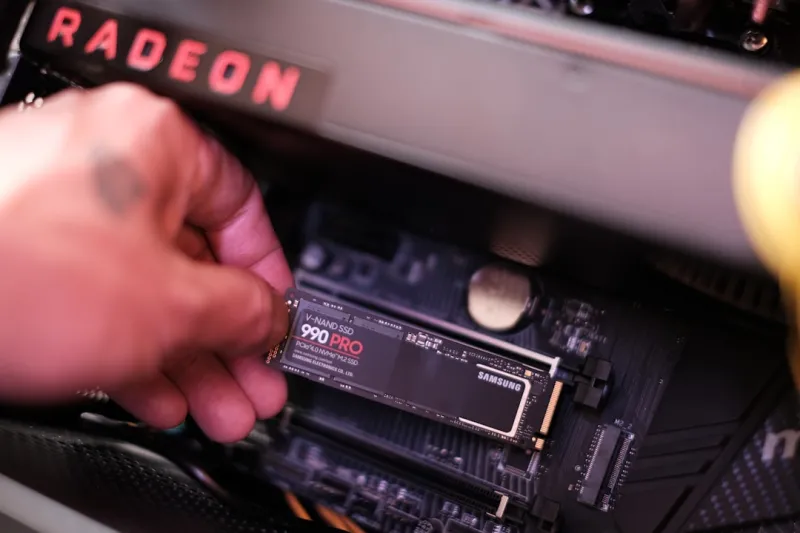
If you've identified a faulty RAM module or want to upgrade your system's memory, replacing RAM is a relatively straightforward process. However, it's essential to ensure compatibility and follow proper installation procedures to avoid any issues. For guidance on upgrading your computer's hardware, including RAM, check out our comprehensive guide on upgrading your computer. Additionally, if you're looking to boost your PC's performance, consider exploring our article on boosting PC performance.
Preventing RAM-Related Issues
Prevention is the best medicine when it comes to RAM-related issues. To minimize the risk of problems, follow these best practices:
- Handle RAM modules with care: Avoid touching electrical components, and use an anti-static wrist strap when handling RAM.
- Monitor system temperatures: Keep your computer in a well-ventilated area, and ensure that your cooling system is functioning properly.
- Use a high-quality power supply: A reliable power supply can help prevent voltage fluctuations that can damage RAM.
By taking proactive steps to maintain your computer's health, you can reduce the likelihood of RAM-related issues and ensure optimal system performance.
The Future of Computer Hardware
As computer hardware continues to evolve, we can expect to see significant advancements in RAM technology. New materials, designs, and architectures are being developed to improve performance, capacity, and energy efficiency. For an in-depth look at the future of computer hardware, including RAM, check out our article on the future of computer hardware. Staying informed about the latest developments can help you make informed decisions when upgrading or purchasing new computer hardware.
Conclusion
In conclusion, RAM-related issues can be frustrating and debilitating, but by understanding the causes, troubleshooting effectively, and taking preventative measures, you can minimize the risk of problems. Whether you're a seasoned pro or a novice, this guide has provided you with the knowledge and tools necessary to diagnose and fix RAM issues. By following the tips and best practices outlined in this article, you can ensure your computer runs smoothly, efficiently, and reliably.