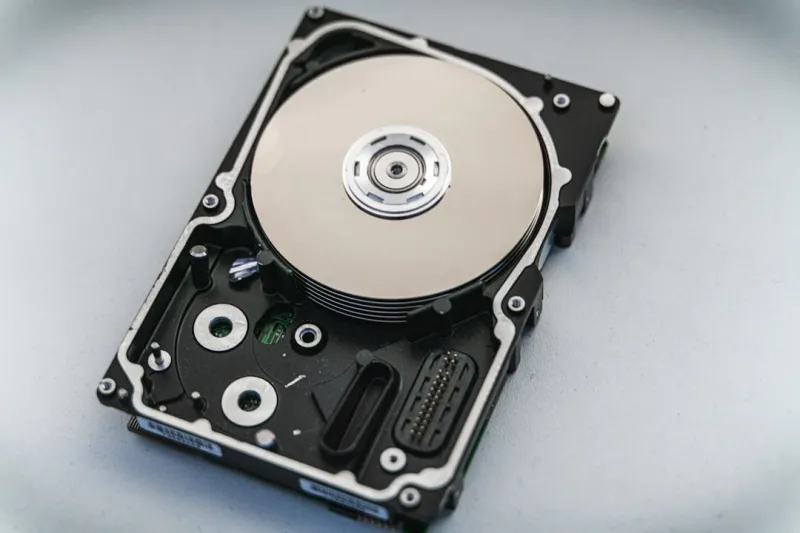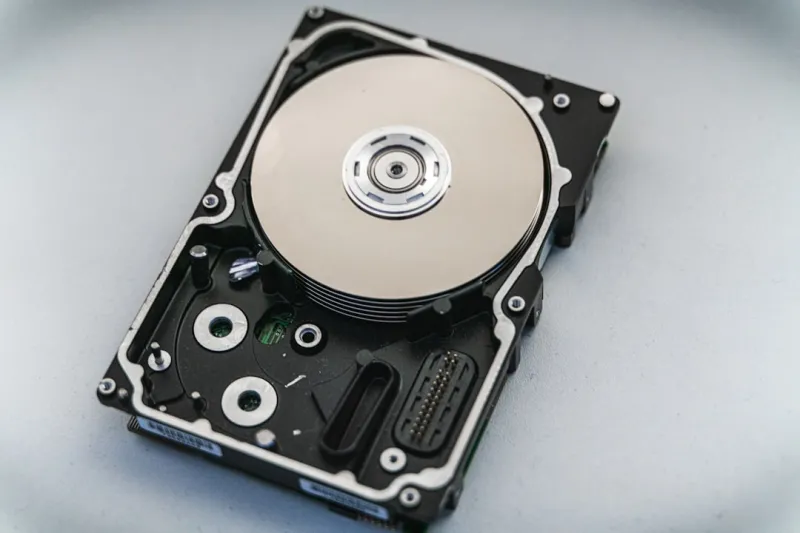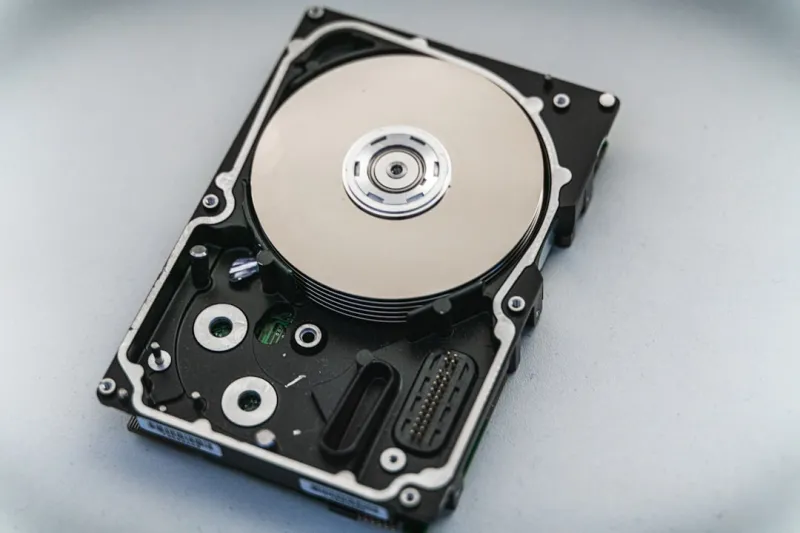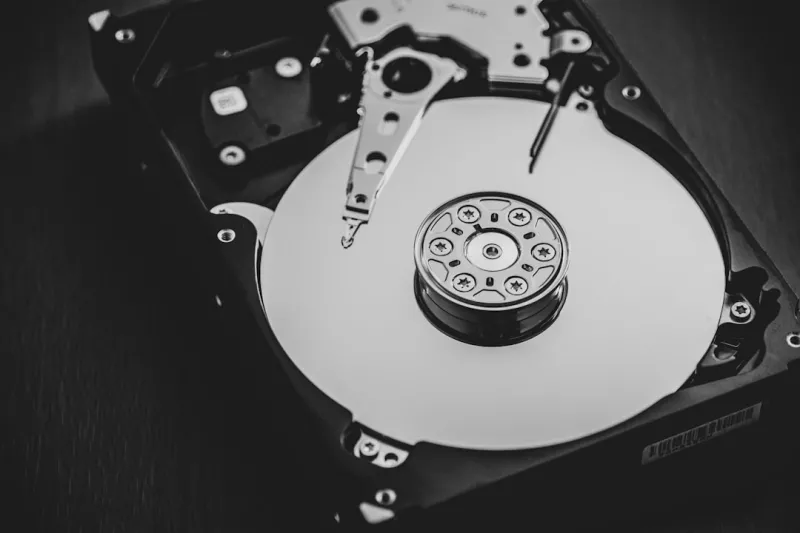
When you hear me talk about storage, the first thing people picture is a sleek, silent SSD humming away under the desk. I get it—solid‑state drives have stolen the spotlight with their lightning‑fast random I/O and zero‑vibration charm. Yet, as a power‑user who has been assembling rigs since the early 2000s, I still find myself reaching for the tried‑and‑true spinning platter when I need massive capacity without breaking the bank. In 2026, the data deluge from 4K video, AI model checkpoints, and endless game libraries has forced us to rethink the old “SSD‑only” mantra. The humble hard drive, with its ever‑increasing areal density, remains a cornerstone for any workstation that demands terabytes of cheap, reliable storage. If you’re skeptical, take a look at Why Hard Drives Remain Essential for Power Users in 2026—it breaks down the economics and real‑world scenarios that keep the spindle alive.
Capacity Meets Cost: The Hard Drive Sweet Spot
Let’s talk numbers. A 4TB SSD in 2026 still commands a premium—often upwards of $400—while a 12TB 3.5‑inch HDD can be snapped up for under $250. That price differential isn’t just about the silicon; it’s about the engineering that lets magnetic platters store data at a fraction of the cost per gigabyte. For a power‑user who archives raw video footage, massive scientific datasets, or a personal media library, the economics quickly tip in favor of the hard drive. And it’s not just about raw price: the sheer capacity means fewer drives to manage, simplifying RAID configurations and backup rotations. In my own build, I allocate a 16TB HDD for archival work, reserving the faster NVMe SSDs for OS and active projects. This hybrid approach maximizes both speed and storage efficiency, a strategy I’ve detailed in Hard Drives in 2026: Why Power Users Still Need the Spinning Platters.
Reliability, Longevity, and the Art of Data Recovery
One myth that still haunts hard drives is that they’re inherently unreliable compared to SSDs. In reality, a well‑maintained HDD can outlast a cheaper SSD by years, especially in write‑heavy environments. The moving parts that give HDDs a bad rap also provide a built‑in wear‑leveling of sorts—magnetic domains can be rewritten billions of times before degradation becomes an issue. For power‑users, this translates to confidence when archiving irreplaceable data. Moreover, the physical nature of magnetic storage makes data recovery more feasible after mechanical failure; specialist labs can often retrieve bits from a dead platter, something that’s far trickier with a fried NAND chip. I’ve personally overseen recoveries where a failed HDD yielded 90% of a year’s worth of video footage—a lifesaver in a production crunch. Pair that with a solid backup regimen—regular snapshots on an external HDD, off‑site cloud sync, and occasional “cold” storage—and you’ve built a fortress against data loss.
Performance Nuances: When Speed Isn’t Everything
It’s easy to assume that because an SSD is faster, it automatically beats an HDD in every scenario. The truth is subtler. SSDs dominate random read/write workloads—think loading applications, OS boot, and database queries. However, for large, sequential reads and writes, modern high‑density HDDs can keep pace, especially when paired with a robust cache. Video editors, for instance, often move multi‑gigabyte files in a single sweep; a 10Gbps SATA‑III HDD can sustain 250‑300 MB/s sequential throughput, which is more than adequate for 4K raw footage. My own 12TB SMR (Shingled Magnetic Recording) drive, while slightly slower on random I/O, delivers consistent performance when streaming massive game textures or large CAD assemblies. The key is understanding the workload: if you’re constantly accessing small files, an SSD is your friend; if you’re bulk‑moving or archiving, the HDD’s throughput is a silent workhorse that won’t drain your power budget.
Integrating HDDs into a Future‑Ready PC Build
When I sit down to design a new workstation, the first thing I ask is: “What’s the primary purpose, and where does storage fit?” The answer drives the layout of the chassis, power supply, and cooling. A modern tower with multiple drive bays can accommodate a mix of NVMe, SATA SSDs, and 3.5‑inch HDDs without crowding. I often reference Building a Future‑Ready PC: Hardware Strategies for Power Users to ensure my motherboard’s SATA controller is robust enough for several high‑speed drives while keeping the data lanes free for NVMe cards. Moreover, using a dedicated SATA power splitter and ensuring proper airflow over the HDDs prevents thermal throttling—a subtle yet crucial detail for longevity. By planning the storage hierarchy early, you avoid costly retrofits later and keep the system balanced, with the HDD acting as the massive, cost‑effective backbone of your data ecosystem.
Hard Drives in the Age of AI and Massive Datasets
Artificial intelligence workloads have exploded in 2026, and the datasets fueling these models are often measured in terabytes. While the training phase runs on high‑end NVMe arrays for speed, the raw data itself can be safely parked on high‑capacity HDDs. This separation not only saves money but also simplifies data management: you can keep the immutable training corpus on an HDD, ensuring it remains untouched while the SSD cache handles active batch processing. I’ve set up a “data lake” on a 20TB HDD, feeding it into a GPU‑accelerated pipeline via a fast PCIe‑NVMe cache. The result is a system that scales gracefully—adding more HDDs expands storage without requiring a proportional increase in expensive NVMe capacity. This tiered approach mirrors enterprise practices but is now accessible to power‑users building a workstation at home.
Hybrid Storage Strategies: Caching, Tiering, and OS Integration
One of the smartest tricks in a power‑user’s arsenal is leveraging the operating system’s built‑in storage tiering. Windows 11, for example, can automatically move infrequently accessed files to a secondary HDD while keeping hot data on the SSD. This “auto‑tiering” feels magical, but it relies on a well‑balanced mix of drive speeds and capacities. I configure my primary 2TB NVMe as the OS and applications drive, then set a 14TB HDD as the secondary tier. The system’s storage sense intelligently migrates large media files, game installations, and archival projects, freeing up SSD space without manual intervention. For those who want tighter control, third‑party tools let you define custom caching policies—perfect for video editors who need instant access to the latest footage while older clips sit comfortably on the HDD. The result is a seamless experience where the user never worries about which drive holds which file.
Security and Encryption: Protecting Data on Magnetic Media
Security is non‑negotiable, especially when your HDD houses years of personal or professional data. Modern hard drives support hardware‑based encryption standards like TCG Opal and IEEE 1667, allowing you to encrypt the entire platter without sacrificing performance. In my workflow, I enable Opal encryption on all archival drives and manage the keys through BitLocker—this ensures that if a drive is stolen, the data remains unreadable. Coupled with a strong passphrase and TPM integration, the encryption overhead is negligible for sequential workloads. Additionally, I regularly verify the integrity of encrypted volumes using the tools outlined in Mastering Modern Encryption: A Power‑User’s Guide for 2026. By treating the HDD not just as a storage medium but as a secure vault, you protect your assets against both physical theft and cyber threats.
Looking Ahead: Emerging HDD Technologies and Why They Matter
The future of hard drives is far from stagnant. In 2026, manufacturers are rolling out Shingled Magnetic Recording (SMR) drives optimized for cold storage and Heat‑Assisted Magnetic Recording (HAMR) drives that promise even higher areal densities without a proportional increase in power draw. These innovations mean that the price‑per‑gigabyte will continue to drop, making HDDs an even more compelling choice for large‑scale archives and backup solutions. While SSDs will dominate performance‑critical tasks, the evolving platter technologies ensure that HDDs remain relevant for the foreseeable future. For power‑users like us, the strategy is clear: adopt a hybrid ecosystem that plays to each technology’s strengths, stay informed about new HDD formats, and never discount the value of a reliable, high‑capacity spinning disk. After all, the best workstation is the one that balances speed, cost, and longevity—something only a thoughtful blend of SSDs and HDDs can truly achieve.