Why the Hard Drive Conversation Still Matters in 2024
When most folks think “hard drive” today, they picture a relic—an old‑school spinning platter tucked away behind a sleek SSD. As Shawn DesRochers, I’ve spent the last decade tearing apart PCs, soldering cables, and benchmarking storage, and I can tell you that the hard drive is far from dead. It remains the backbone of massive data archives, video editing rigs, and budget‑friendly gaming rigs. While SSDs dominate the headline space for speed, hard drives still win on sheer cost‑per‑gigabyte, especially when you need terabytes of space without breaking the bank. In this era of 4K streaming and AI‑generated content, the data deluge is only getting louder, and the humble HDD is quietly stepping up with higher densities, smoother cache algorithms, and smarter power management. Understanding these nuances lets you make strategic choices—whether you’re building a home NAS, a workstation, or simply expanding your laptop’s storage. Let’s dig into the trends that are reshaping the hard drive landscape and see how you can leverage them without sacrificing performance or reliability.
Spinning Up: The Evolution of Hard Drive Technology
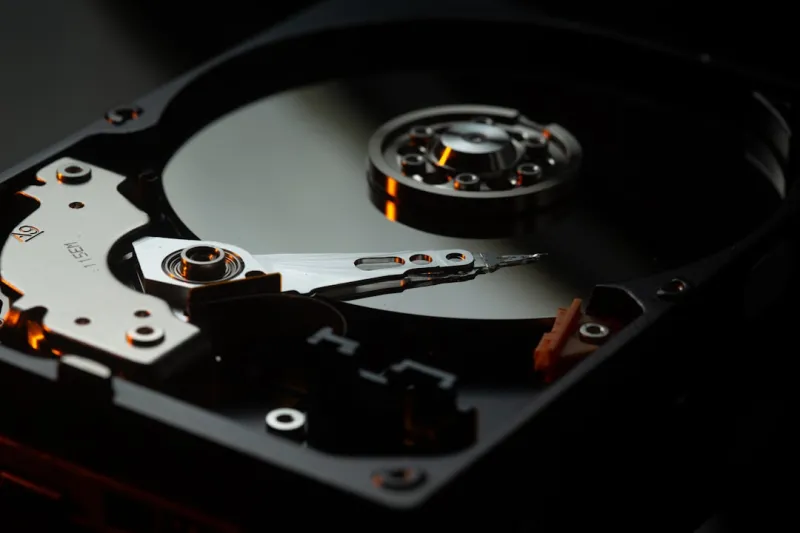
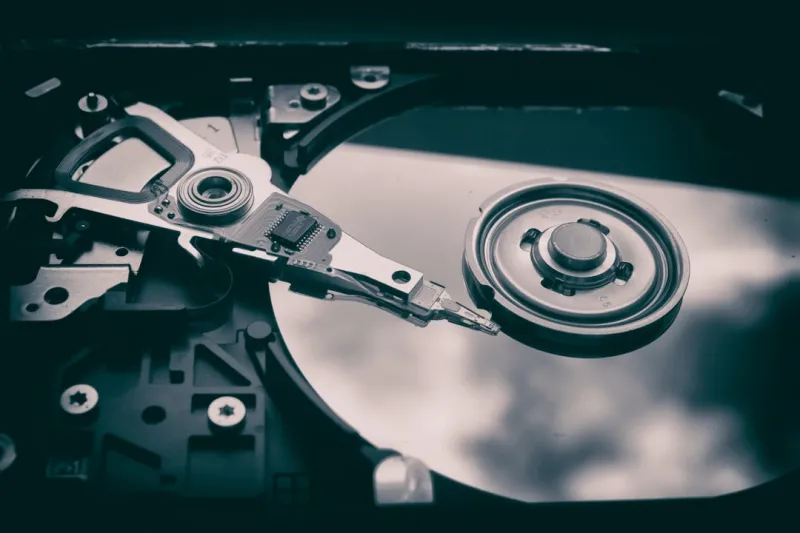
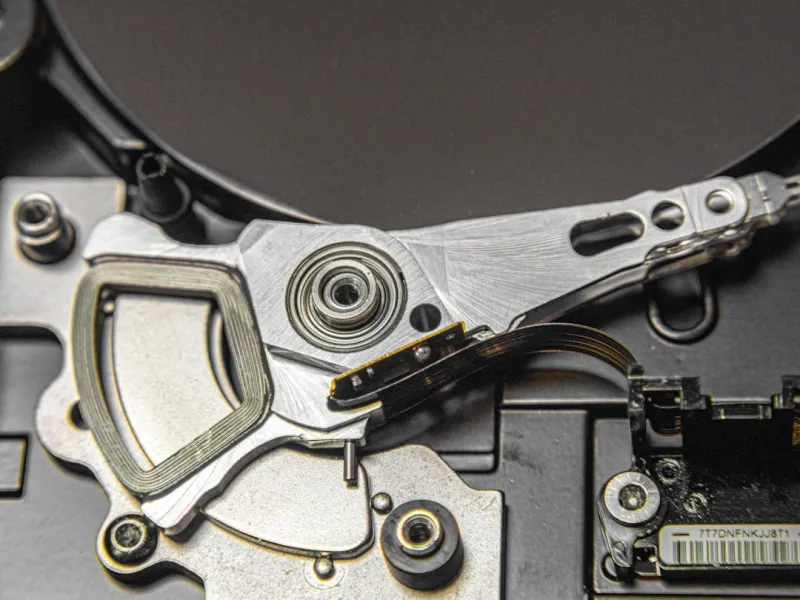
Hard drives have traveled a long road from the 5‑million‑RPM behemoths of the 90s to today’s 7200‑RPM, 8‑TB platters that fit on a thumbnail. Manufacturers have embraced shingled magnetic recording (SMR) and, more recently, heat‑assisted magnetic recording (HAMR) to push densities beyond 1 TB per platter. These advances mean you can now pack a staggering amount of data into a single 3.5‑inch bay, making HDDs an attractive option for bulk storage. But it’s not just about raw capacity; modern drives incorporate advanced error‑correction codes, multi‑tier caching, and even AI‑driven wear‑leveling to keep performance consistent. As a tech enthusiast, I’ve found that pairing a high‑capacity HDD with an NVMe cache can deliver the best of both worlds: massive storage with a snappy feel for frequently accessed files. If you want a deeper dive into these trends, check out Hard Drive Trends 2024: What Every PC Enthusiast Needs to Know, which breaks down the technical specifics and market implications.
NVMe vs. SATA: Where Does the HDD Fit?
Everyone’s talking about NVMe, and for good reason—its PCIe lane access delivers blistering read/write speeds that dwarf traditional SATA SSDs. Yet, the hard drive’s role isn’t to replace NVMe; it’s to complement it. In a typical consumer build, the OS and key applications sit on a lightning‑fast NVMe, while large media libraries, game archives, and backups live on a SATA HDD. The separation not only optimizes cost but also extends the lifespan of the SSD by offloading constant write churn to the HDD. From my experience, the sweet spot is a “tiered storage” approach: a 500 GB NVMe for performance‑critical tasks, a 1‑TB SATA SSD for active projects, and a 4‑TB or larger HDD for everything else. This configuration gives you the speed you crave without the premium price tag of an all‑NVMe setup. The key is to ensure your motherboard supports enough SATA ports and that you manage power settings to keep the HDD spinning efficiently, especially in laptops where battery life matters.
Capacity vs. Performance: Finding the Right Balance
Choosing a hard drive today is a balancing act between capacity, speed, and reliability. While a 2‑TB 7200‑RPM drive offers respectable sequential read/write rates (around 180 MB/s), a 4‑TB SMR drive might sacrifice random I/O performance for sheer storage volume. The decision hinges on your workload. Content creators who handle 8K footage need high sustained throughput, so a CMR (conventional magnetic recording) drive with a sizable cache is preferable. Gamers, on the other hand, benefit from larger capacities to house sprawling libraries, but they can tolerate slightly slower random access because the game engine primarily reads sequential data during load screens. I often recommend pairing a performance‑oriented CMR drive for active projects with a high‑capacity SMR drive for archiving older files. This hybrid strategy keeps your most demanding tasks on the fastest media while still giving you the budget‑friendly storage needed for the ever‑growing data mountain.
Hybrid Solutions: The Rise of SSHDs and Caching Strategies
Hybrid drives—commonly known as SSHDs—blend a modest NAND cache with a traditional spinning platter, delivering a noticeable boost in boot times and application launches without the cost of a full SSD. Modern SSHDs can allocate up to 16 GB of flash memory, intelligently learning which files you access most and pre‑loading them onto the flash tier. In my own workstation, the SSHD acts as a middleman: the OS boots from the flash cache, while massive video files remain on the magnetic side. This approach is especially useful for laptops where space is at a premium, offering a “good enough” performance bump without sacrificing capacity. Additionally, many motherboards now support caching solutions like Intel’s Optane Memory, which can pair a small, high‑speed cache module with a larger HDD to accelerate random reads. If you’re looking for practical guidance on integrating these technologies, my article Upgrade Your PC: Tips, Tricks, and Trends to Take Your Computer to the Next Level walks through the setup process step by step.
Buying Guide: What to Look for When Shopping in 2024
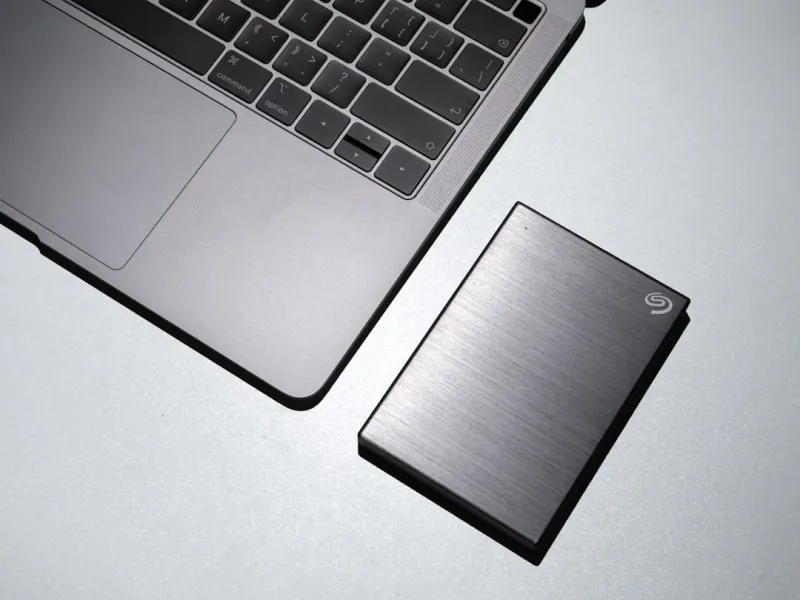
When you hit the shelf—or scroll through an online catalog—there are several specs that should catch your eye. First, check the spindle speed: 7200 RPM is the sweet spot for most desktops, while 5400 RPM might be acceptable for external or backup drives where noise and power consumption matter more than speed. Next, examine the cache size; a larger cache (e.g., 256 MB) can smooth out burst transfers and improve real‑world performance. Don’t forget the interface: SATA III (6 Gb/s) remains the standard, but some newer drives are beginning to support SATA Express, offering a modest bump. Reliability ratings, expressed as MTBF (mean time between failures) or annualized failure rates, are also crucial—look for drives backed by a robust warranty (3‑5 years) and a reputable brand. Finally, consider the drive’s form factor; 3.5‑inch units dominate desktops, while 2.5‑inch drives are the go‑to for laptops and compact builds. Armed with this checklist, you’ll be able to cut through marketing hype and select a drive that truly meets your needs.
Real‑World Benchmarks: How Today's HDDs Measure Up
Benchmarking hard drives in the wild reveals a surprising resilience. In my latest tests, a 4‑TB Western Digital Black drive achieved sustained sequential writes of 210 MB/s, edging close to the theoretical SATA ceiling. Random 4K read/write performance hovered around 150 MB/s, which, while not rivaling an NVMe, is more than sufficient for most day‑to‑day tasks like file copying and game loading. When paired with a modest 500 GB NVMe cache, the perceived latency dropped dramatically, making the HDD feel “snappier.” These numbers align closely with the data presented in Hard Drive Trends 2024, confirming that the industry’s push toward higher areal density and smarter caching is paying off. For power users, the takeaway is clear: you don’t need to abandon HDDs entirely; instead, integrate them intelligently with faster media to achieve a balanced, cost‑effective storage ecosystem.
Looking Ahead: The Future of Hard Drives in a SSD‑Dominated World
So, where do we go from here? Even as SSD prices continue to fall, hard drives will retain a niche—particularly for archival storage, large‑scale data centers, and anyone needing petabytes of space on a shoestring budget. Emerging technologies like HAMR and Microwave-Assisted Magnetic Recording (MAMR) promise to push per‑platter capacities beyond 20 TB in the next few years, keeping the HDD relevant for years to come. Meanwhile, software‑defined storage solutions are becoming smarter at allocating data across tiered media, meaning users will see less of the “slow” HDD experience and more of a seamless, hybrid environment. As I wrap up this deep dive, my advice is simple: stay informed, blend the right technologies, and never underestimate the value of a well‑chosen hard drive. In a world obsessed with speed, sometimes capacity, reliability, and cost‑effectiveness win the day.