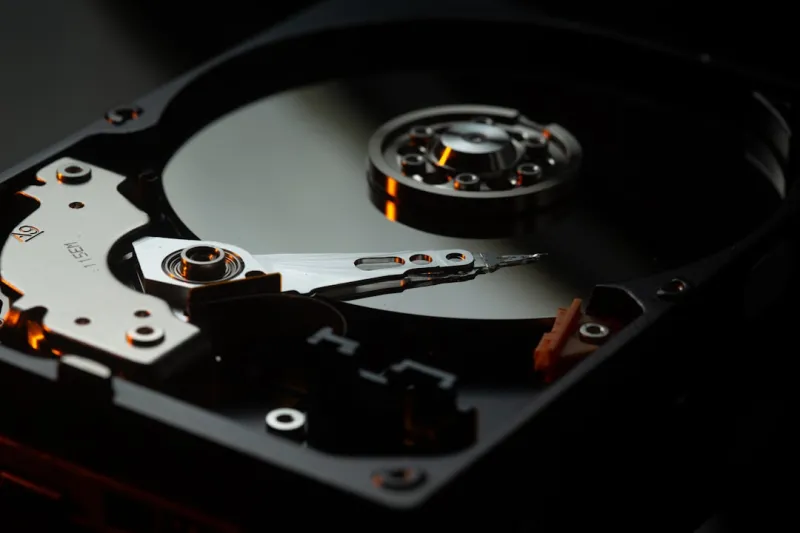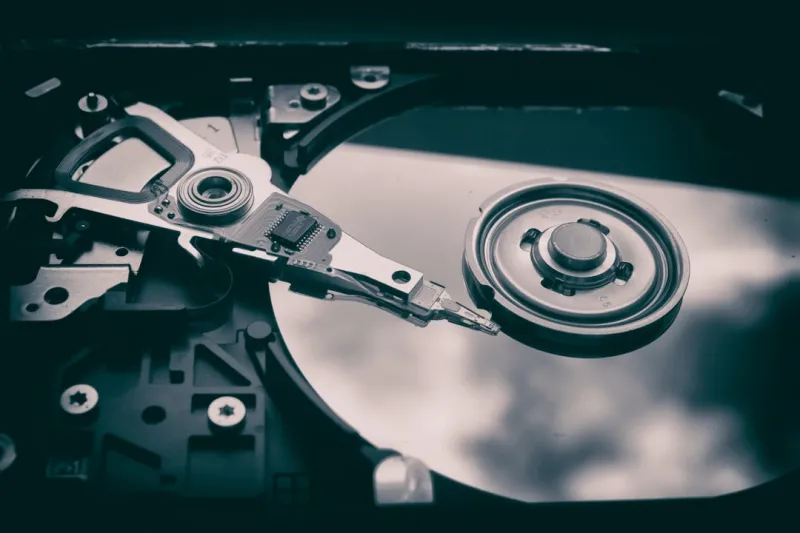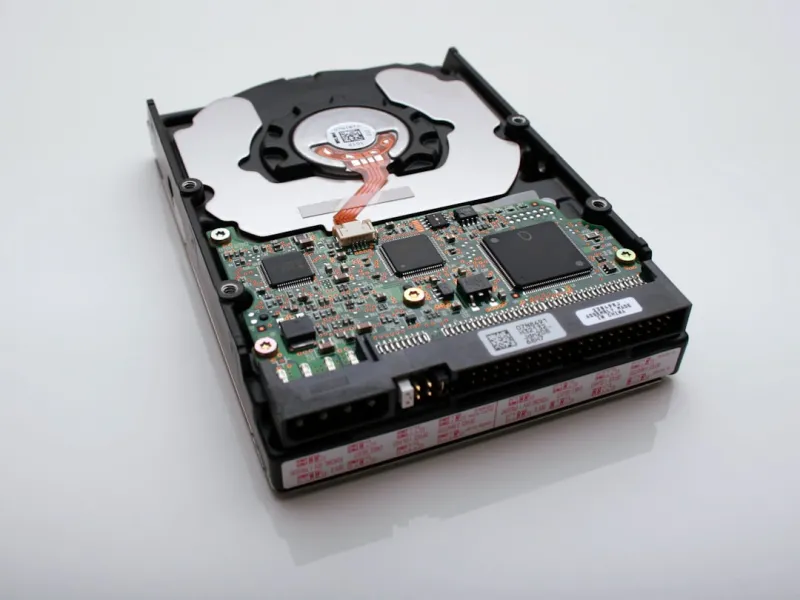
When you hear the word “hard drive,” the mind often jumps straight to the clunky, spinning platters of the early 2000s. As someone who’s been tinkering with PCs since the dial‑up era, I’ve watched storage evolve from magnetic tape to sleek NVMe modules that whisper data at gigabytes per second. Yet, despite the flash of solid‑state flash, traditional HDDs remain a cornerstone in many builds—especially for budget‑conscious creators and data hoarders. In this post, I’ll unpack why hard drives are still relevant, how they’re morphing to meet modern demands, and what you should consider before you hit “add to cart.” Whether you’re upgrading a home office workstation or assembling a media server, the choices you make now will echo for years. Let’s dive into the trends shaping the hard‑drive landscape in 2024, and I’ll sprinkle in some practical tips from my own build‑log diary.
Speed vs. Capacity: Finding the Sweet Spot
The age‑old debate—speed or capacity—has finally reached a nuanced middle ground. Traditional 7200 RPM drives still dominate the high‑capacity market, offering terabytes of storage at a fraction of the price of SSDs. Meanwhile, 5400 RPM models have become more power‑efficient, making them ideal for always‑on NAS boxes where heat and electricity bills matter. On the flip side, hybrid drives (SSHDs) blend a modest amount of NAND flash with spinning media, delivering a noticeable boost for OS boot times while keeping large file libraries affordable. I’ve personally installed a 4 TB SSHD in a home‑lab server, and the difference was palpable—applications launched 30% faster compared to a pure HDD, yet the price gap to a pure SSD remained sizable. As we edge toward 2025, manufacturers are also pushing higher areal densities, meaning a 16 TB 7200 RPM drive is no longer a sci‑fi concept but a reality on many shelves.
When choosing a drive, ask yourself three questions: Do I need instant access for daily tasks? How much data am I storing long‑term? And what’s my budget ceiling? If you’re a gamer or a video editor who needs snappy load times, a modest SSD for the OS and programs paired with a massive HDD for raw footage is a proven formula. For archivists and small businesses, the sheer volume of a 10 TB or 12 TB HDD can outweigh the latency penalty. And if you’re chasing the best of both worlds, an SSD+HDD combo—sometimes called a “tiered storage” setup—lets the system automatically migrate hot files to the flash tier while relegating colder data to the platter.
One emerging trend that’s quietly reshaping the conversation is the rise of “SMR” (Shingled Magnetic Recording) drives. These disks pack more data per track by overlapping writes, which boosts capacity dramatically but can slow random write performance. For workloads like media streaming or backup where writes are sequential, SMR is a bargain. However, for databases or VMs that demand random writes, I still steer clear. The key takeaway: understand the workload patterns of your rig before you let the spec sheet seduce you. In my experience, pairing a 2 TB SMR drive for archival media with a 500 GB SATA SSD for active projects delivers a harmonious balance of cost and performance.
Reliability in the Age of Cloud Backups
Hard drives have always carried a stigma of being “fragile,” especially after the infamous “click of death.” Yet, reliability metrics have improved dramatically thanks to advances in error‑correcting code (ECC) and smarter firmware. Modern drives often include built-in self‑monitoring (SMART) that can predict imminent failures, giving you a window to back up critical data. I recommend setting up a routine that pulls SMART data into a monitoring tool—something as simple as a scheduled PowerShell script that emails you when a drive’s reallocated sector count spikes. Pair that with a robust backup strategy, and the fear of losing a petabyte of photos evaporates.
Speaking of backups, the proliferation of cloud services has shifted how we think about on‑prem storage redundancy. While it’s tempting to offload everything to the cloud, bandwidth caps and latency can make local copies indispensable, especially for 4K video editing or large‑scale data analysis. A practical approach is the 3‑2‑1 rule: three copies of your data, on two different media, with one offsite. In my own workflow, a 6 TB HDD serves as the primary archive, a 2 TB SSD mirrors the most recent edits, and I push weekly snapshots to a cloud bucket. This hybrid strategy leverages the strengths of each medium while mitigating their weaknesses.
To deepen your understanding of how storage choices intersect with broader tech trends, check out The Future of Tech: Trends, Threats, and Solutions. The article explores how emerging security paradigms and edge‑computing pressures are redefining the role of physical storage in a world that seems obsessed with “the cloud.” Spoiler: hard drives aren’t going anywhere; they’re simply evolving to become smarter, more integrated components of a layered data strategy.
Future‑Proofing: What’s on the Horizon for Hard Drives?
Looking ahead, the hard‑drive industry is betting on two big bets: higher areal density and new interface standards. Technologies like HAMR (Heat‑Assisted Magnetic Recording) and MAMR (Microwave‑Assisted Magnetic Recording) are already pushing the envelope, promising up to 30 TB per platter in the next few years. While these drives are currently aimed at data‑center environments, we can expect consumer‑grade equivalents to trickle down as production scales. On the connectivity front, the transition from SATA III to PCIe‑based storage—already a reality for SSDs—might eventually bring “PCIe HDDs” that combine massive capacity with respectable bandwidth, cutting down transfer times for large backup jobs.
Another subtle shift is the growing emphasis on energy efficiency. Green data centers are demanding drives that consume less power per gigabyte, and manufacturers are responding with low‑current motors and smarter spin‑down algorithms. If you run a home NAS 24/7, a drive with a low wattage rating can shave off noticeable electricity costs over the year. I’ve swapped a legacy 7200 RPM drive for a newer 5400 RPM model with a 30% lower power draw, and the difference showed up on my utility bill without a dip in performance for my media streaming duties.
Finally, for those who love to stay ahead of the curve, the concept of “software‑defined storage” is gaining traction. By abstracting the physical disks behind a layer of intelligent software, you can pool multiple HDDs—both SSDs and traditional spins—into a single logical volume that automatically balances load and replicates data. This mirrors the principles discussed in Upgrade Your PC: Tips, Tricks, and Trends to Take Your Computer to the Next Level, where the focus is on leveraging modern firmware and OS capabilities to squeeze every ounce of performance from existing hardware.
In conclusion, while the flash‑driven future dazzles with its speed, hard drives continue to hold their ground as the workhorse of mass storage. By understanding the trade‑offs between speed, capacity, reliability, and cost, you can craft a storage solution that feels future‑proof without breaking the bank. Whether you’re a creator hoarding terabytes of raw footage, a small business safeguarding critical records, or a hobbyist building a media server for the family, the right hard drive—paired with smart backup practices—will keep your data safe and accessible for years to come. Keep an eye on emerging densities, embrace hybrid setups when they make sense, and always let your specific workload dictate the final decision. Happy building, and may your spin rates stay high and your data stay intact.