

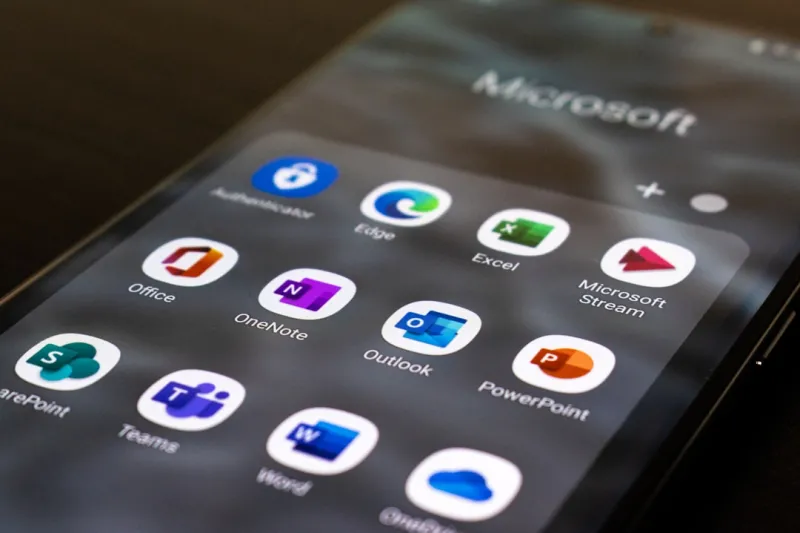
When you hear the words “Microsoft Office,” the first thing that pops into most people’s heads is a nostalgic desktop suite that’s somehow survived the cloud‑first revolution. From my perch as a tech‑savvy consultant who’s spent countless hours dissecting Windows, security, and AI trends, I can tell you that Office isn’t just surviving—it’s thriving, and it’s doing so in ways that make the rest of the productivity market sit up and take notice. The 2024 edition rolls out a blend of AI‑powered assistance, tighter cloud integration, and security features that feel like they were ripped straight from a futuristic playbook. In this post, I’m pulling back the curtain on why Office remains the undisputed king of workplace tools, how its newest innovations are reshaping daily workflows, and what you, as a power user or a casual employee, can do right now to stay ahead of the curve.
First off, the AI revolution has finally found a home in Office. Microsoft’s Copilot isn’t just a gimmick—it’s an actual co‑author, data‑analyst, and presentation designer rolled into one. Imagine drafting a report in Word, and with a single prompt, Copilot suggests an outline, pulls in relevant data from Excel, and formats the whole thing to match your corporate style guide. In PowerPoint, it can spin up a polished slide deck from a simple bullet list, complete with visuals that it pulls from the web and adapts to your brand palette. The underlying large language model learns from your usage patterns, making suggestions that grow more precise over time. For anyone who’s ever stared at a blank document wondering where to start, this AI boost is nothing short of a productivity game‑changer.
Collaboration, the lifeblood of modern workplaces, has been supercharged by tighter integration with Teams and SharePoint. No longer do you have to toggle between apps; everything lives in a seamless ecosystem. Real‑time co‑authoring now feels truly instantaneous—edits appear the moment they’re made, comments sync across devices, and version history is automatically managed. What’s more, the new “Live Presence” feature lets you see exactly who’s looking at a document, what they’re editing, and even their cursor location, all without leaving the Office app. This level of transparency cuts down on the endless email threads that used to accompany group projects and helps teams stay aligned, especially in hybrid or fully remote environments.
For the power users among us, Office 2024 introduces a slew of productivity hacks that deserve a dedicated spotlight. Keyboard shortcuts have been expanded, with context‑aware combos that adapt to the task at hand—press Ctrl+Shift+M in Outlook and you instantly open a meeting note template pre‑filled with the agenda fields you need. In Excel, the new “Flash Fill Pro” can detect complex patterns across multiple columns and auto‑populate results with uncanny accuracy, slashing hours of formula wrangling. And let’s not overlook the revamped template gallery: it now surfaces industry‑specific templates powered by AI, so whether you’re drafting a legal brief or a marketing brief, you start with a layout that’s already optimized for your sector.
Security is the silent hero behind Office’s continued dominance, and this year Microsoft has doubled down on Zero‑Trust principles. Data encryption is now end‑to‑end by default, and every file saved to OneDrive or SharePoint is scanned by an AI‑driven threat detection engine that flags anomalous activity before it can spread. If you’re concerned about phishing, the new “Secure Link” feature automatically rewrites suspicious URLs in Outlook to a safe, sandboxed version, protecting the recipient without breaking the workflow. For a deeper dive into the broader security landscape I’ve explored, check out my Zero‑Trust, AI, and the New Frontier of Computer Security in 2024 analysis.
Office’s performance gains are also tightly coupled with the latest Windows updates. The Windows 2024 Power Moves guide outlines how the new memory management and AI‑accelerated rendering pipelines shave seconds off opening large Excel workbooks and PowerPoint decks. On a machine equipped with the latest hybrid CPUs, Office apps now launch in under a second, and background sync operations run with near‑zero impact on foreground tasks. This synergy between OS and suite ensures that the user experience feels fluid, even when juggling massive data sets or high‑resolution media assets.
Looking ahead, the future of Office is inextricably linked to the broader trends shaping software development. AI is moving from a novelty to an integral development tool, and Microsoft is embedding those capabilities directly into Office’s extensibility model. Developers can now create custom Copilot plugins that pull data from internal APIs, automate routine reporting, or even enforce compliance checks on the fly. I discuss this evolution in depth in The Future of Software Development in 2024, where I argue that Office will become a platform for low‑code automation, empowering non‑technical staff to build solutions without writing a single line of code.
On a personal level, my day‑to‑day workflow revolves around a tightly curated Office toolkit. I start every morning by scanning my Outlook inbox with the AI‑enhanced “Focused Inbox” that surfaces high‑priority emails and suggests quick reply drafts. A quick glance at my Teams calendar syncs with Outlook, and I use the newly added “Meeting Insights” pane to pull relevant documents, emails, and notes into the meeting window before I even click “Join.” When I need to crunch numbers, I spin up an Excel sheet that auto‑populates from a Power BI dataset, letting me visualize trends in real time. This seamless loop of AI assistance, cloud sync, and security gives me confidence that I’m not just working faster, but also smarter.
To wrap things up, Microsoft Office isn’t just a legacy suite—it’s a living, breathing platform that adapts to the evolving demands of modern work. Whether you’re a solo entrepreneur, a corporate power user, or an IT manager tasked with securing an enterprise environment, the 2024 iteration offers tools that can transform how you create, collaborate, and protect your data. Dive into the linked resources for deeper technical insights, experiment with the new AI features, and you’ll quickly see why Office remains the gold standard in productivity. Stay tuned, stay curious, and keep pushing the envelope—because the next breakthrough is just a Copilot prompt away.

